We are happy to announce our first Android Application on Odoo v8 framework which is for Barcode Scanning and updating product quantity.
Lets have a look that how it is working.
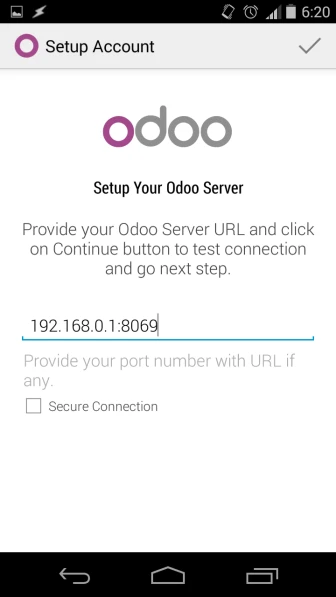
First we have to enter valid odoo server url and login information.
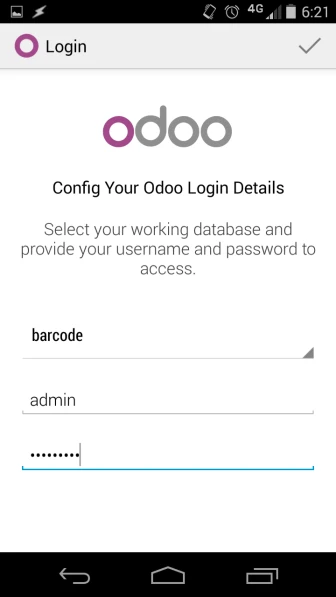
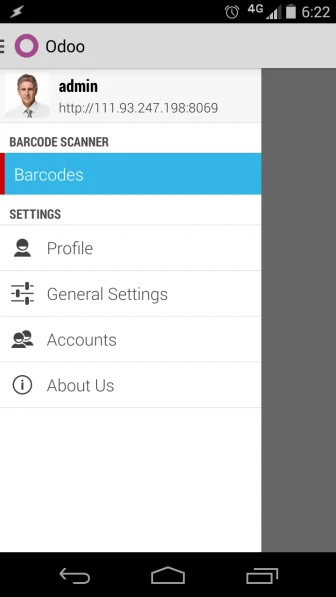
After login, we can see “Barcode” menu.
Here in application, we have provided four options:
- Scan Barcode
- Save Barcode
- Synch Selected
- Synch All
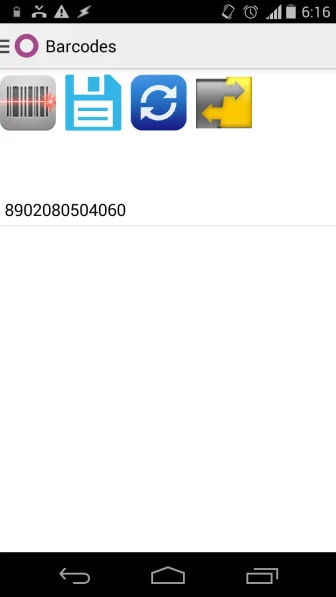
Now when we click on first option, then we will be able to scan product using this application.
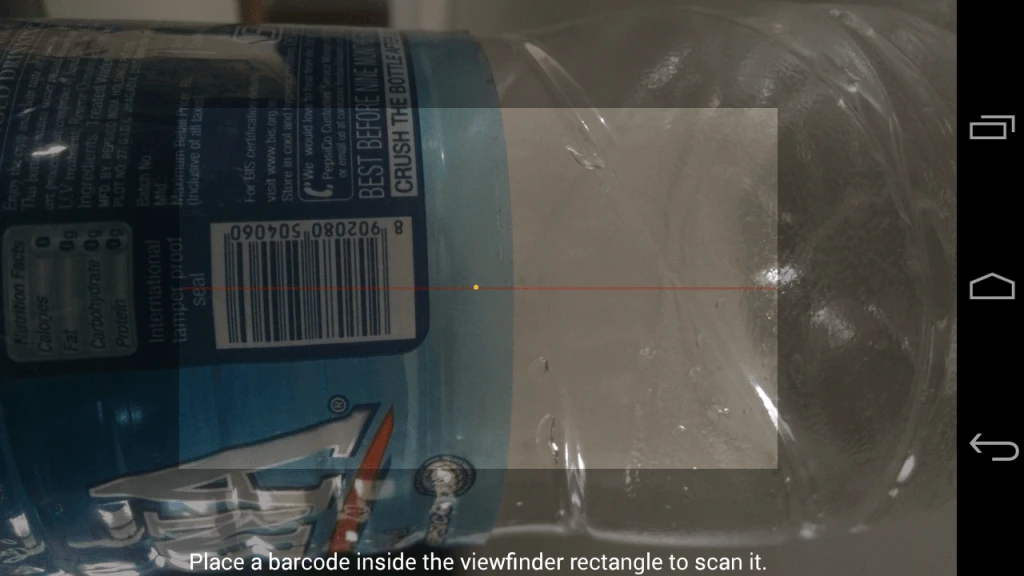
Once we scan the product, barcode number of that particulat product will be visible immediately after options. After scanning barcode, it is required to save it.
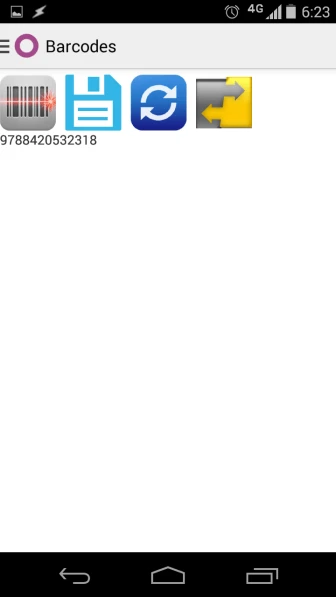
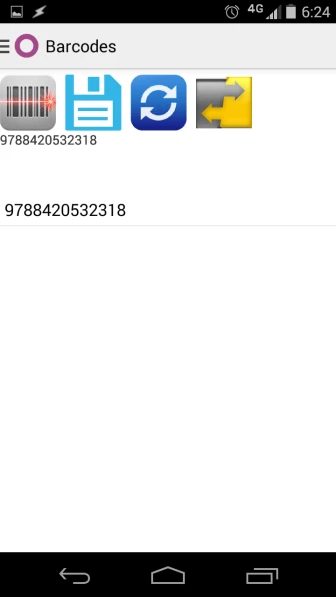
Here we can see multiple scanned Barcode List.
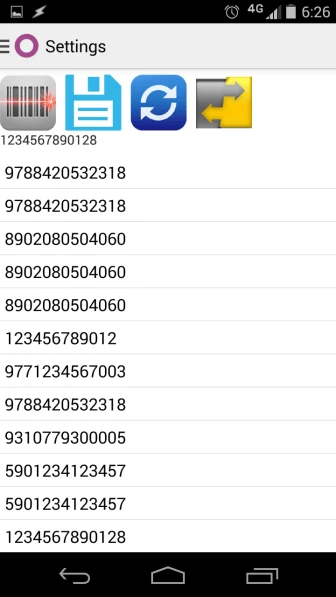
Now if we want to do synchronization then we have two different options available.
1. We can select particular barcode numbers and click on third option i.e. Synchronize selected barcode, so automatically quantity of those products will be increased by one.
So if we have same barcode number multiple times, then those products quantity will be increased accordingly.
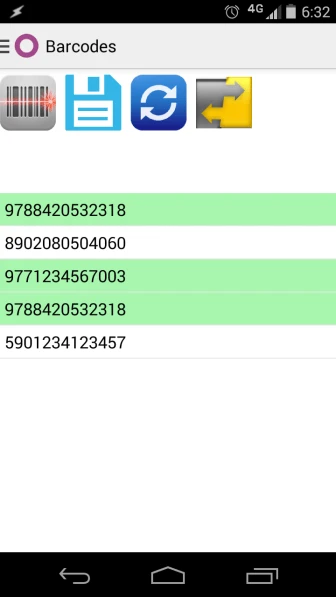
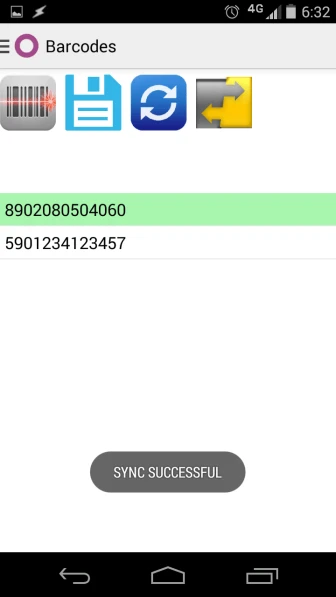
2. Below image shows that we can synchronize all barcode without selecting any particular one and after completion of process, we can see Sync Successful message.