Use Paypal Payment Integration in Jobseeker Website
We have implemented solution for allowing payment process via Paypal from Django. We are still improving this module by adding new functionalities. Currently we have implemented feature with Client monthly and yearly plan activation to post a Job.
We have created account on Paypal (https://sandbox.paypal.com/) We can get more information from here : http://developer.Paypal.com/
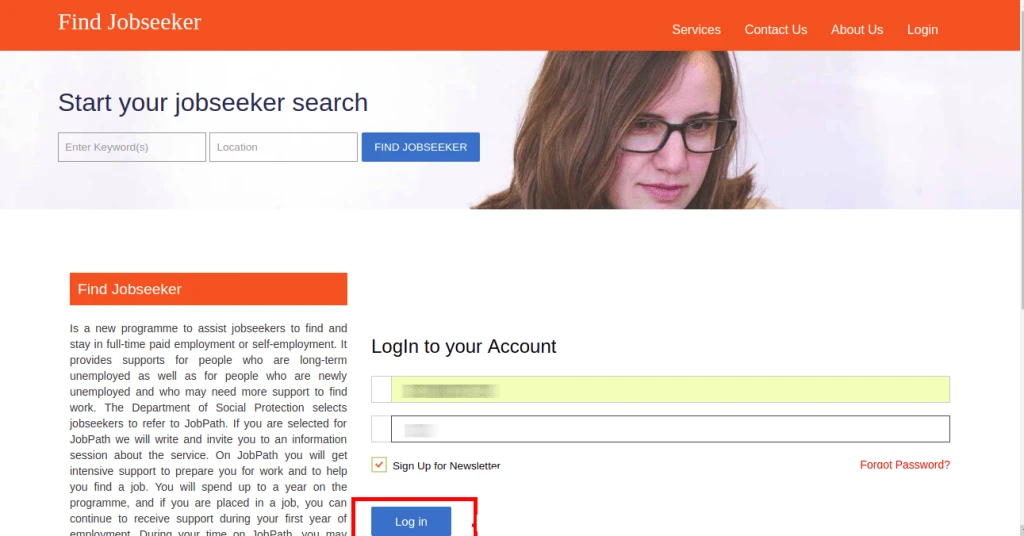
In Django-Jobseeker, first we have to sign in as a company for selecting plan, for signing in you must have created account on Django-Jobseeker.
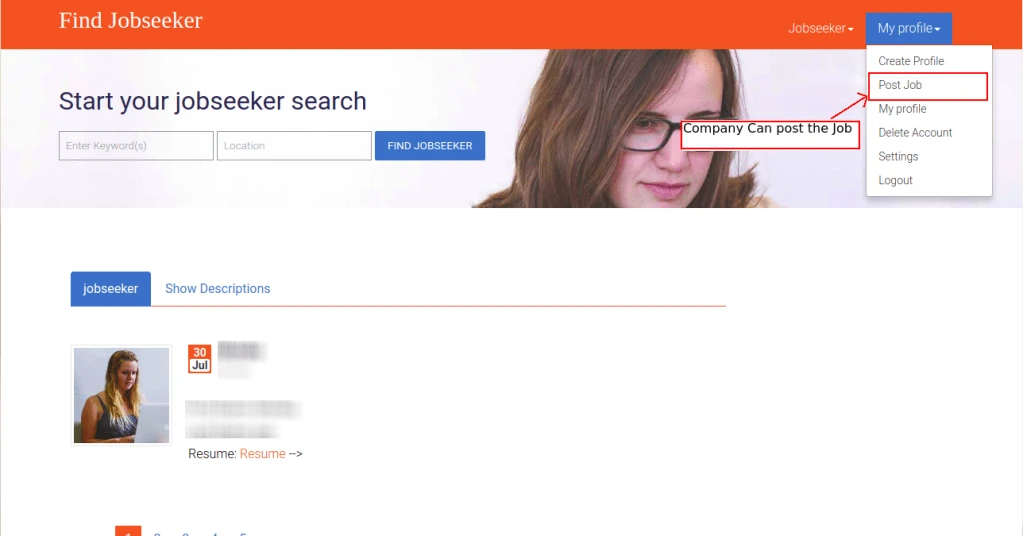
Company have the option to post the Job Before post the job company have to pay some amount according to the plans, that are available on the plan list
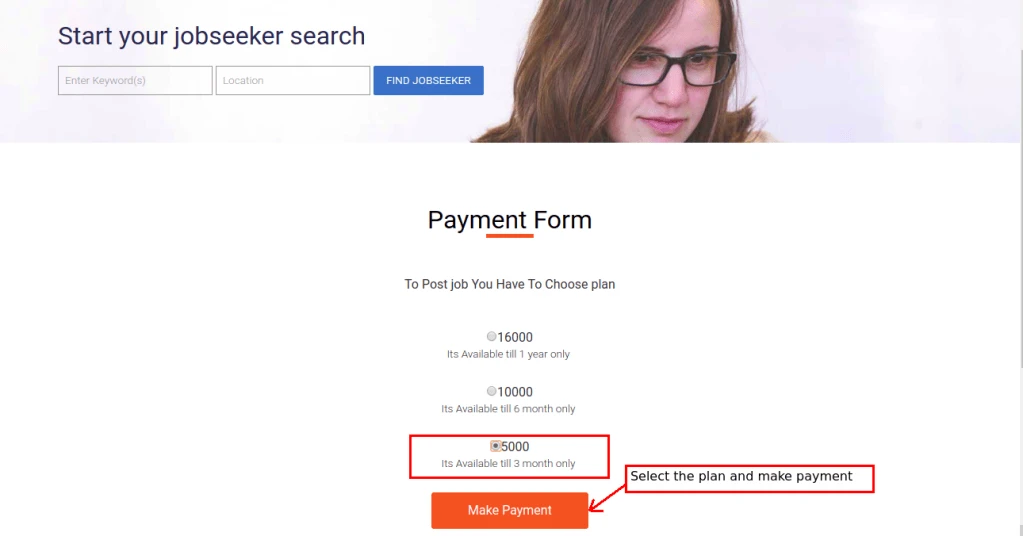
When Company select the option of post job, plans are visible on the screen where company can select the one of them, Company can select plan of yearly basis or monthly basis
After selecting the plans from plan list company have to choose payment method to pay, If company select the Paypal gateway to pay, It redirect to the Paypal account form
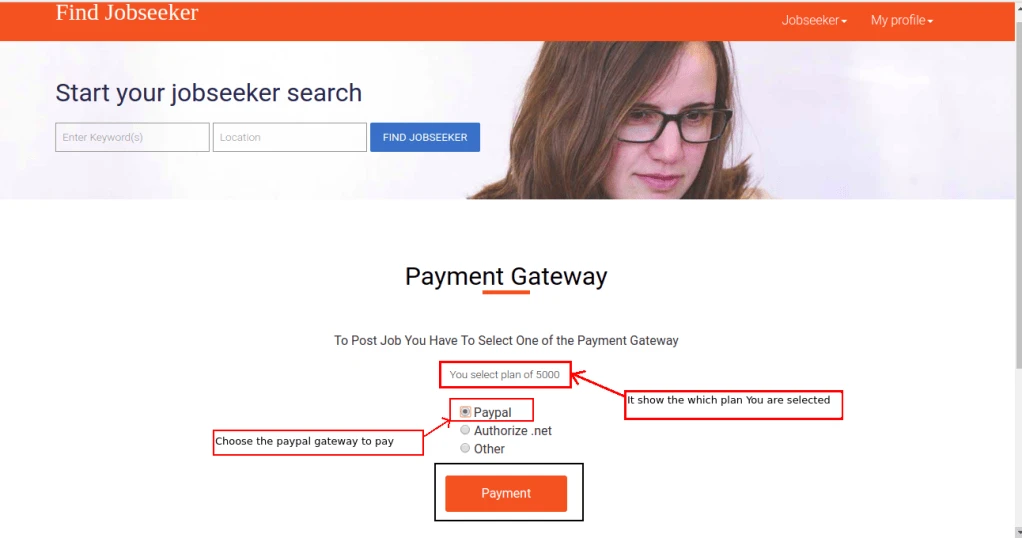
Company selected the Paypal Gateway So It redirect to the Paypal button
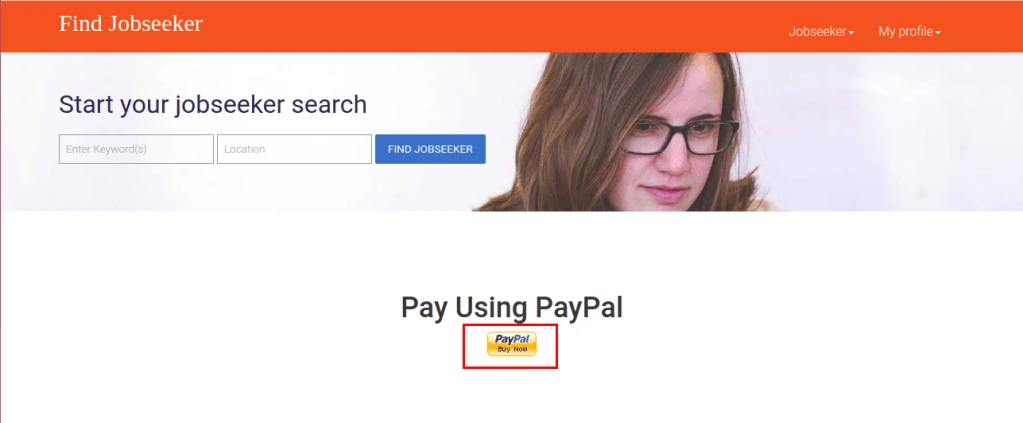
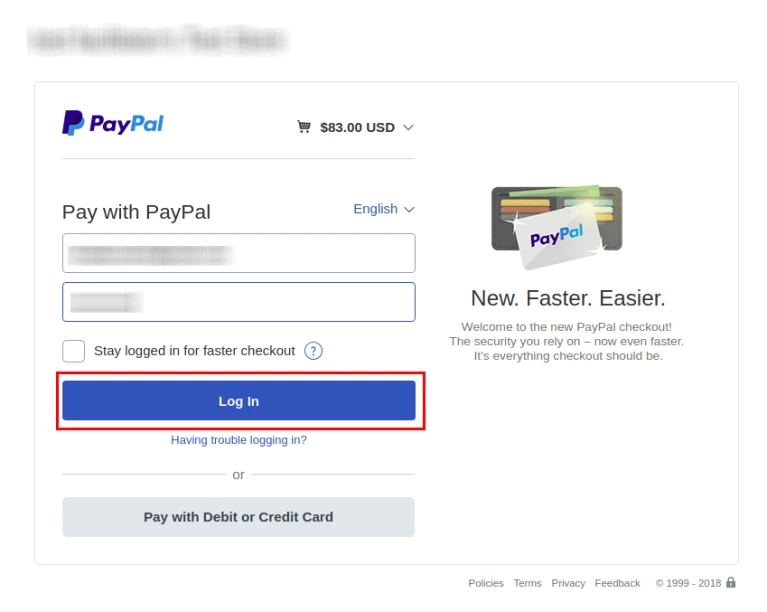
After clicking on paypal Button It redirect to the Paypal login screen where company have to login with their Paypal account
Company Have to Add the payment detail
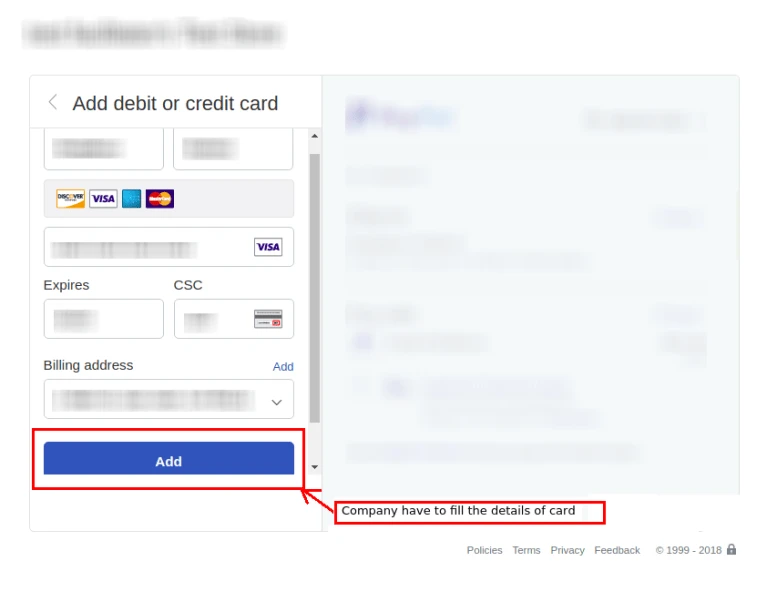
After Adding the detail of payment it show the Pay Now Button
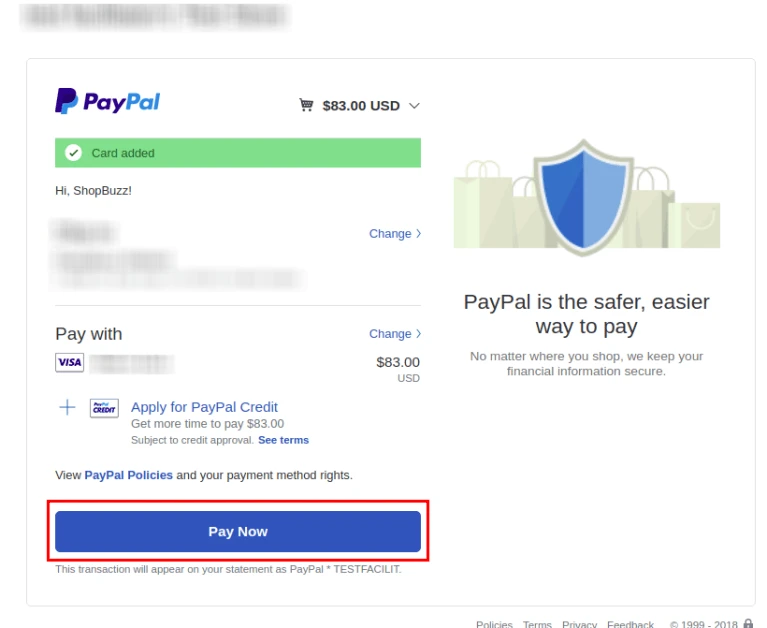
Clicking on Pay Now Button, Payment will be successfully done and It will show the Receipt
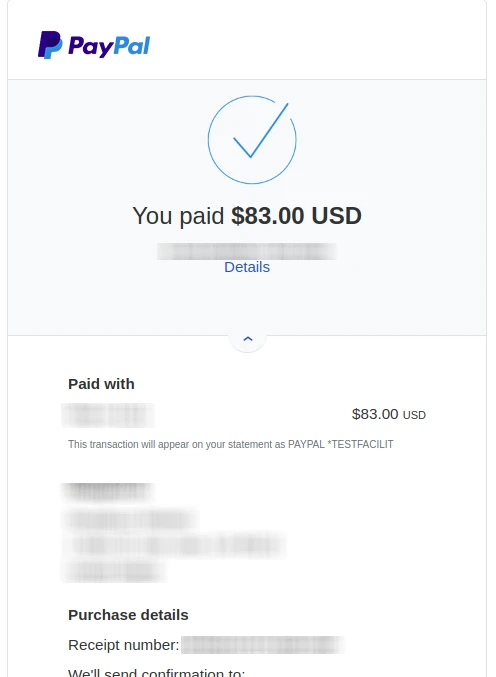
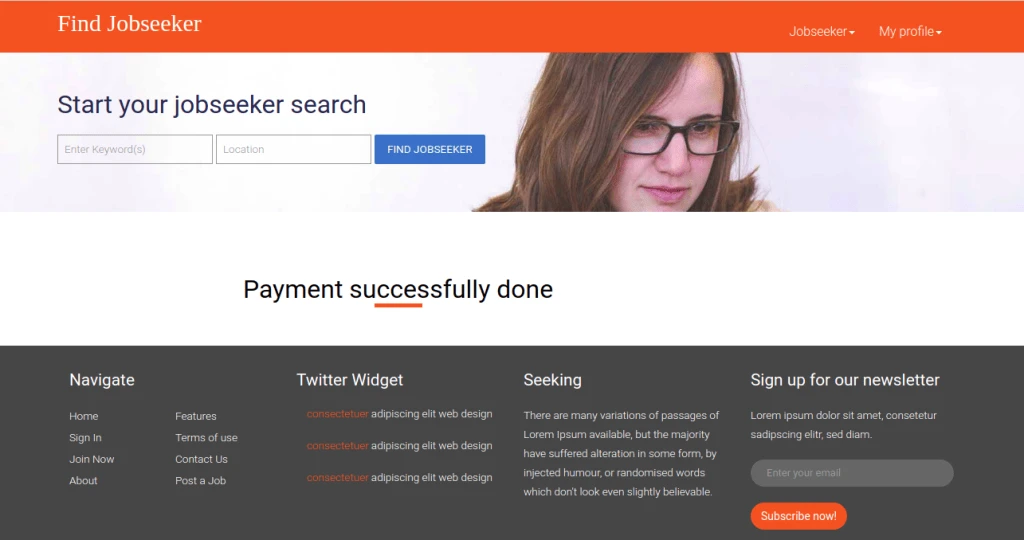
When clicking on return to merchant it redirect to the message of payment successfully done