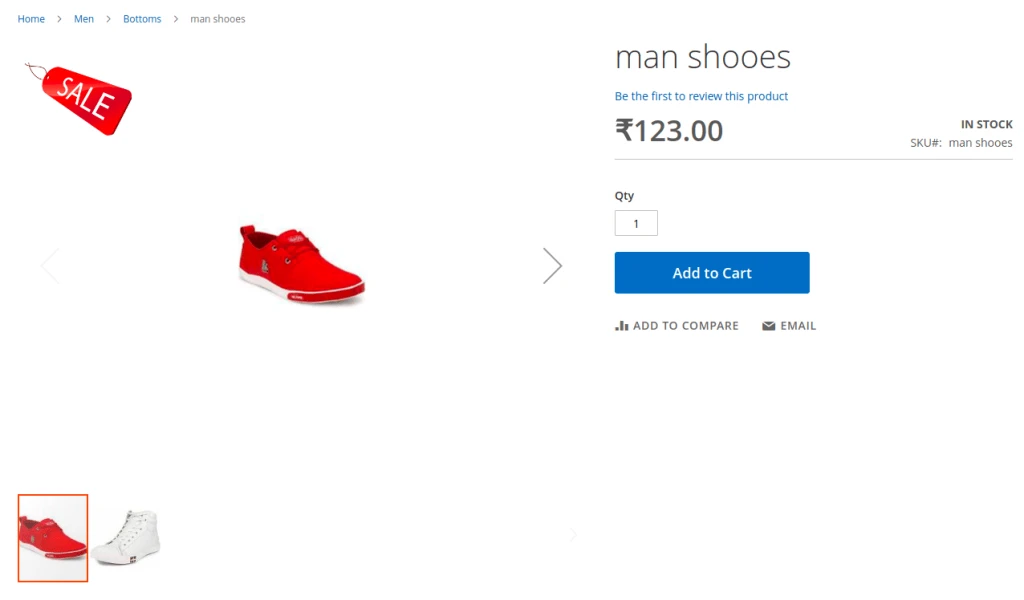
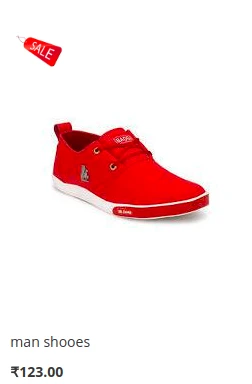
Features:-
- You can add product Label as per your requirements.
- Multiple product Label facility.
- Easily add Product Label into Product during Add Product.
- Using Positions you set product label as left,right,top and bottom in the product.
How To Use
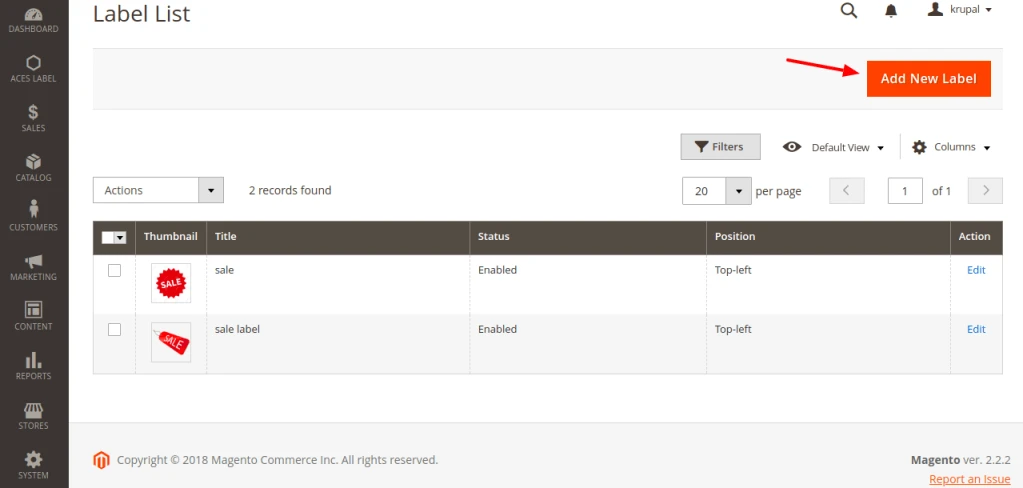
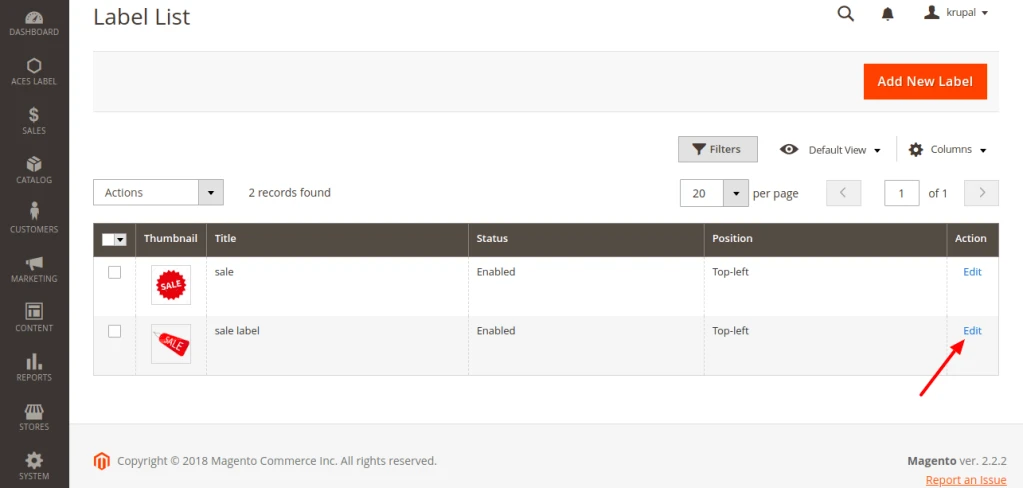
First go to the ACES LABEL – Label Manager – Add New Label.
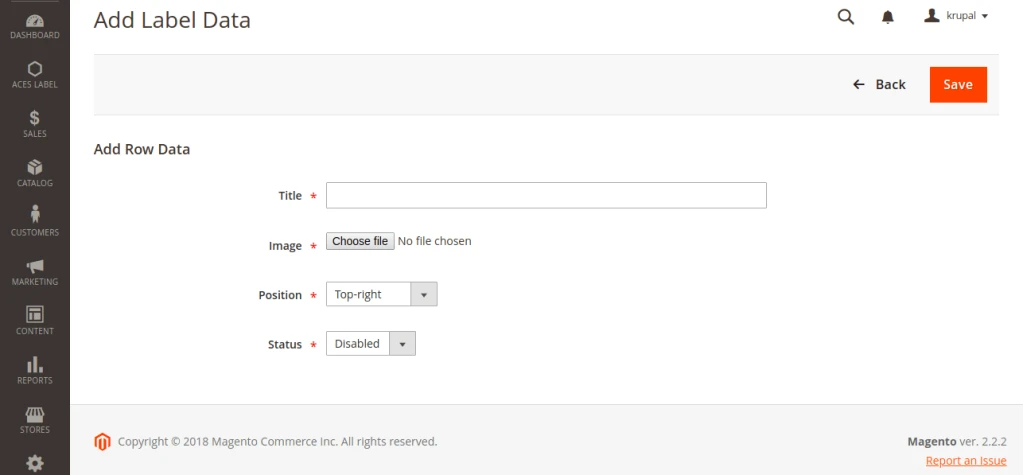
Than add Label data like Title,image,positions and status. And click on save to save label data.
You can also Edit your Product label details in Label list page.
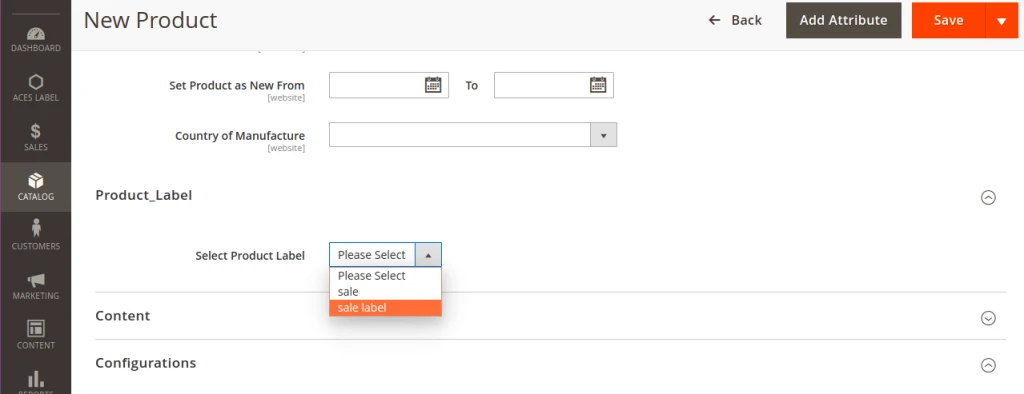
Than you add product using Catalog –> Products –> New Product and add Product label using choose label name and click on save button.
And In last you can see your catalog category page and product details page and see your product label.