Install ERPNext :-
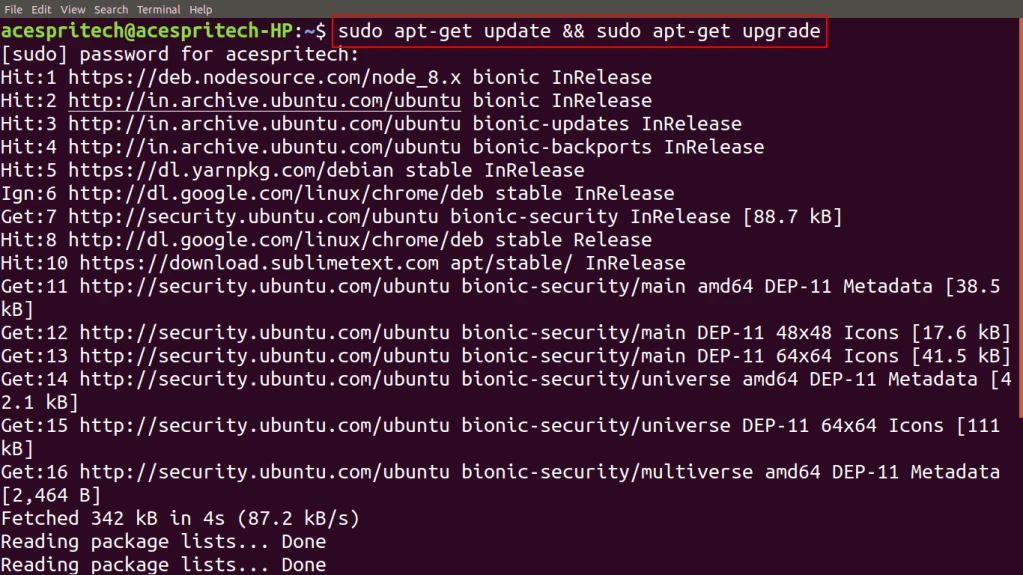
Step1: Use upgrade command to actually installs newer versions of the packages.
sudo apt-get update && sudo apt-get upgrade
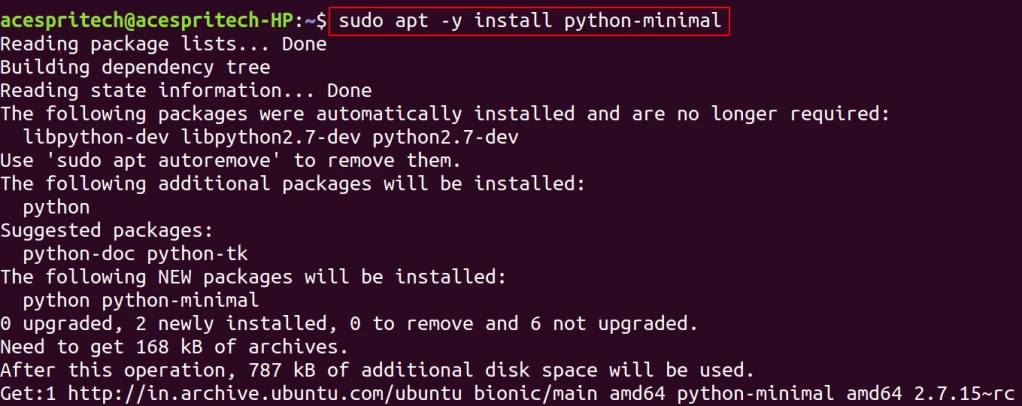
Step2: You have to install the following package.
sudo apt -y install python-minimal
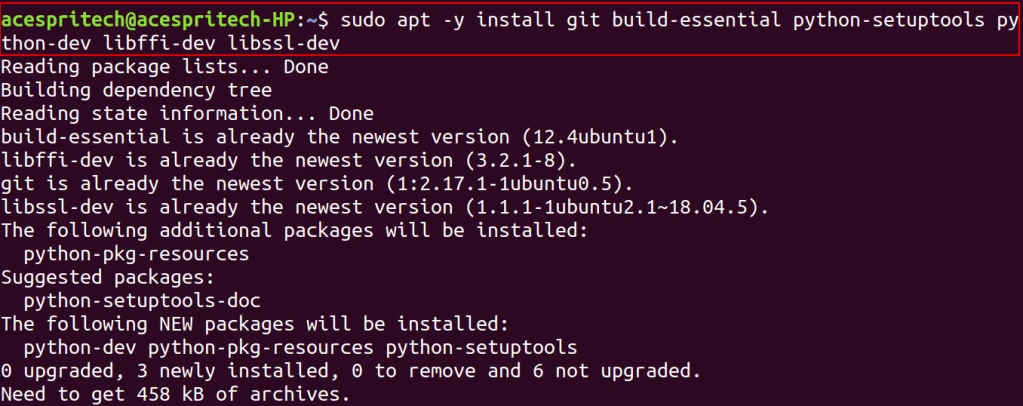
Step3 : You have to install the following dependancy.
sudo apt -y install git build-essential python-setuptools python-dev libffi-dev libssl-dev
Step4: Now The next step is install pip3 package for python
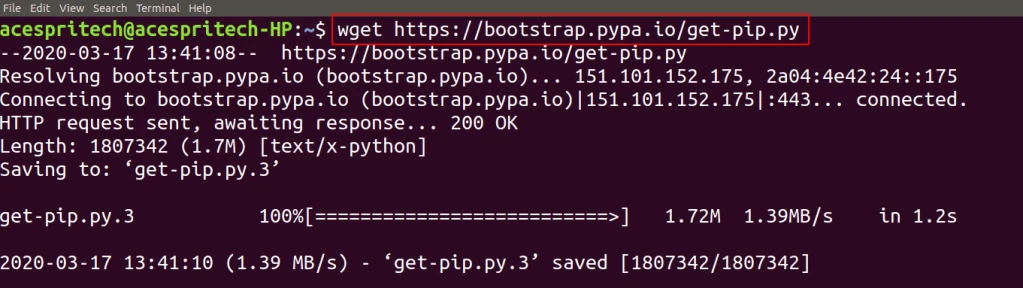
wget https://bootstrap.pypa.io/get-pip.py
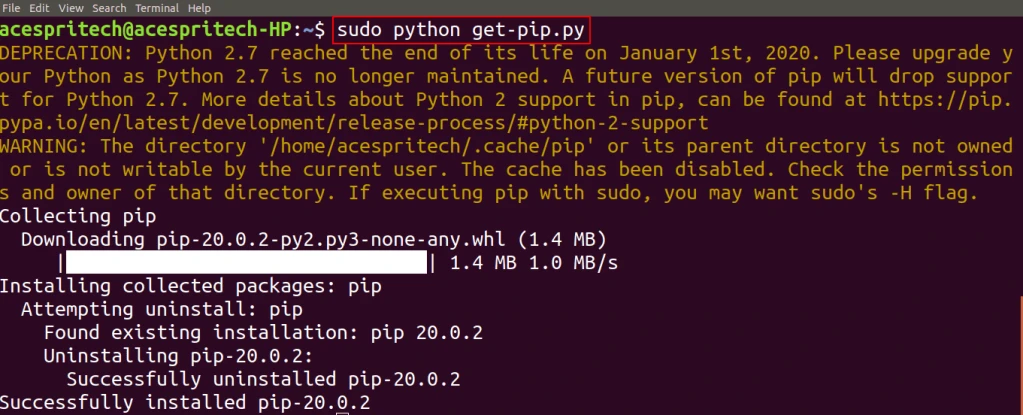
sudo python get-pip.py
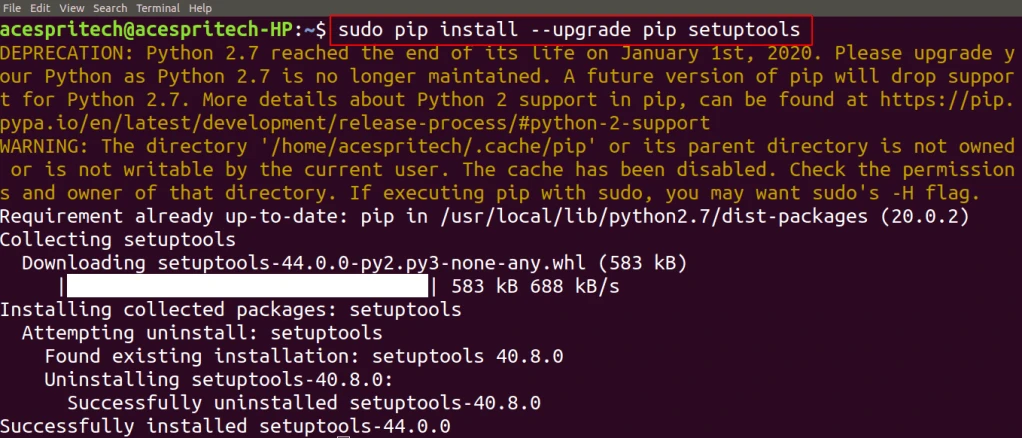
sudo pip install –upgrade pip setuptools
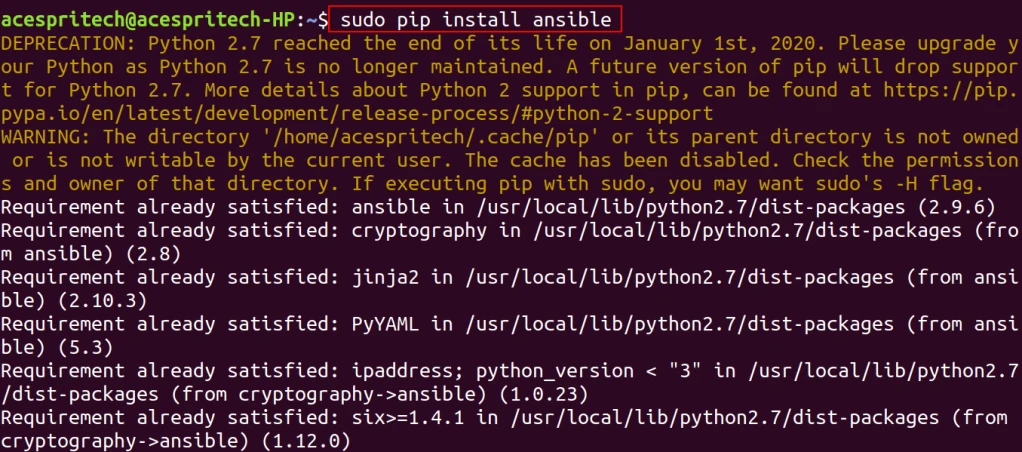
sudo pip install ansible
Step 5: Next to install python3
sudo apt install python3-pip
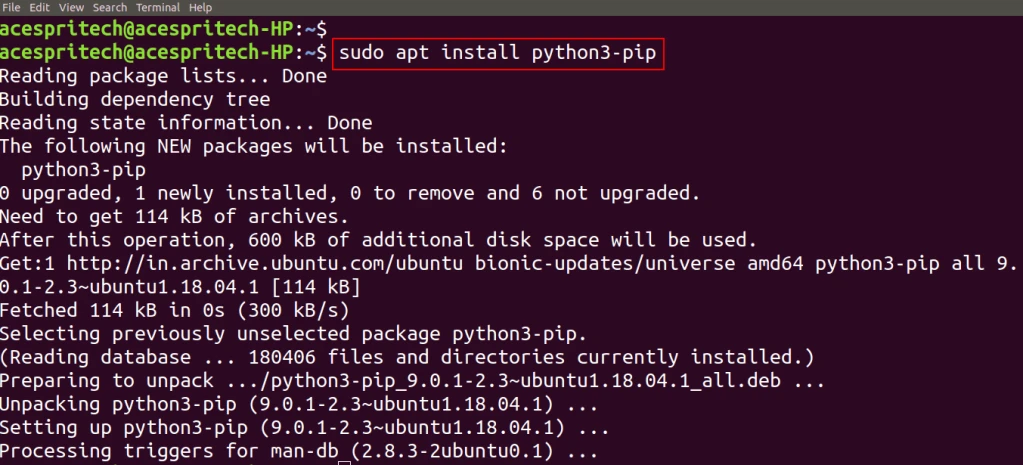
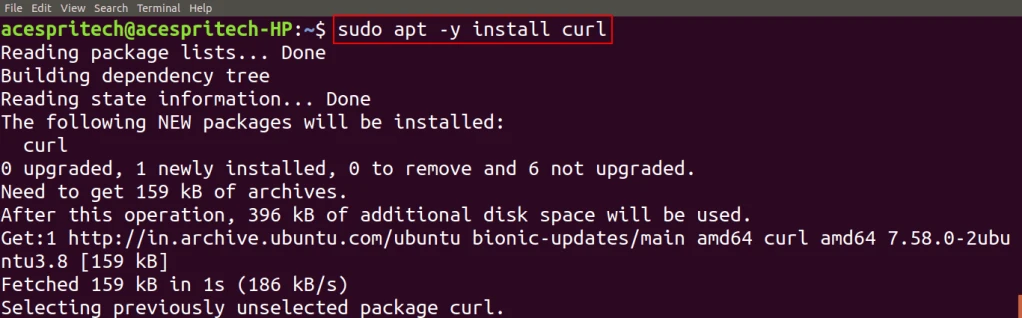
Step 6: Next step is to install curl
sudo apt -y install curl
Step 7: Next you have to configure the yarn package repository.
curl -sS https://dl.yarnpkg.com/debian/pubkey.gpg | sudo apt-key add –

echo “deb https://dl.yarnpkg.com/debian/ stable main” | sudo tee /etc/apt/sources.list.d/yarn.list

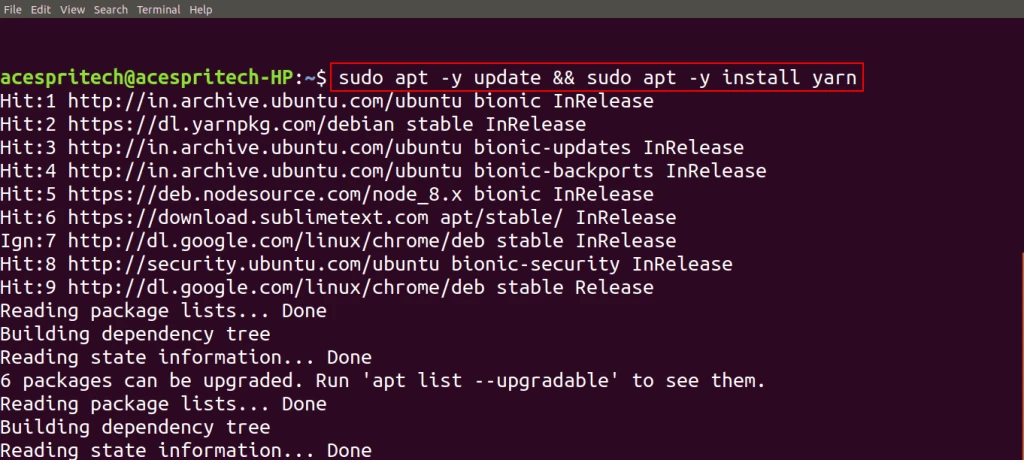
Step 8: Next following command to install yarn.
sudo apt -y update && sudo apt -y install yarn
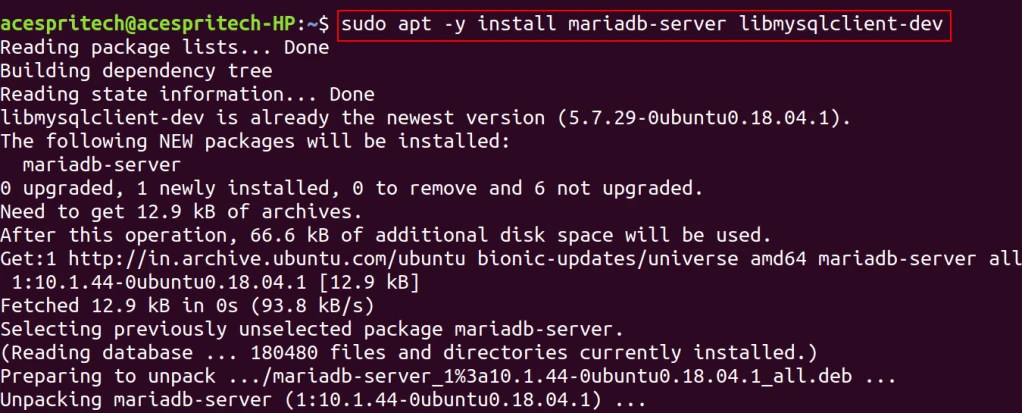
Step 9: Now next For install mariaDB you have to run following command
sudo apt -y install mariadb-server libmysqlclient-dev
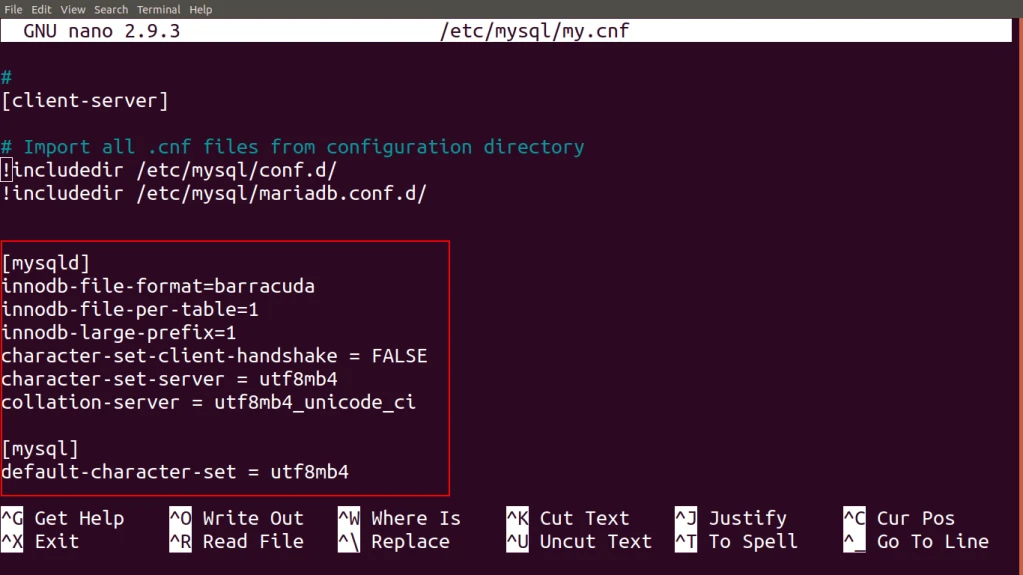
Step 10: Now next step is to update “my.conf” file for database.
For that to open file in command prompt in edit mode enter below command.
sudo nano /etc/mysql/my.cnf

Add the following lines in config file
[mysqld]
innodb-file-format=barracuda
innodb-file-per-table=1
innodb-large-prefix=1
character-set-client-handshake = FALSE
character-set-server = utf8mb4
collation-server = utf8mb4_unicode_ci
[mysql]
default-character-set = utf8mb4
Step 11: Next, you have to restart MariaDB and enable it to auto start MariaDB at boot time.
sudo systemctl restart mariaDB

sudo systemctl enable mariaDB

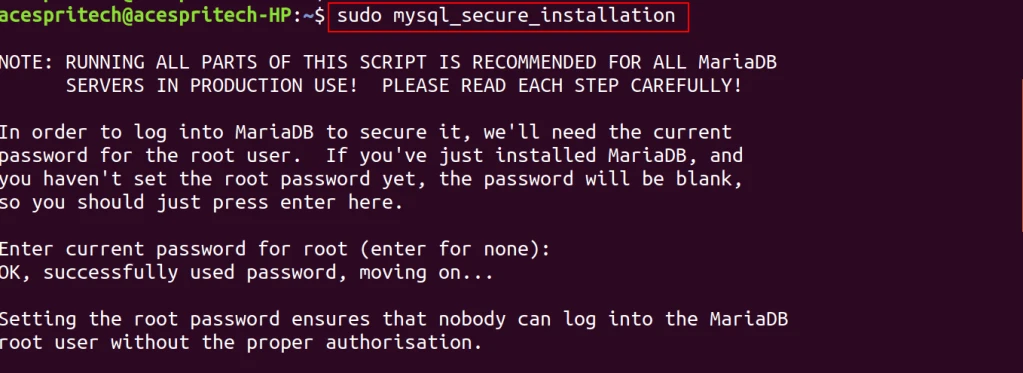
Step 12: Next, the mysql_secure_installation tool to configure additional security options.
sudo mysql_secure_installation
Enter current password for root (enter for none): xxxxxx
Change the root password? [Y/n] n
Remove anonymous users? [Y/n] y
Disallow root login remotely? [Y/n] y
Remove test database and access to it? [Y/n] y
Reload privilege tables now? [Y/n] y
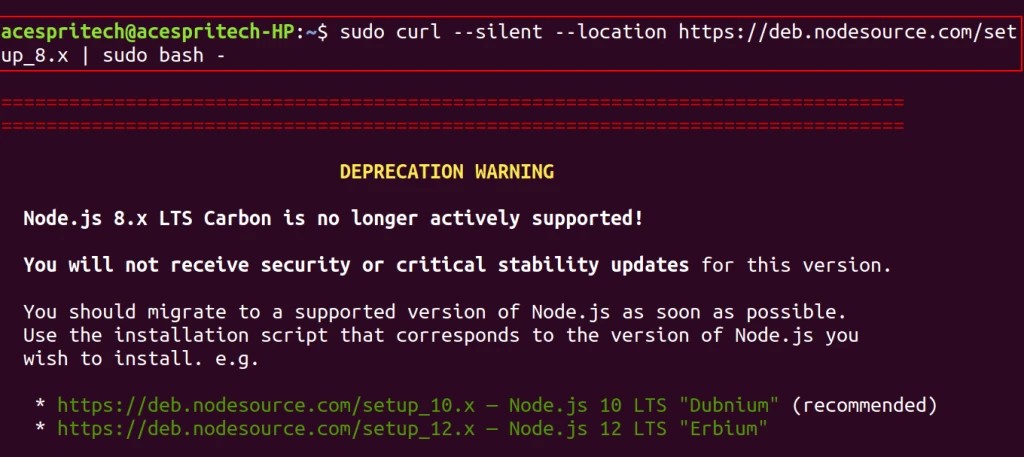
Step 13:you have to add the Node source Node.js 8.x respository.
sudo curl –silent –location https://deb.nodesource.com/setup_8.x | sudo bash –
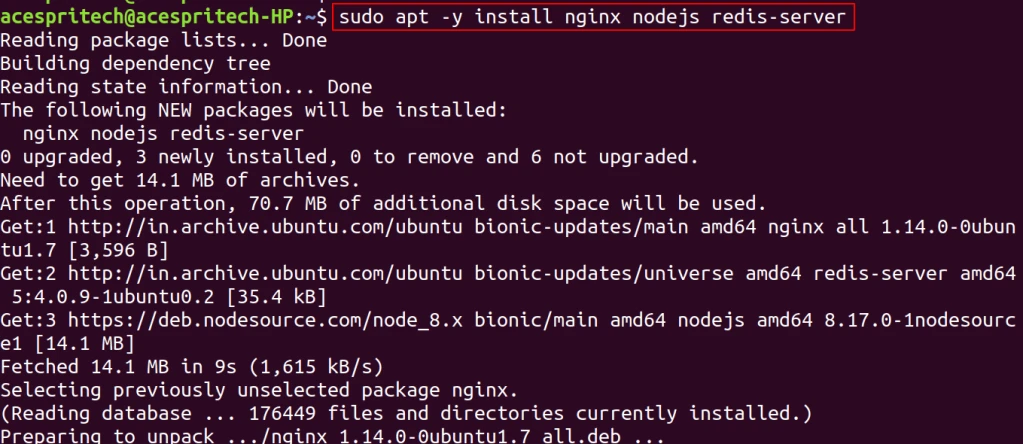
Step 14: To install Nginx, Node.js and Redis on Ubuntu, run the commands below.
sudo apt -y install nginx nodejs redis-server
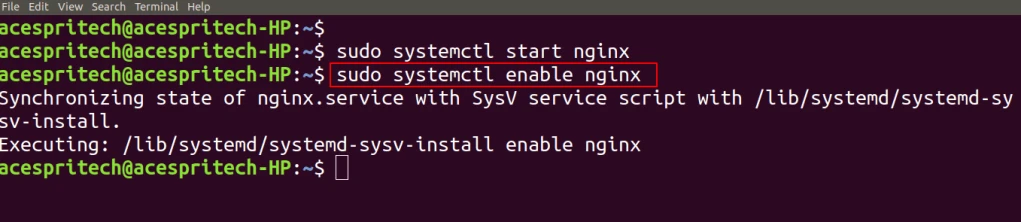
Step 15: Next step is to start and enable Nginx service to always start up with the boots.
sudo systemctl start nginx

sudo systemctl enable nginx
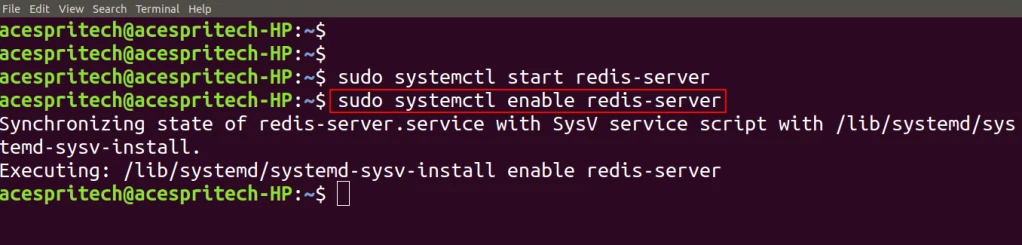
Step 16: Start and enable Redis service to always start up with the boots.
sudo systemctl start redis-server

sudo systemctl enable redis-server
Step 17: For installation and activation of virtual environment.
sudo systemctl enable redis-server

cd erpnext

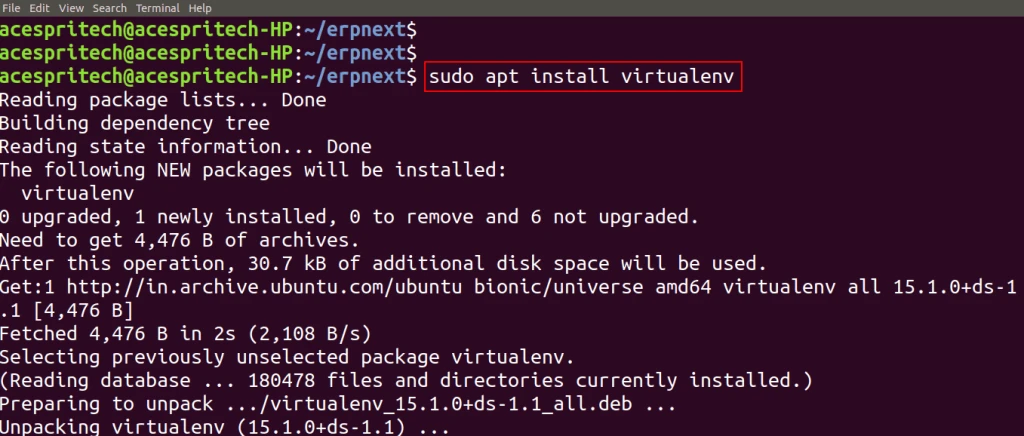
Run below command to install virtual environment
sudo apt install virtualenv
you need to create virtual environment on “erpnext” directory using the following command
virtualenv .

For activation of virtual environment.
source ./bin/activate

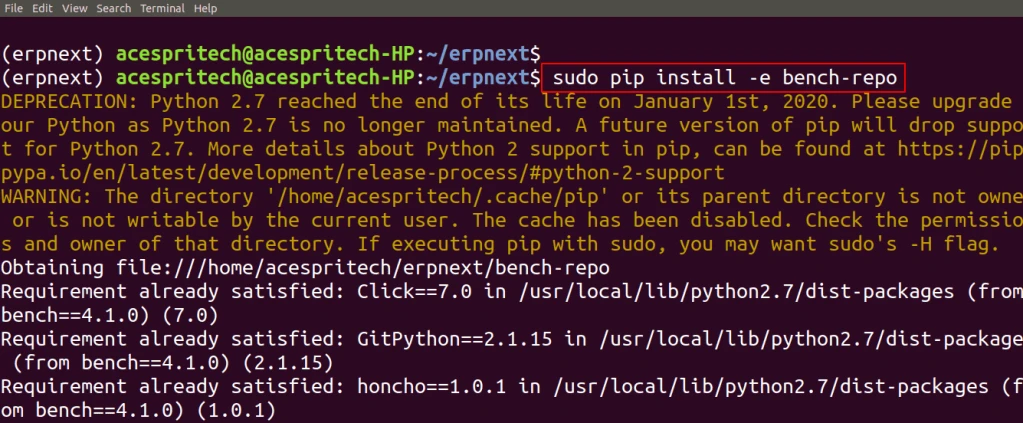
Step 18: Now Next step is to install bench and there dependencies.
git clone https://github.com/frappe/bench bench-repo

sudo pip install -e bench-repo
Step 19: The next step is to init command will create a bench directory with frappe framework installed.
bench init –frappe-branch master –frappe-path https://github.com/frappe/frappe.git frappe-bench Continue reading