Blog Archives
How to change default Python version in Ubuntu ?
Sometimes, you may require to change default python version of your linux operating system.
you can accomplish it by using following steps. First make sure you have root level privileges.

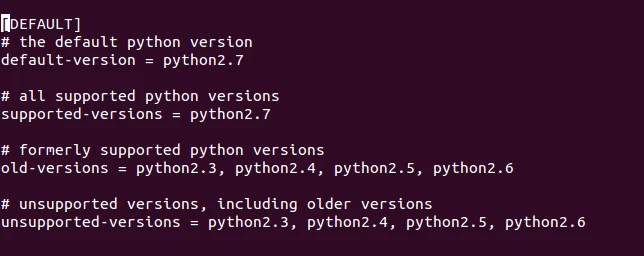
Now, you can see following lines which will be different according to operating system. Make changes into ‘default-version’ and save this file.
In next step, we have to change default link file of python.
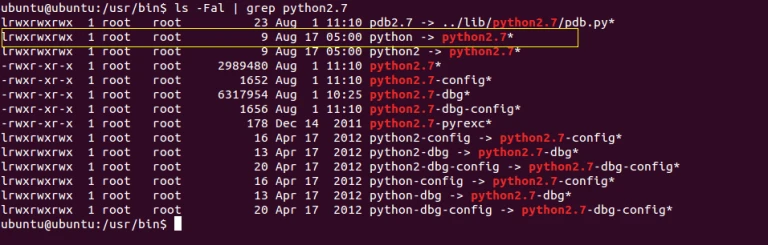
Just move old file to another location.

Now again create symbolic link for python.

Check your python version.



