How to use
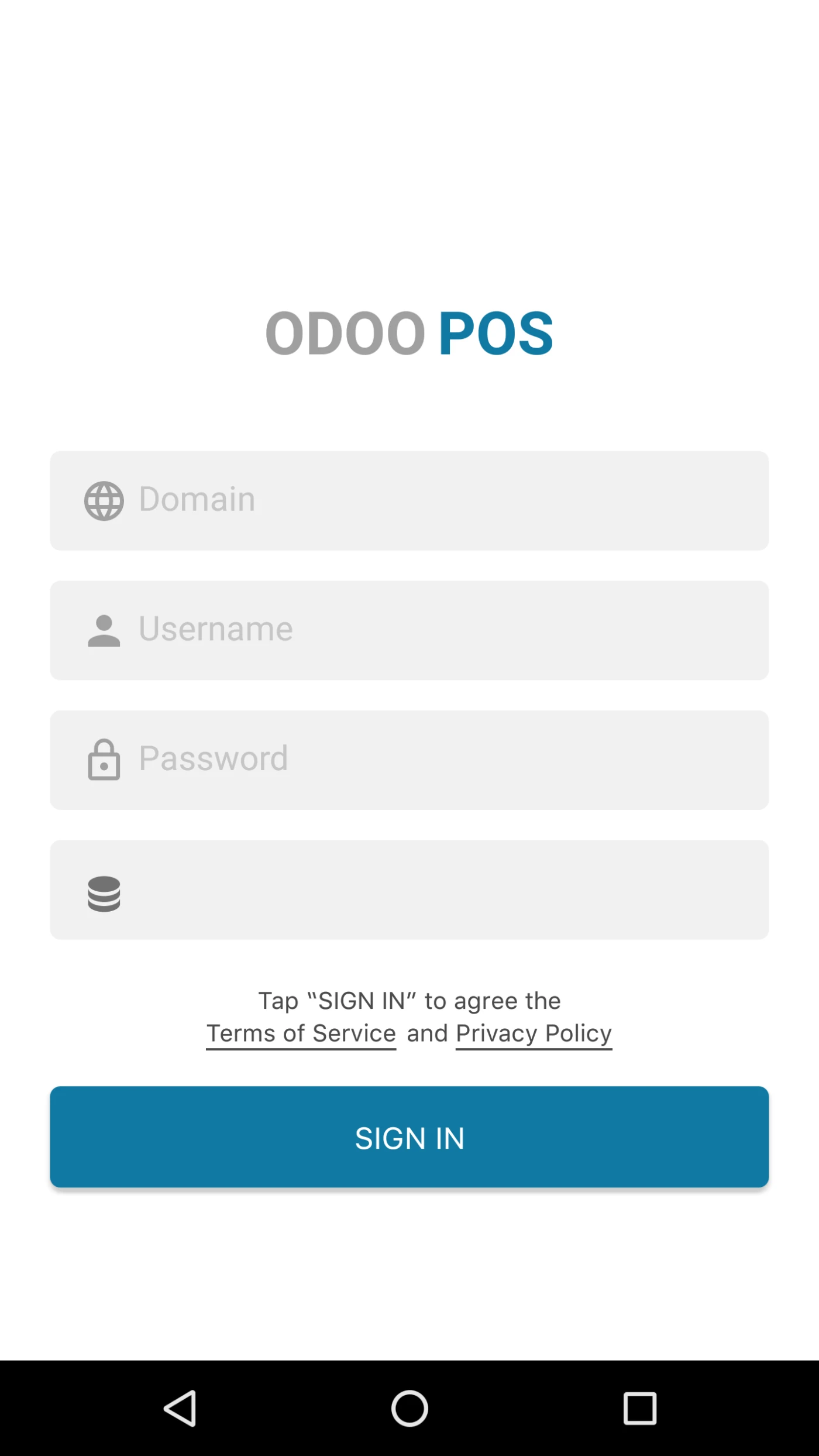
To Login in APP, Odoo v12 instance should be running.
User can Login in APP with his Odoo URL, Username, Password and Database.
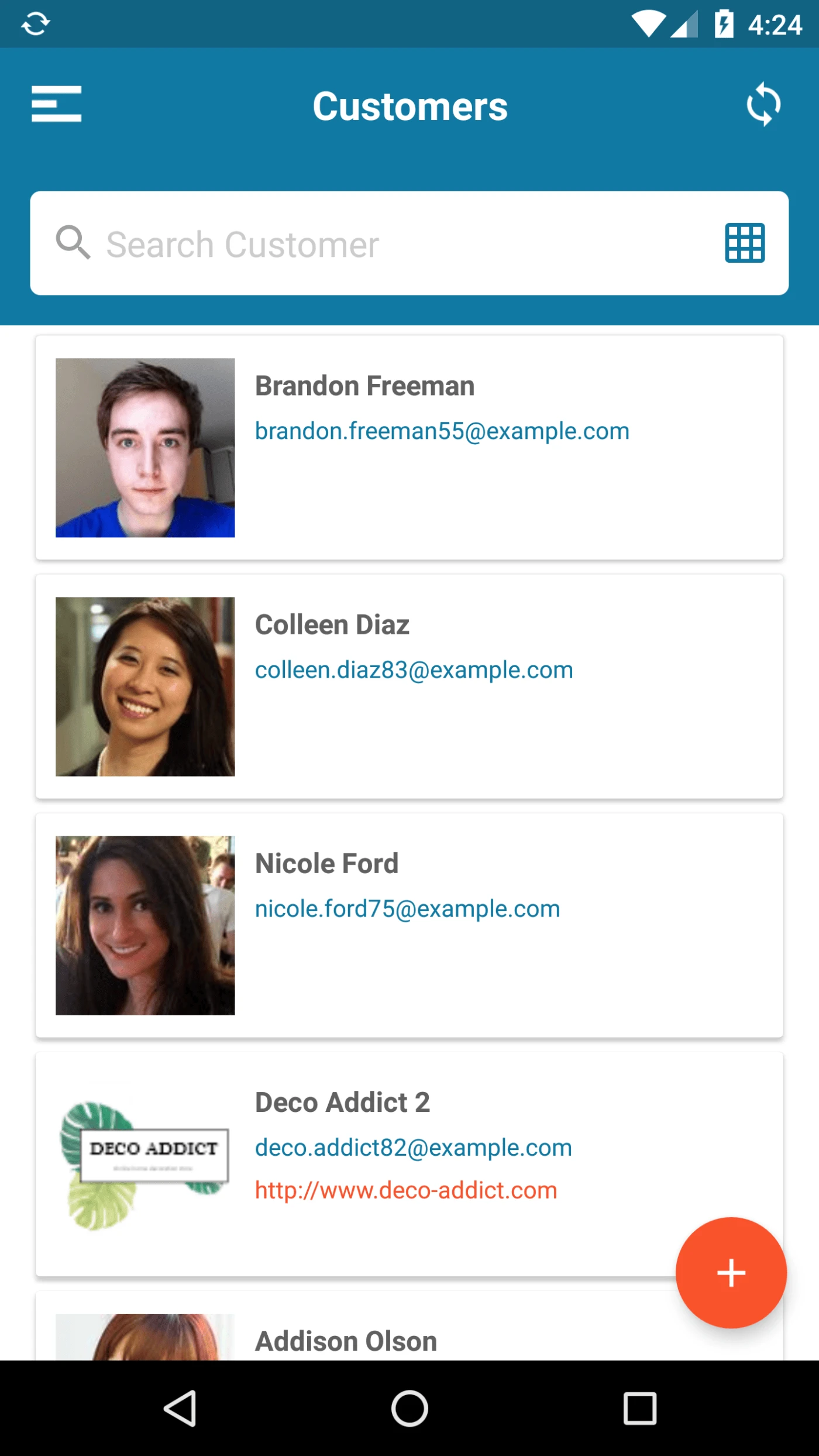
User can view List of Customers here.
User can switch Between Kanban and List view.
User can Create new Customer from Here.
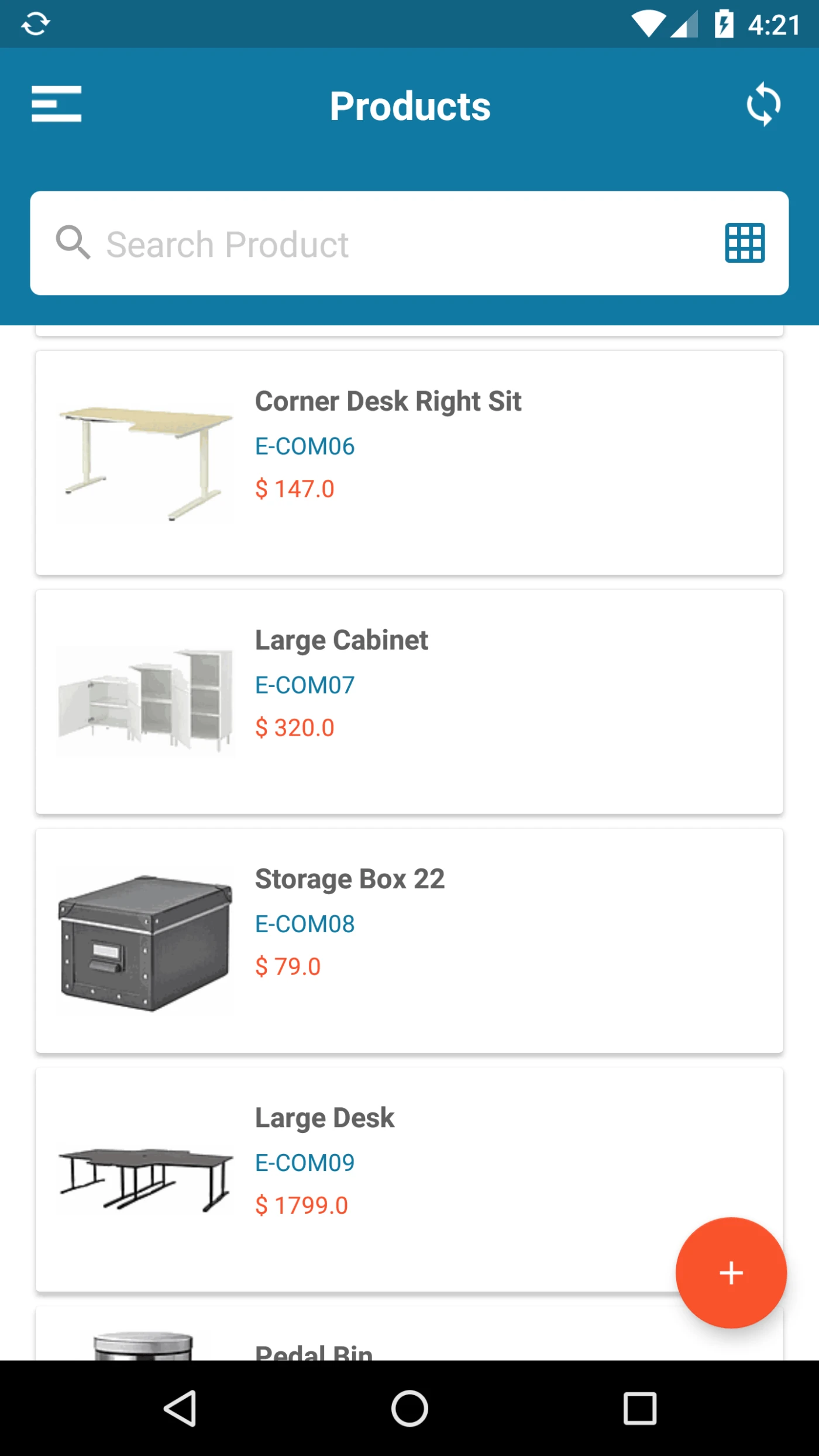
User can view List of Products here.
User can switch Between Kanban and List view.
User can Create new Products from Here.
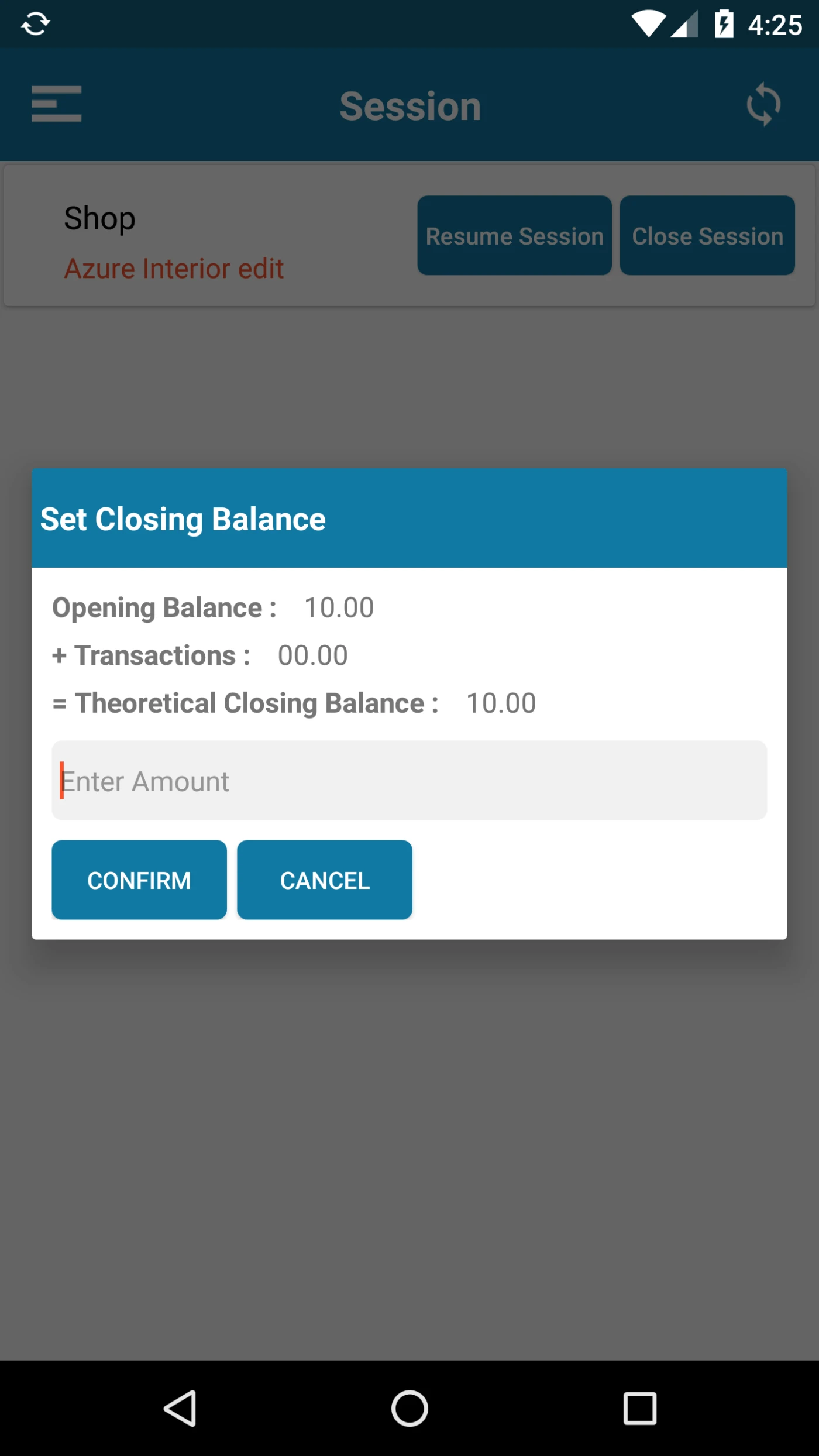
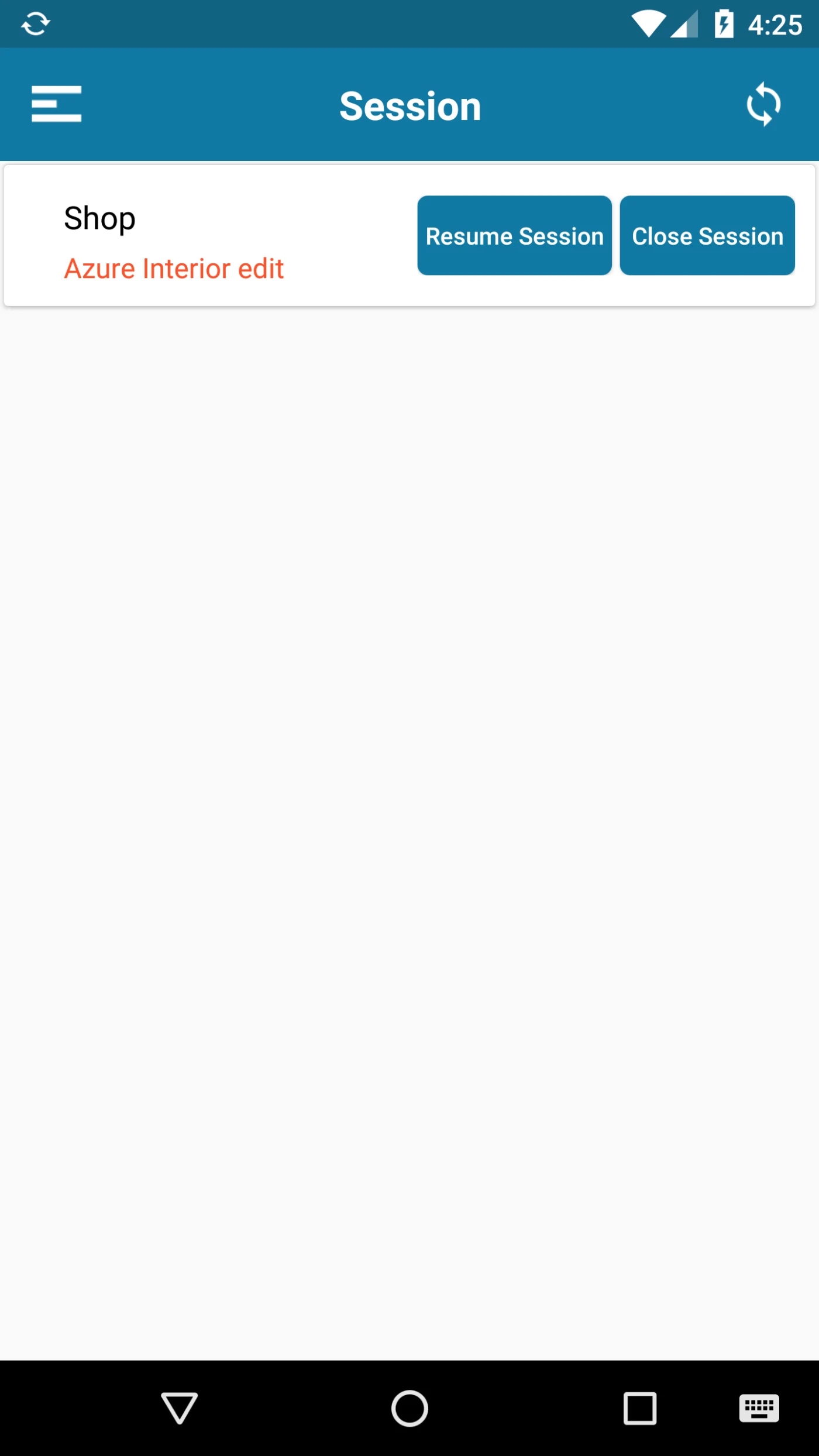
All POS Session will be Loaded Here. User can create, Open, Resume and Close the Session.
While Opening Session User can Enter Opening Balance.
While Closing Session User can Enter Session Balance.
User can view Balance details as well while Closing the Session.
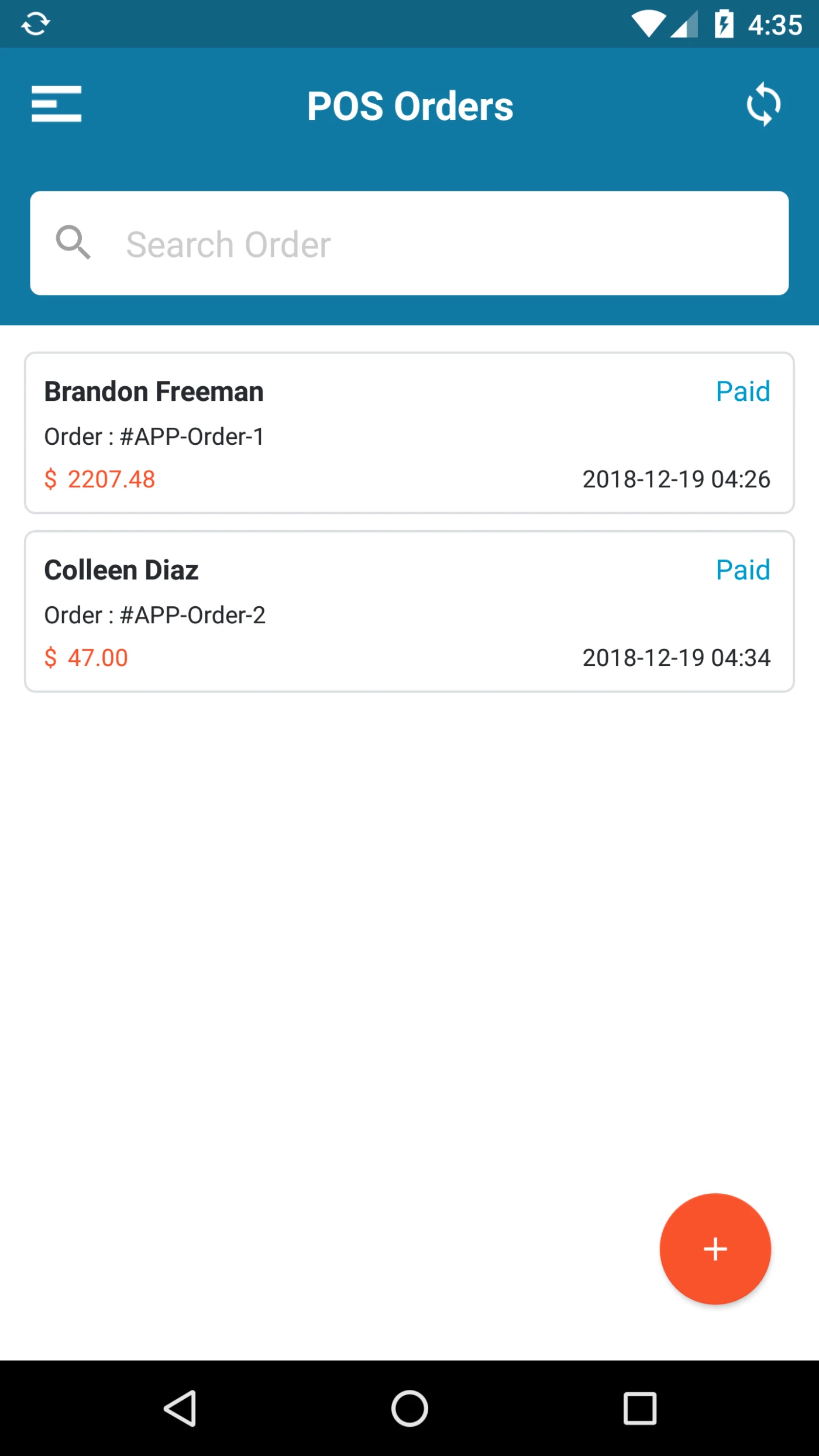
Here User can view orders created by him.
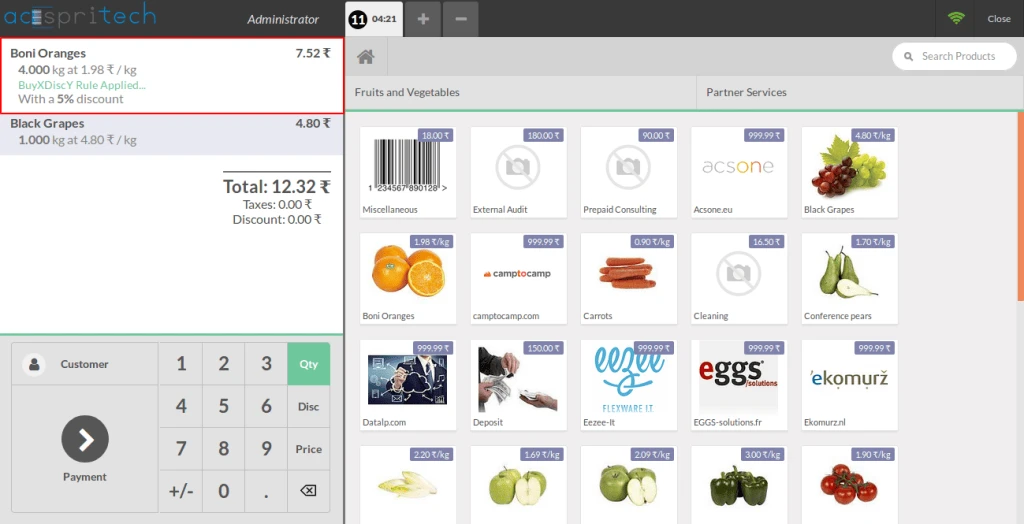
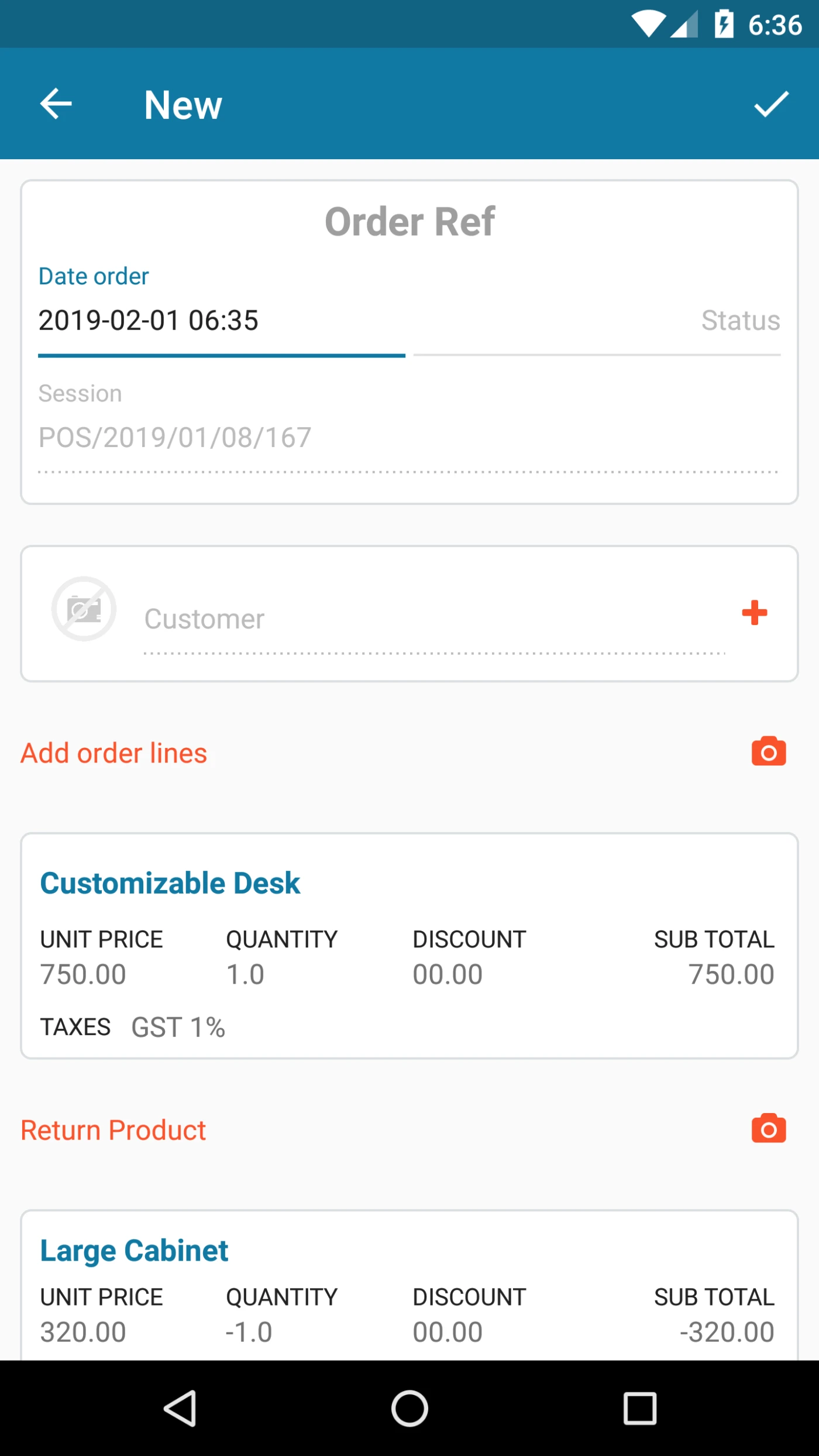
Here user can create order by selecting Customer, Products.
User can return products within same order. user can use Mobile camera to Scan Products.
User can give discount and taxes on Products as well.
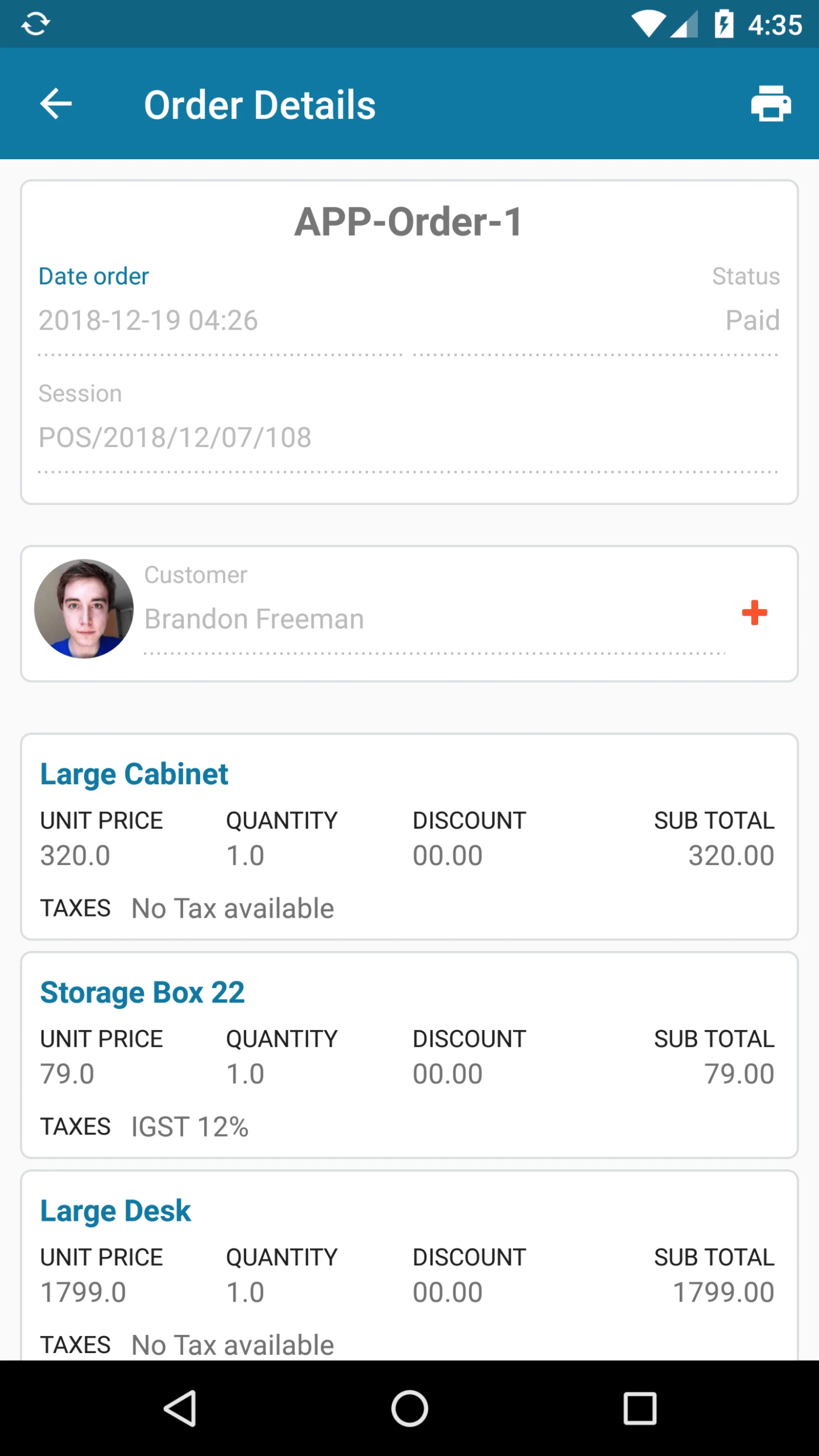
User can view order Details on this page
This page is displaying many order related information Like Order ref, Order Date, Status, Session Customer and Product Details.
from this page User can Add Discount as well.
User can Print order details from this page as well.
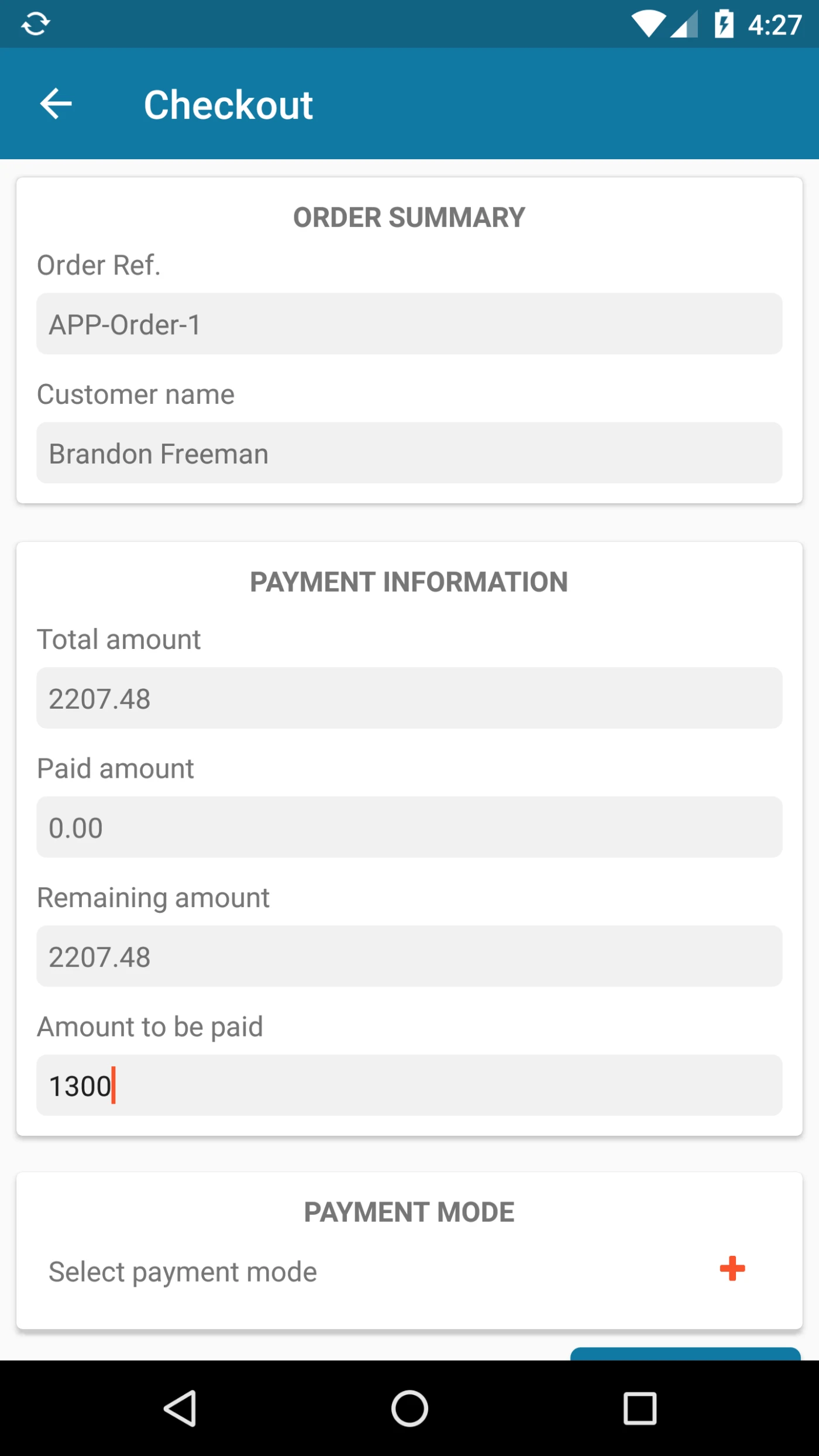
From this page User can Make Payment for the orders.
This page Displaying payment related information Like, Paid Amount, Total Amount , Remaining Amount.
User can Select Payment Method to make payment. Payment Methods are available based on Server configuration.
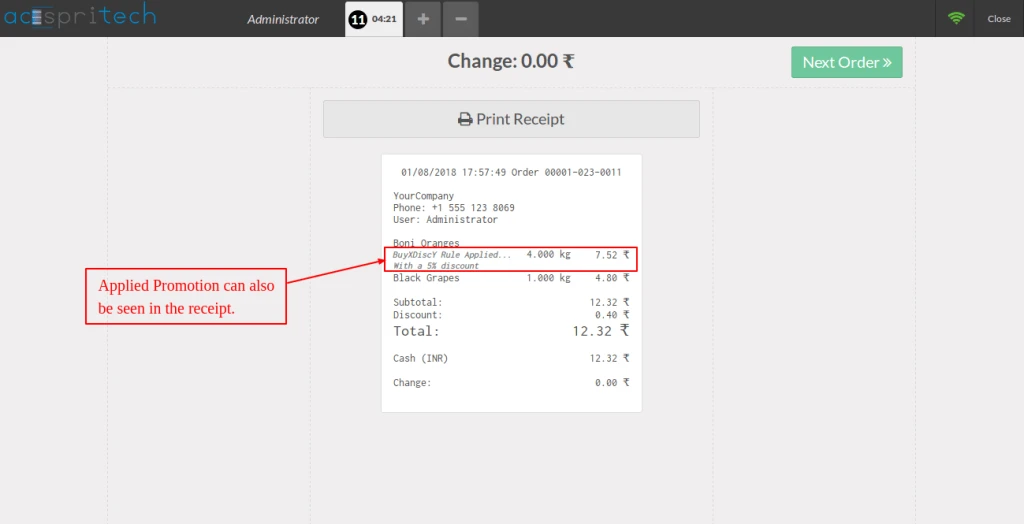
after successfull payment user can print Receipt using Bluetooth Printer.
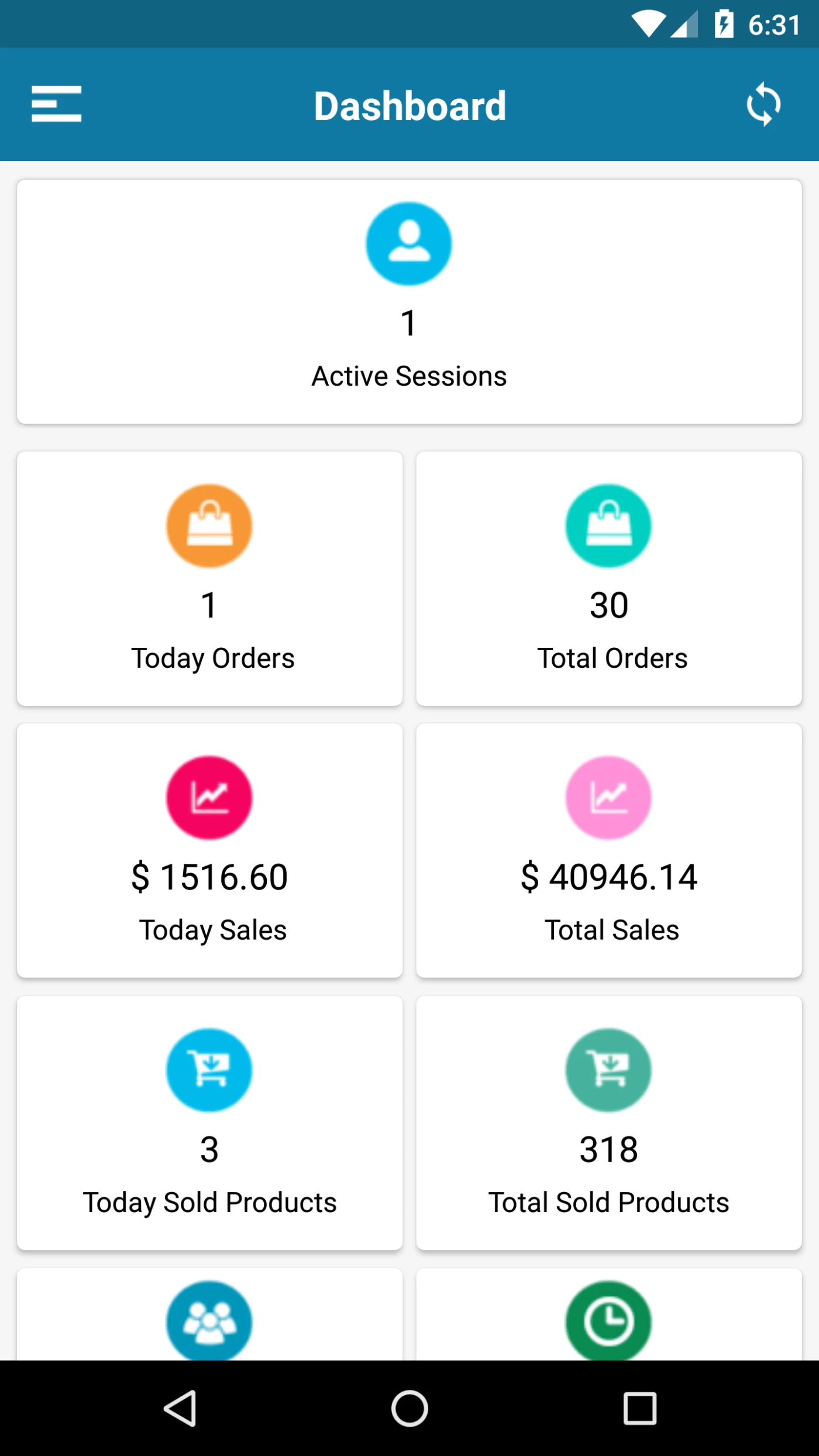
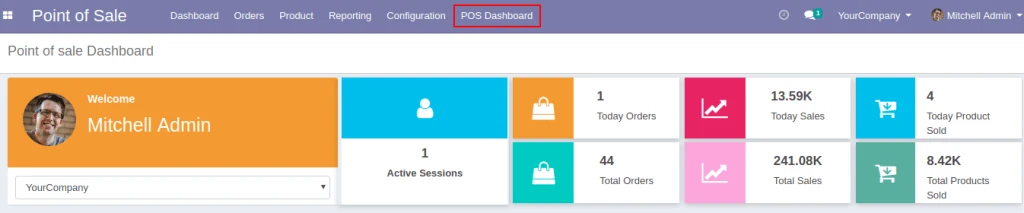
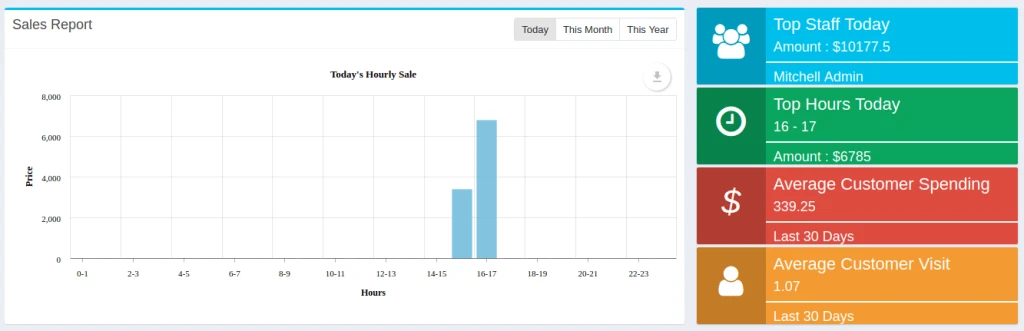
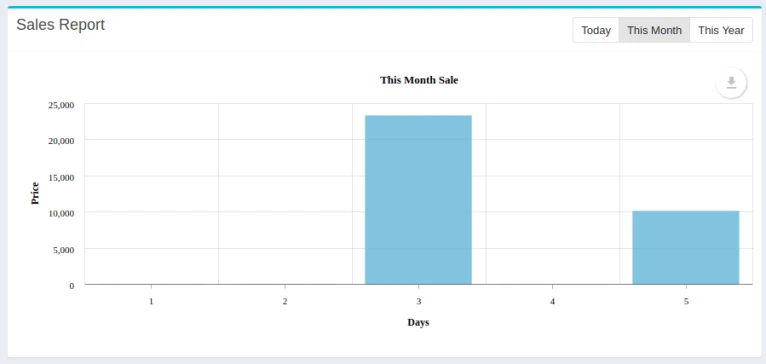
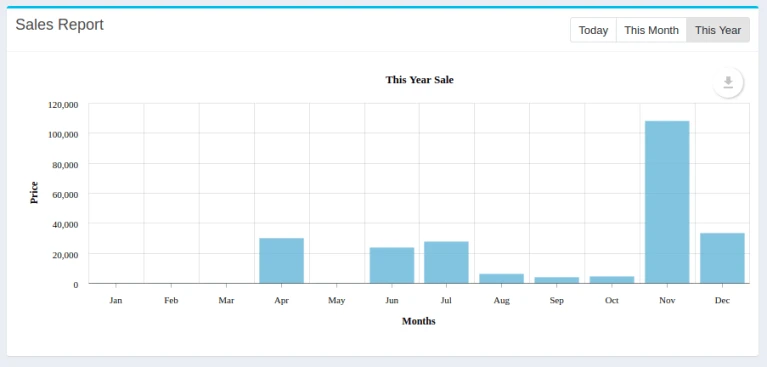
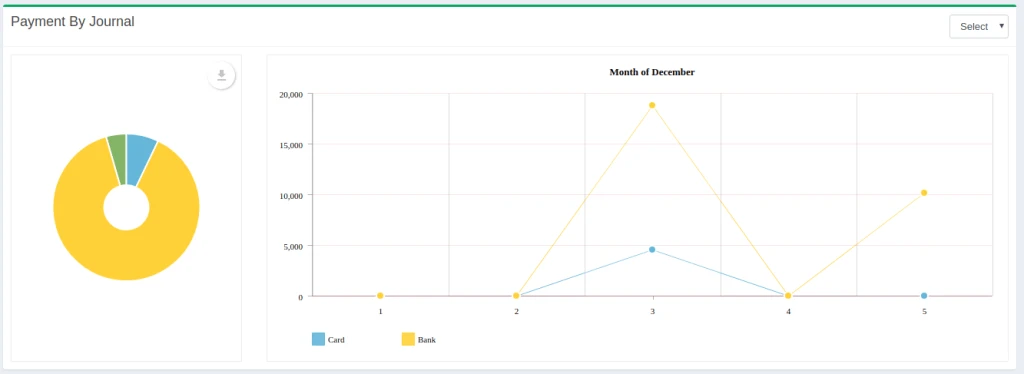
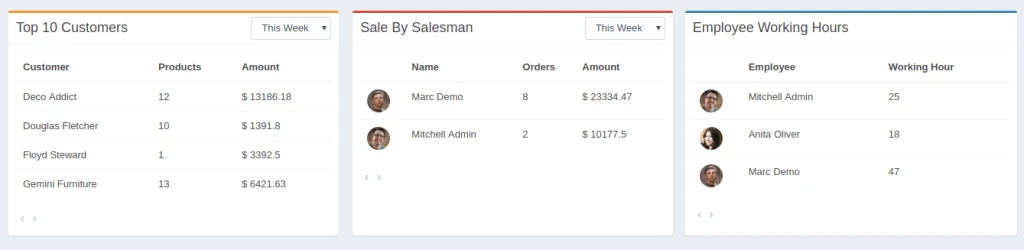
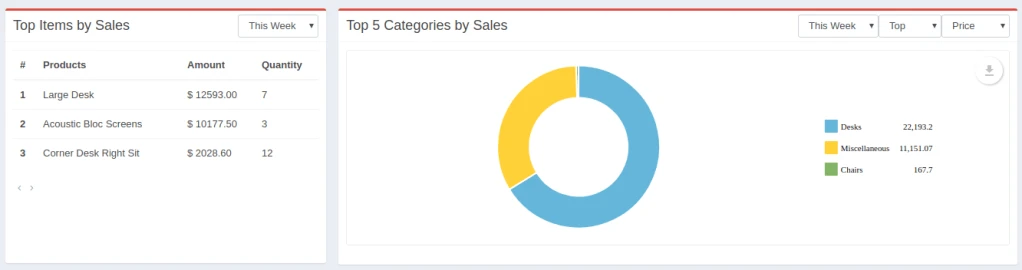
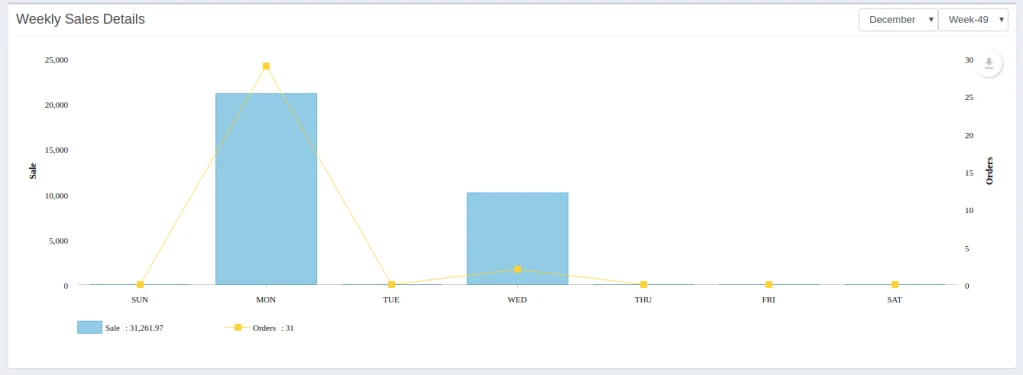
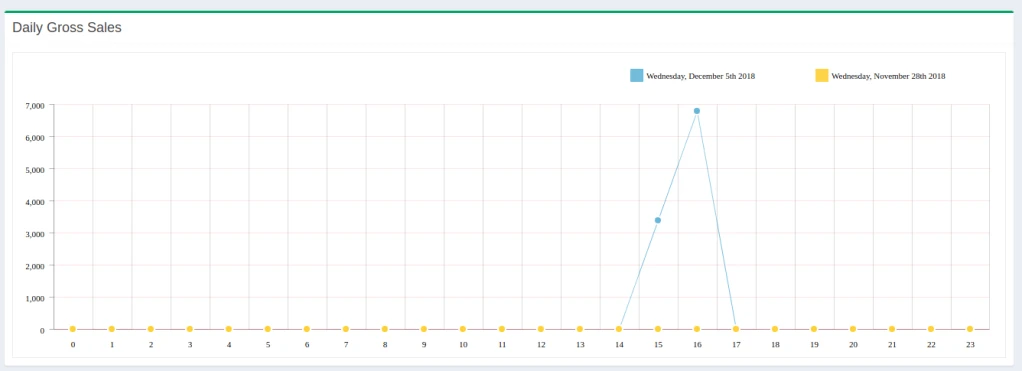
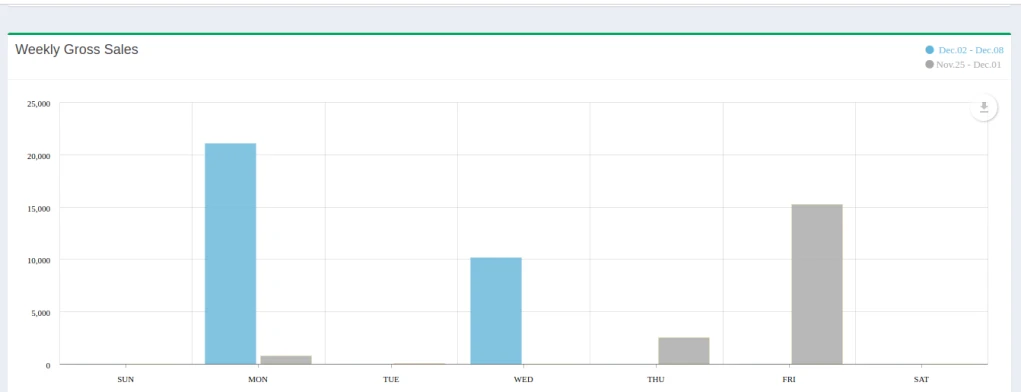
Active Session -Today’s Orders, Total Orders, Total Sales, Today’s Sales, Total Sold Products, Today’s Top staff, Top Hours Today, Average Customer spending, Average Customer visit