We have implemented Stripe integration for Odoo V8 with Payment Acquirer module which will automatically enable during sale, invoice and website process.
Odoo module list
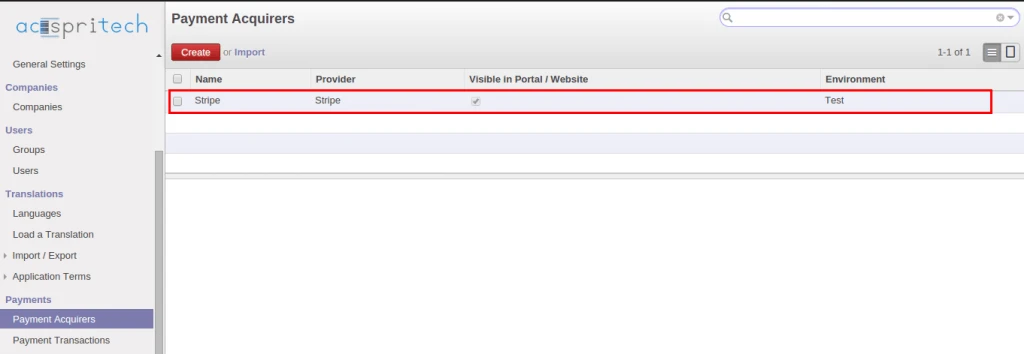
After installing this module, we can see new record for payment acquirer.
Odoo Payment Acquirer
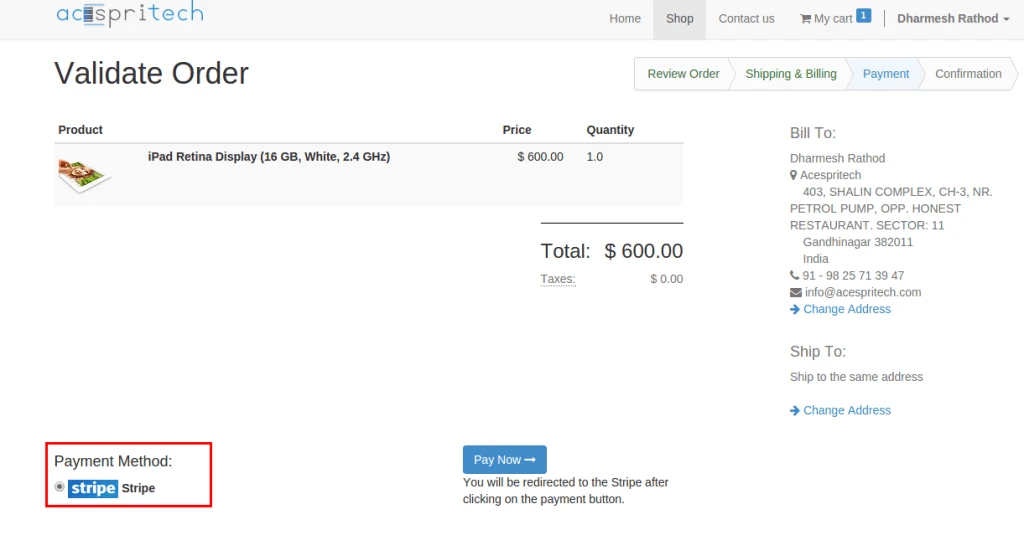
During payment process from Odoo website, stripe option will automatically appear.
Odoo website order
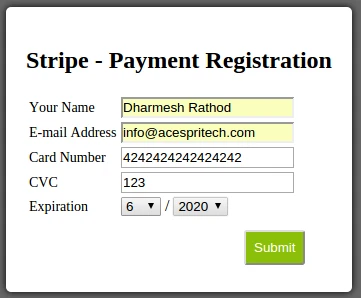
And it will switch another form to take card details from user.
Stripe payment registration
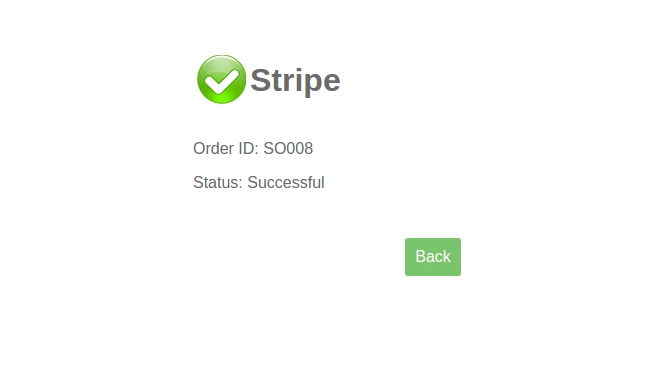
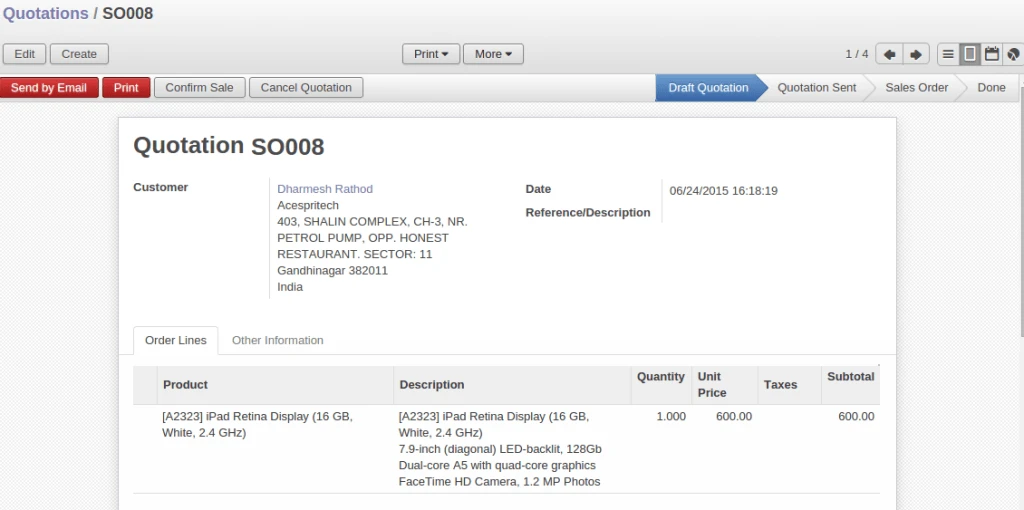
After successful transaction with Stripe server, it will display proper message and create sales order into Odoo.
Stripe payment responseOdoo sales order
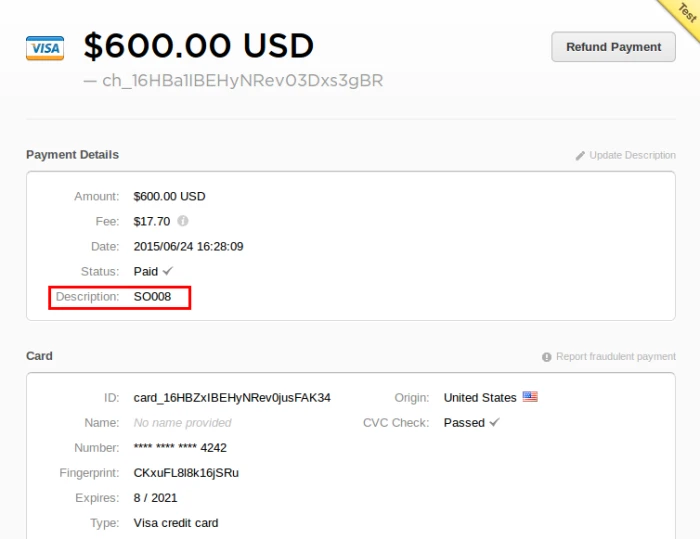
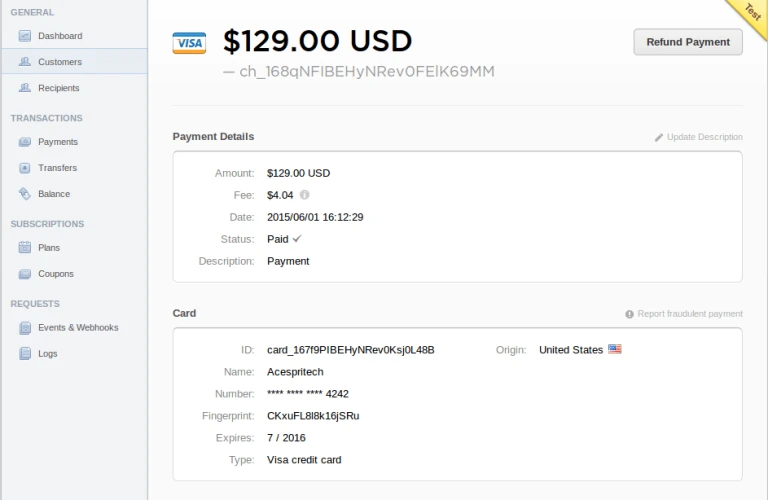
It will display transaction history into user’s stripe account also.
Stripe Transaction
Advertisements
Share this:
Click to share on Facebook (Opens in new window)
Click to share on LinkedIn (Opens in new window)
Click to share on Twitter (Opens in new window)
Click to share on Reddit (Opens in new window)
Click to share on Tumblr (Opens in new window)
Click to share on Pocket (Opens in new window)
Click to share on Pinterest (Opens in new window)
More
Click to print (Opens in new window)
Click to email this to a friend (Opens in new window)
At Acespritech, we have developed many payment gateway integration with Odoo. Here we have one more integration with Odoo i.e Stripe payment integration.
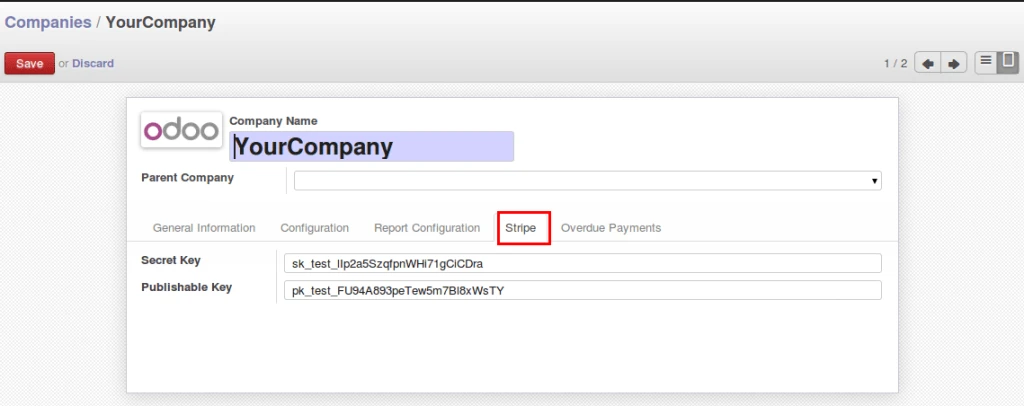
Odoo company configuration
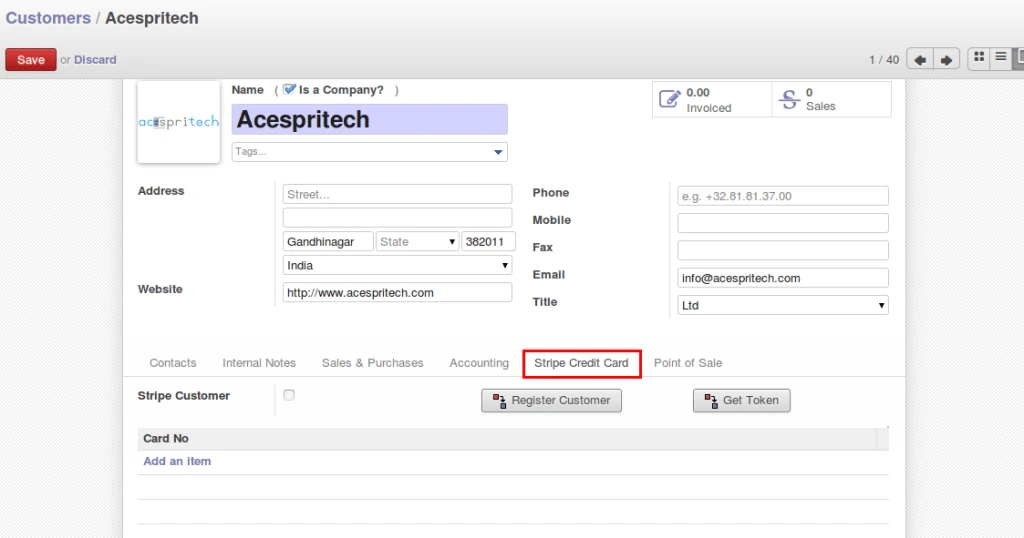
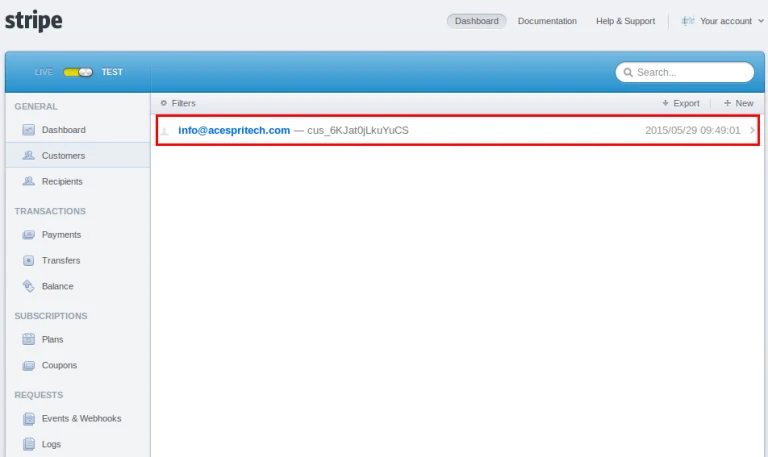
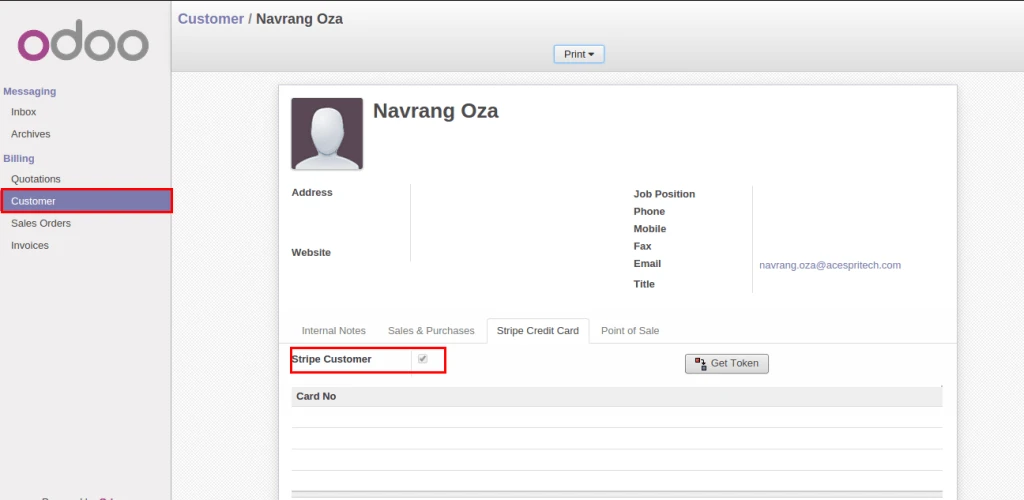
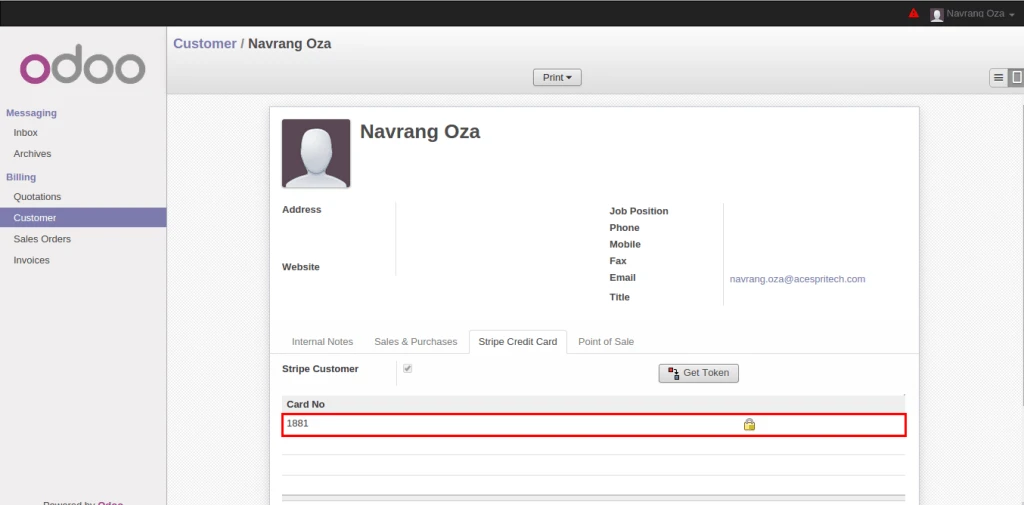
We have added new “Stripe” TAB into customer form where we can register on stripe and generate tokens by registering credit card information. By default when new customer will register into Odoo, it will register on Stripe server also.
Odoo customer formRegistered stripe customer
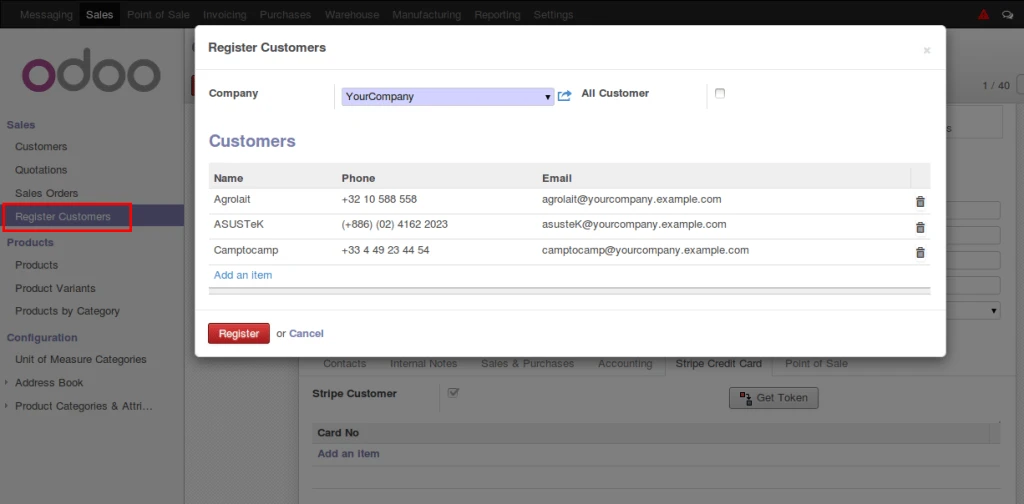
We can register more than one customer easily.
Register odoo customer
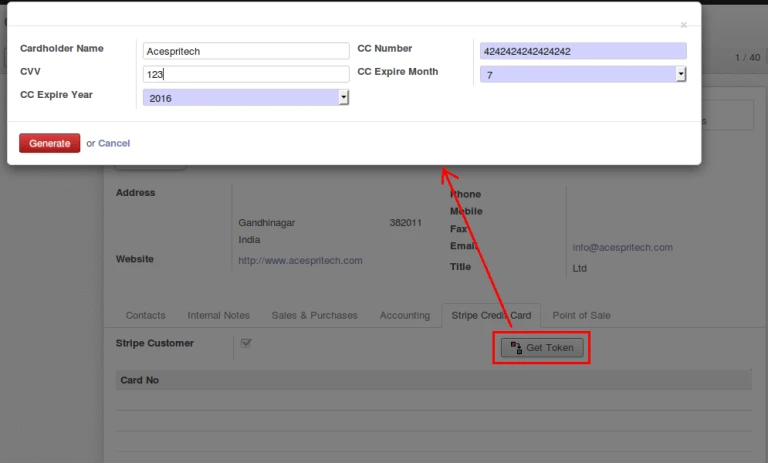
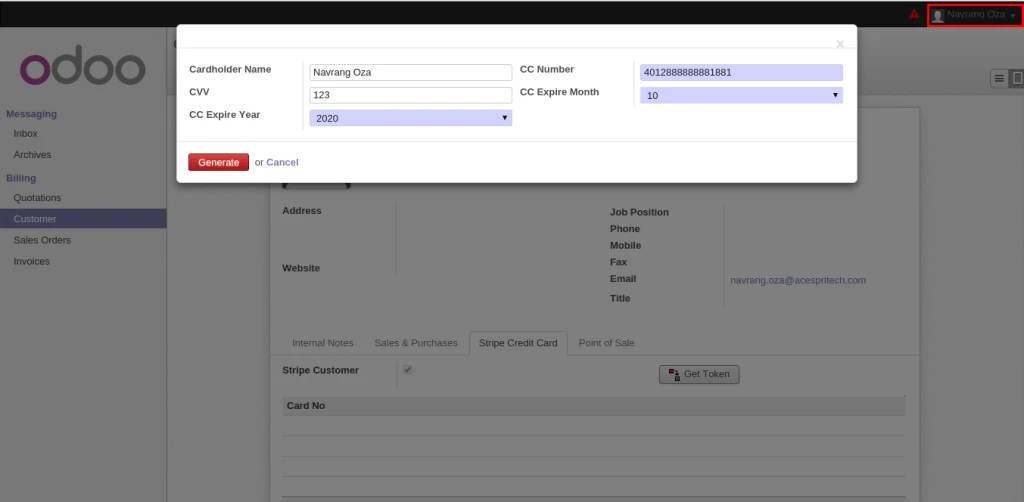
After registering customer successfully on stripe, user can register credit card information and generate tokens. For security reason, we are not storing credit card details into database.
Generate Token
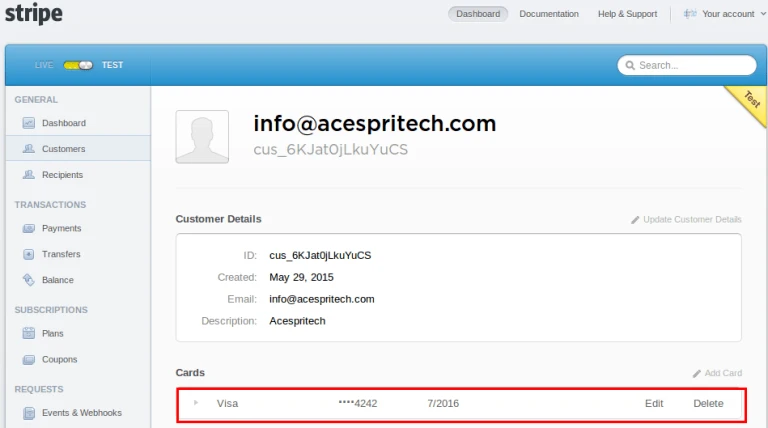
We can check same card information on stripe server.
Stripe Card
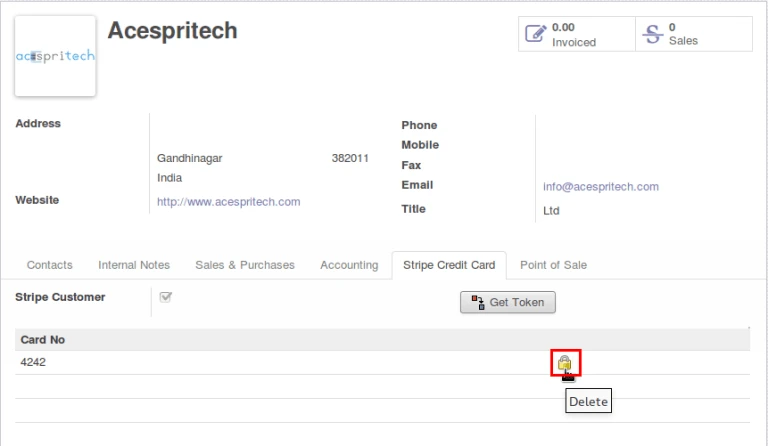
It is very easy to delete registered token from Stripe server and Odoo.
Delete Stripe Token
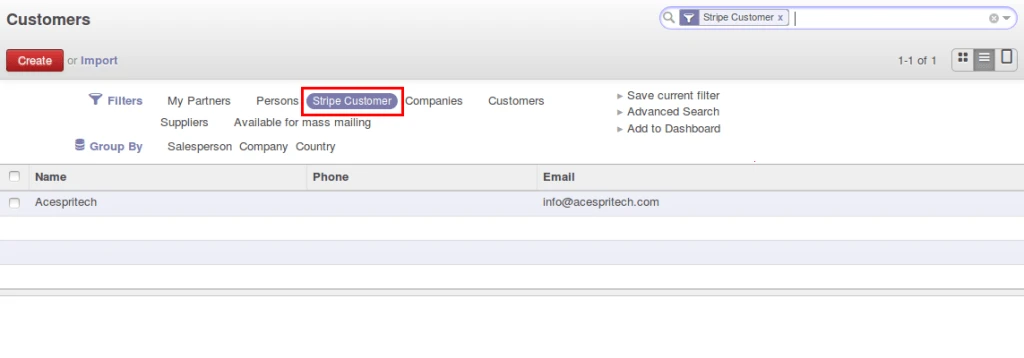
We can easily find registered customer also by applying filter.
Stripe Customer Filter
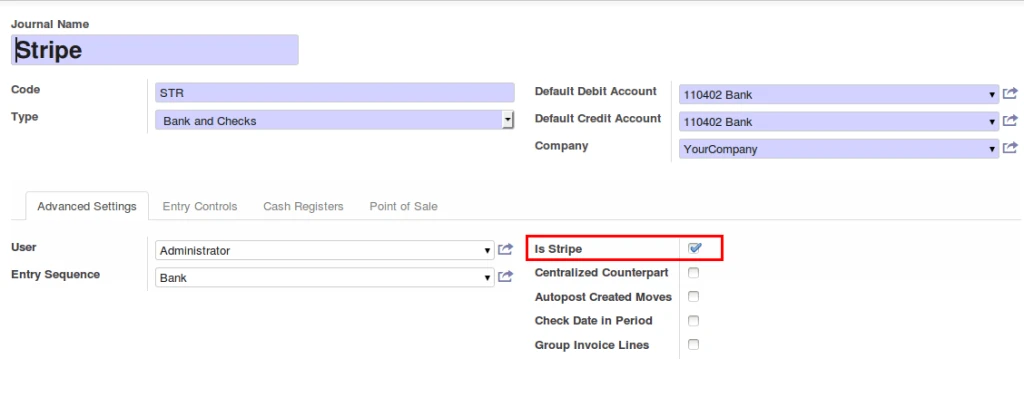
Added new field for processing on stripe server with accounting journals and differentiate with normal transactions.
Stripe Account Journal
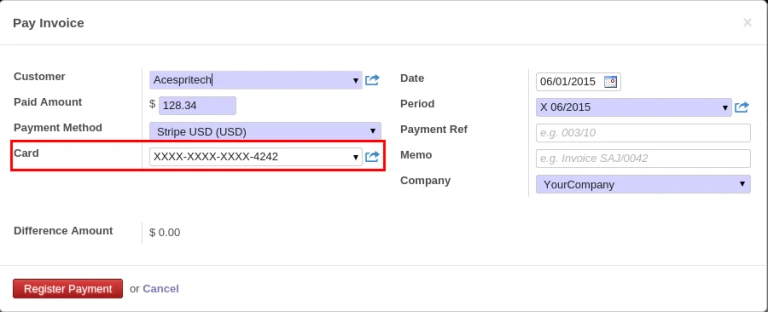
After invoice validation, during payment process in customer invoice, there will be Card selection field available.
Customer Payment
After successful transaction, it will appear on Stripe server as well as complete payment process in odoo.
Stripe Payment
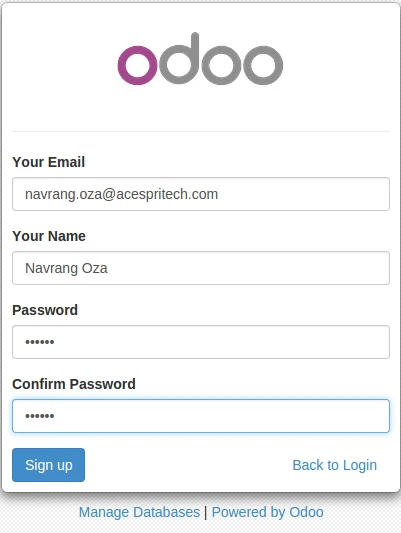
We have implemented Stripe functionality with Portal. Once we sign up by Odoo, it will create
customer and also register it on Stripe server automatically.
Odoo portal partner signupOdoo portal customer
For security purpose, Customer will easily registered their card on Stripe server and generate tokens.