How to use
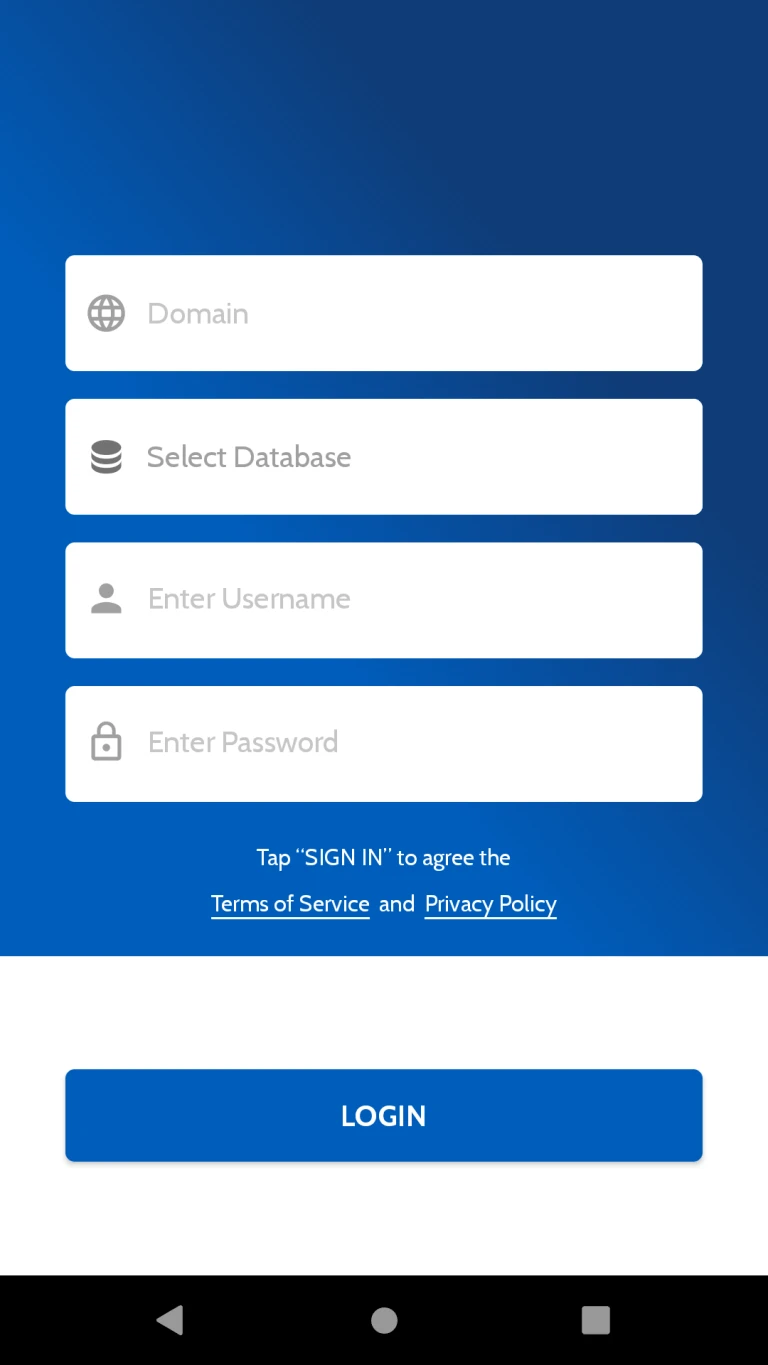
User can login in app with Self hosted URL, Username, Password and Database. Odoo V12 Enterprise Instance is required.
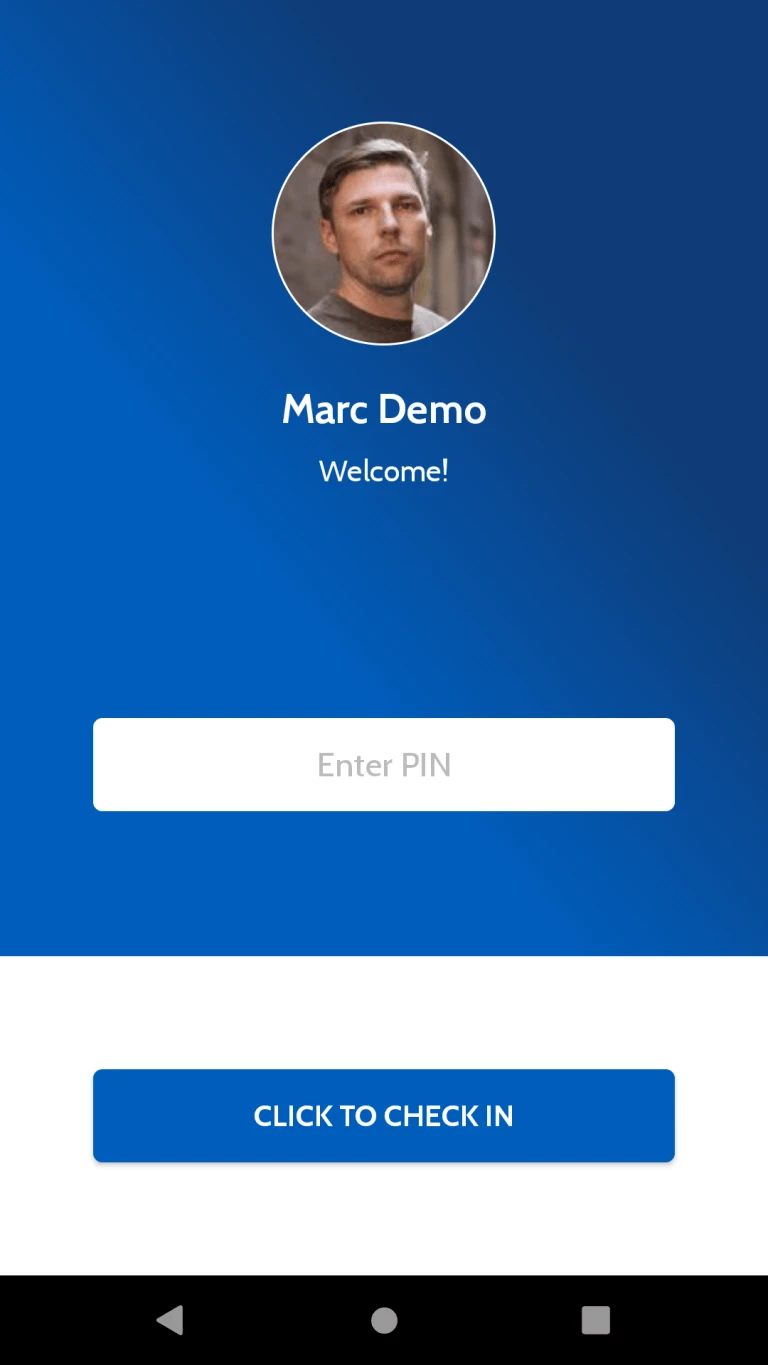
User can check in with PIN number into the Application. Attendance Entry will be calculated to server once user will check in from Application.
Once check in app will store user location latitude and longitude into odoo server.(Custom module is Required)
This page will show all Projects which are assigned to User.
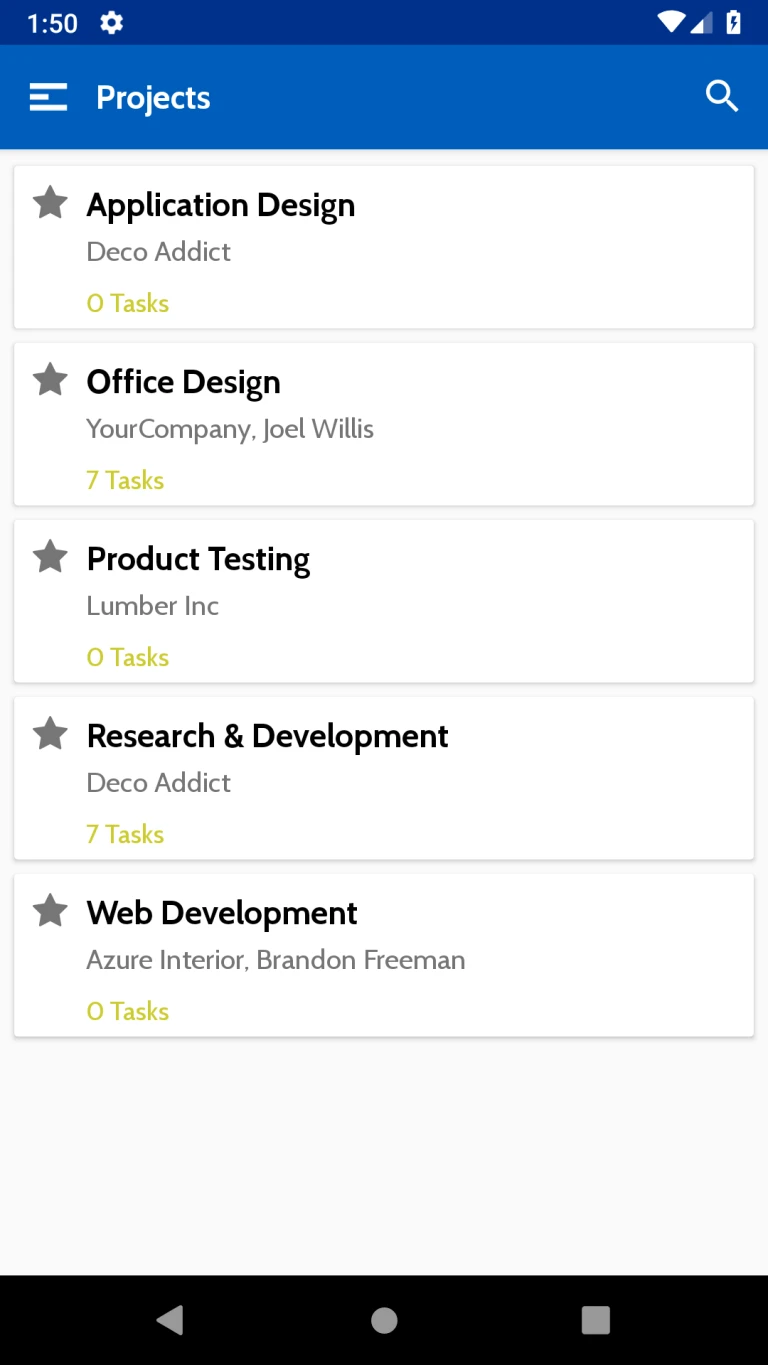
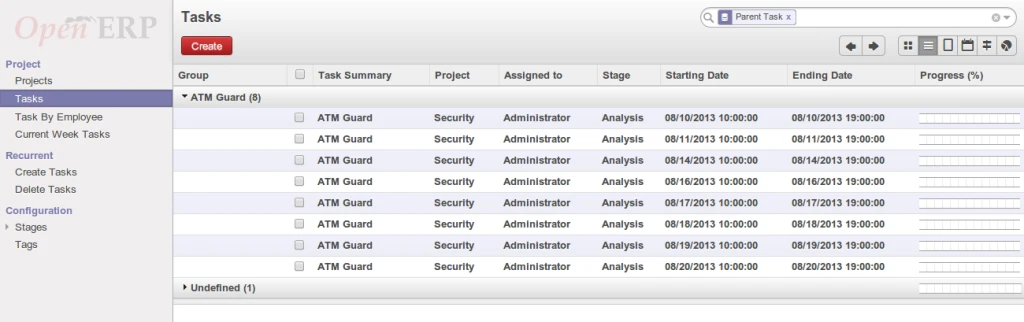
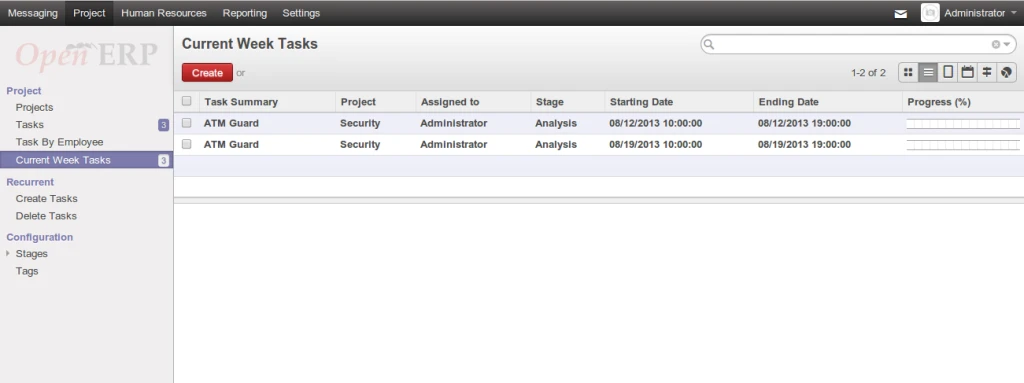
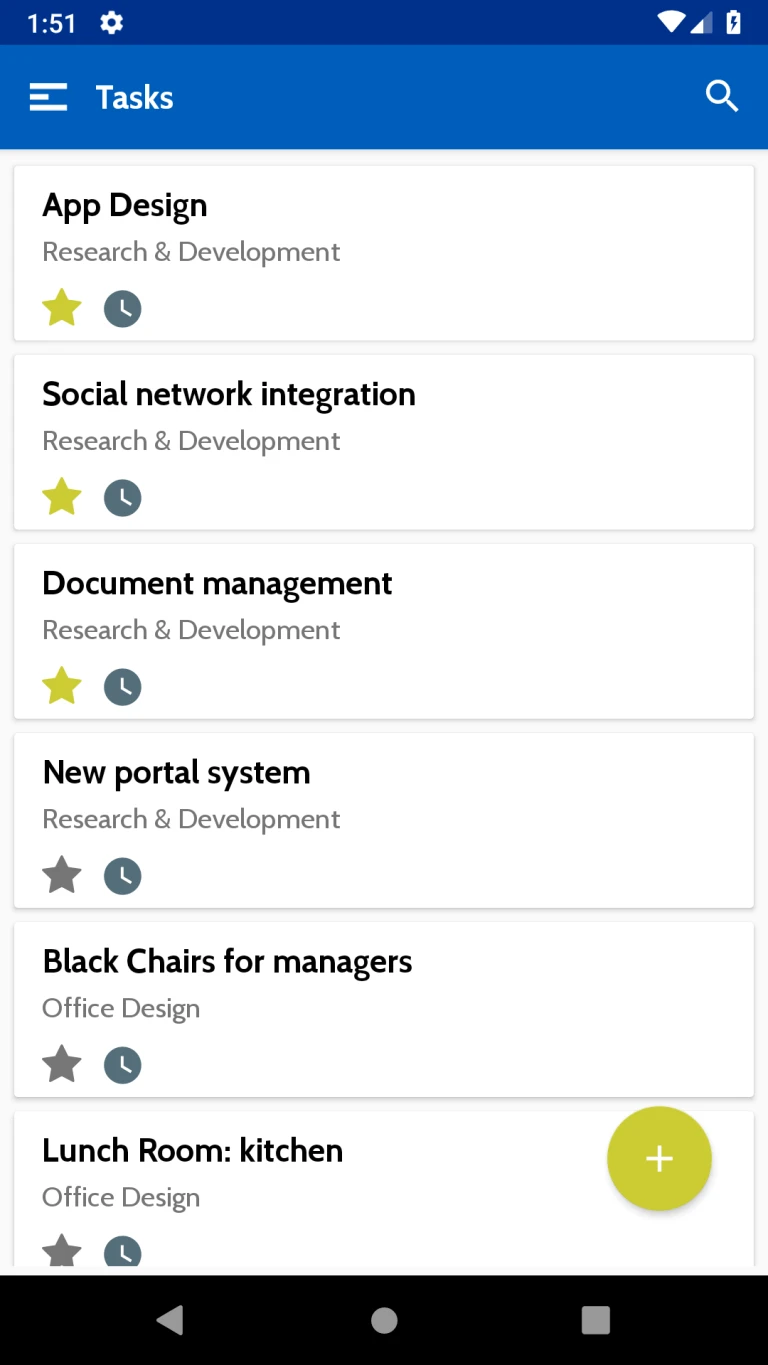
This page will show all Task which are assigned to User.
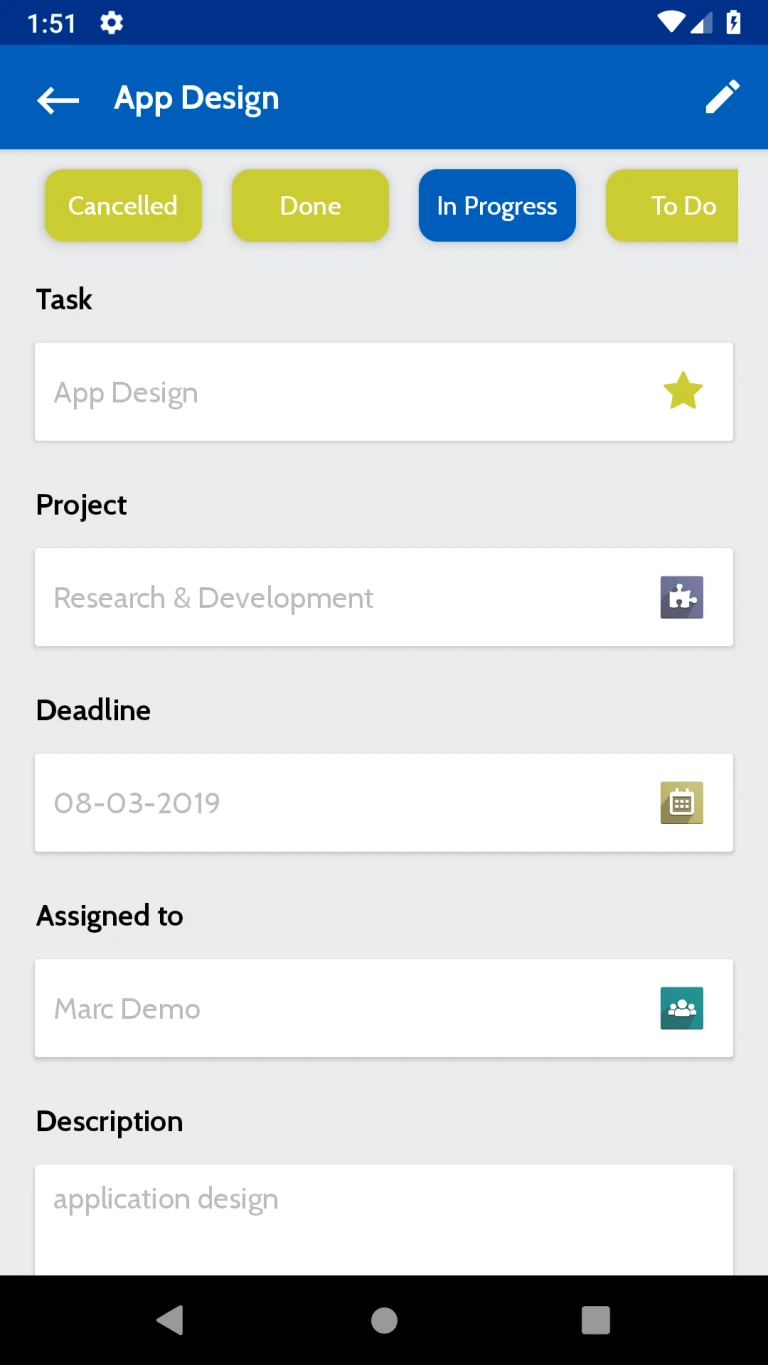
Here Task related infomation will be displayed. Like Task status, Related project, Deadline etc.
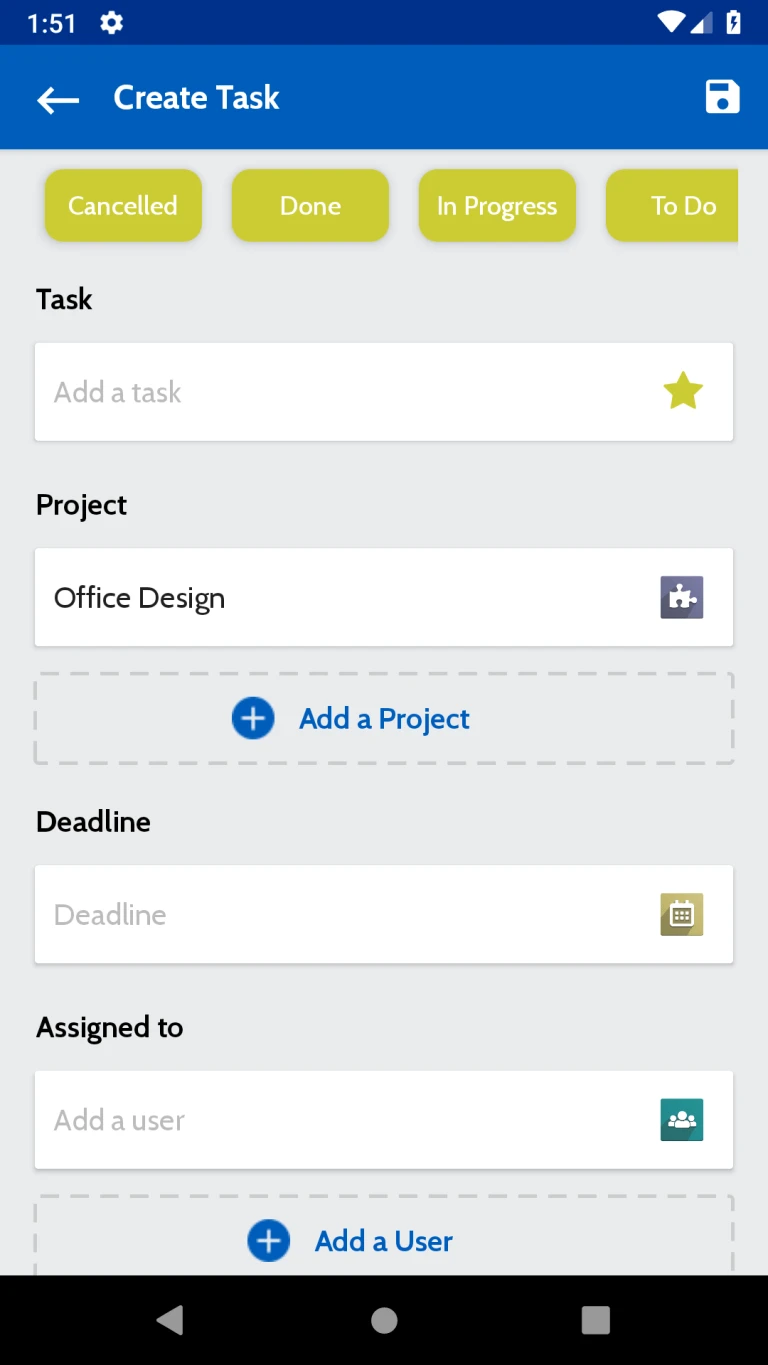
From here User can create new Tasks
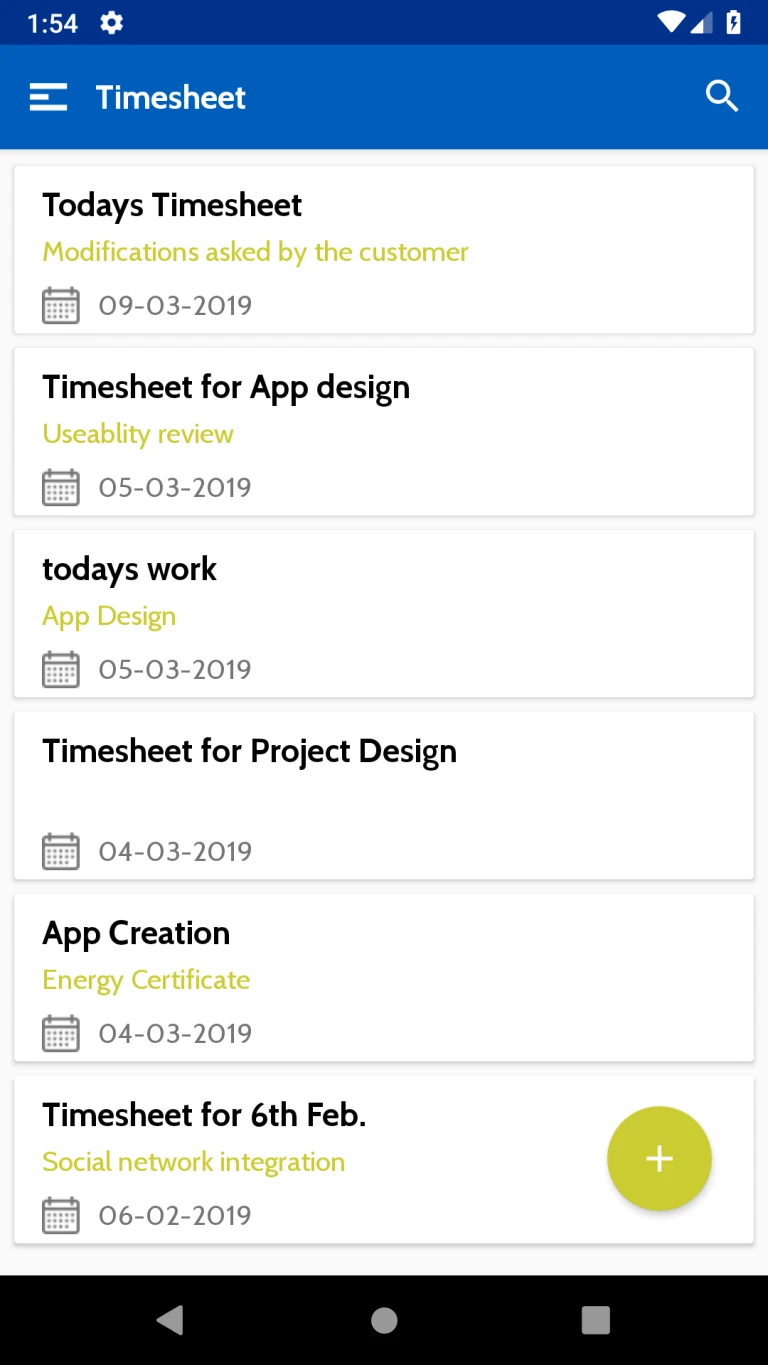
All timesheets related to user will be loaded in this page.
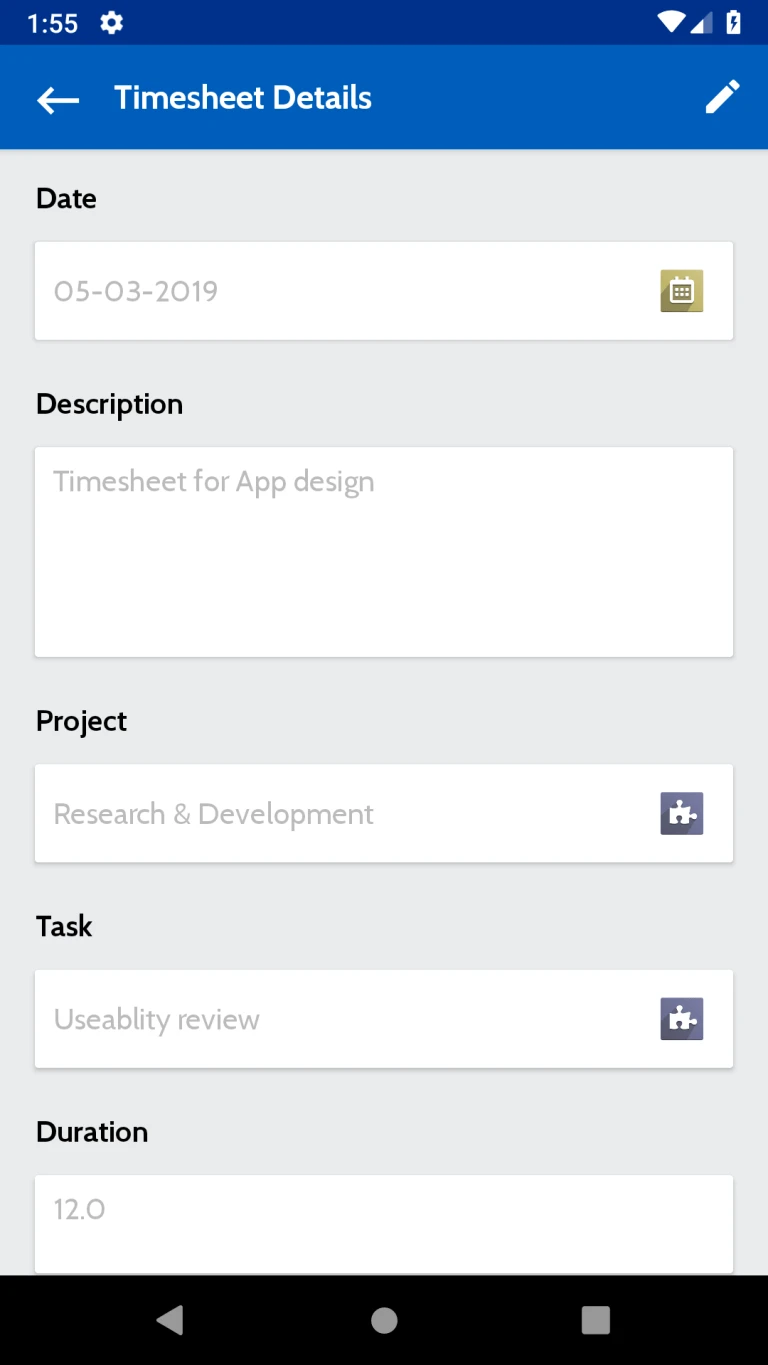
Details of the timesheet will be displayed in this page. Here user can view timesheet related information Like Date, Description, Project, Task etc.
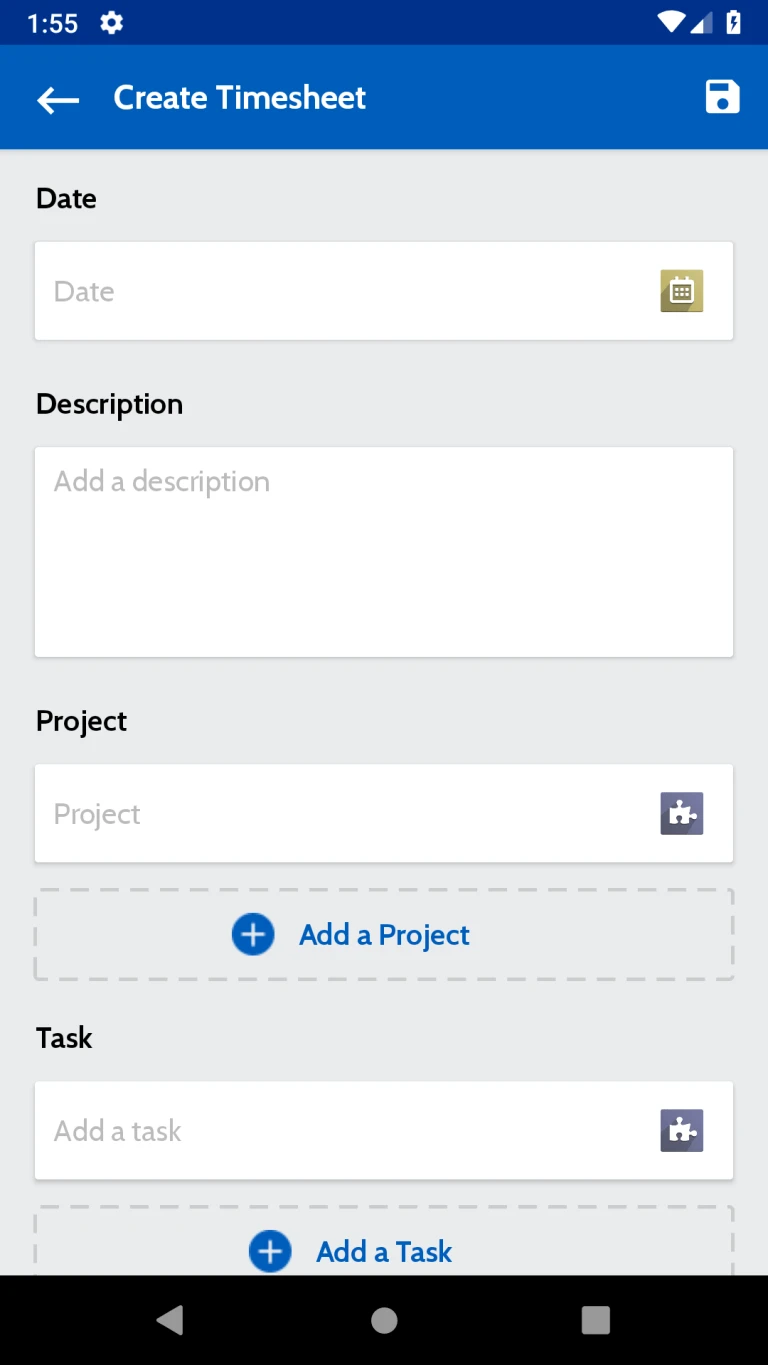
User can new create timesheet from here.
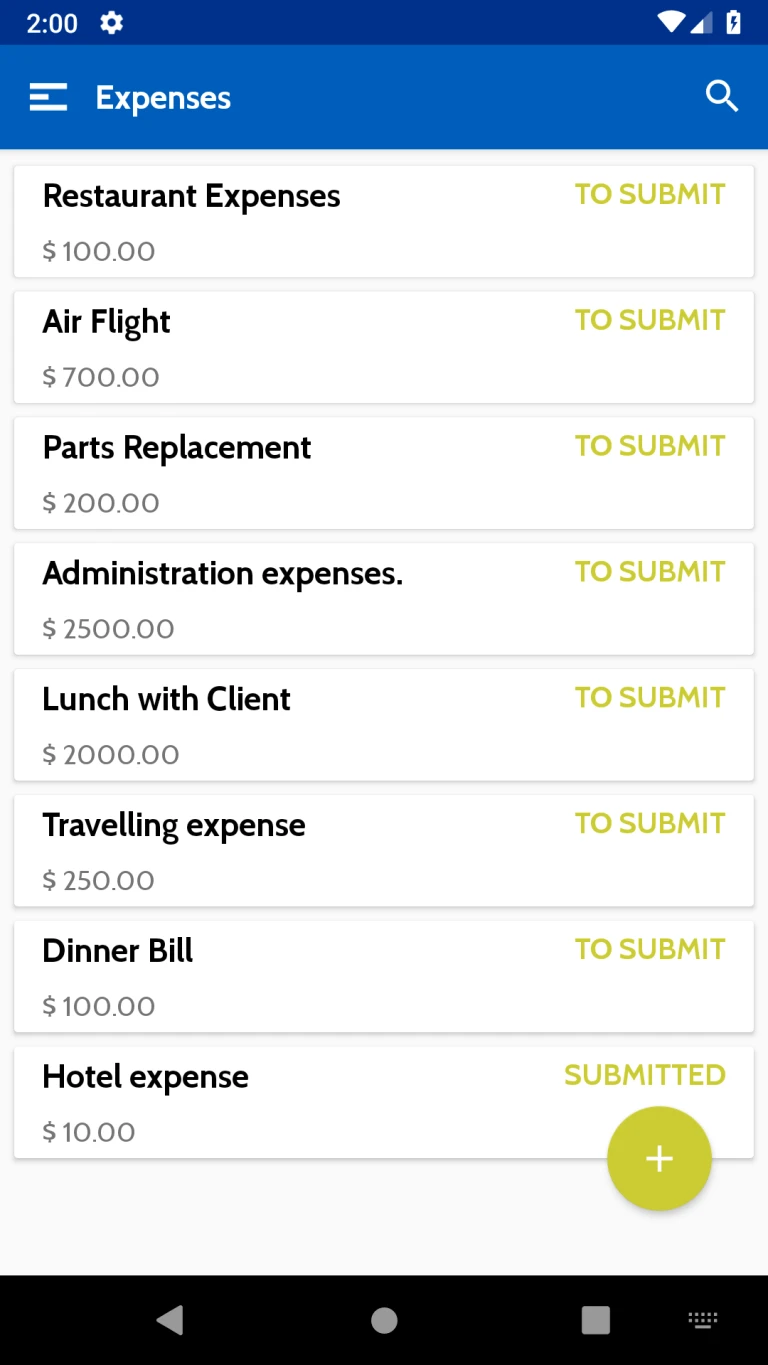
Employee Expenses will be displayed in this page.
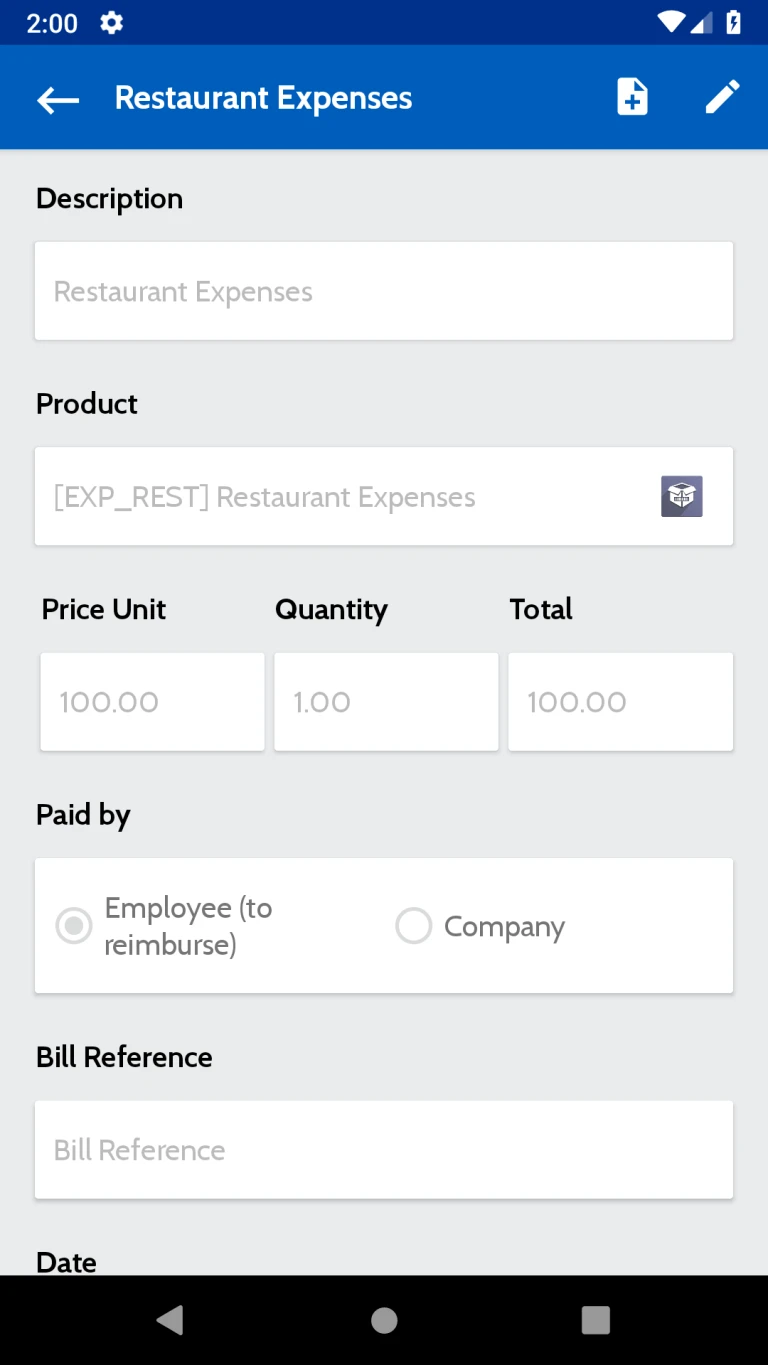
Details of the Expenses like Description, Products, Paid by etc will be displayed in this page. User can generate expense report from this page
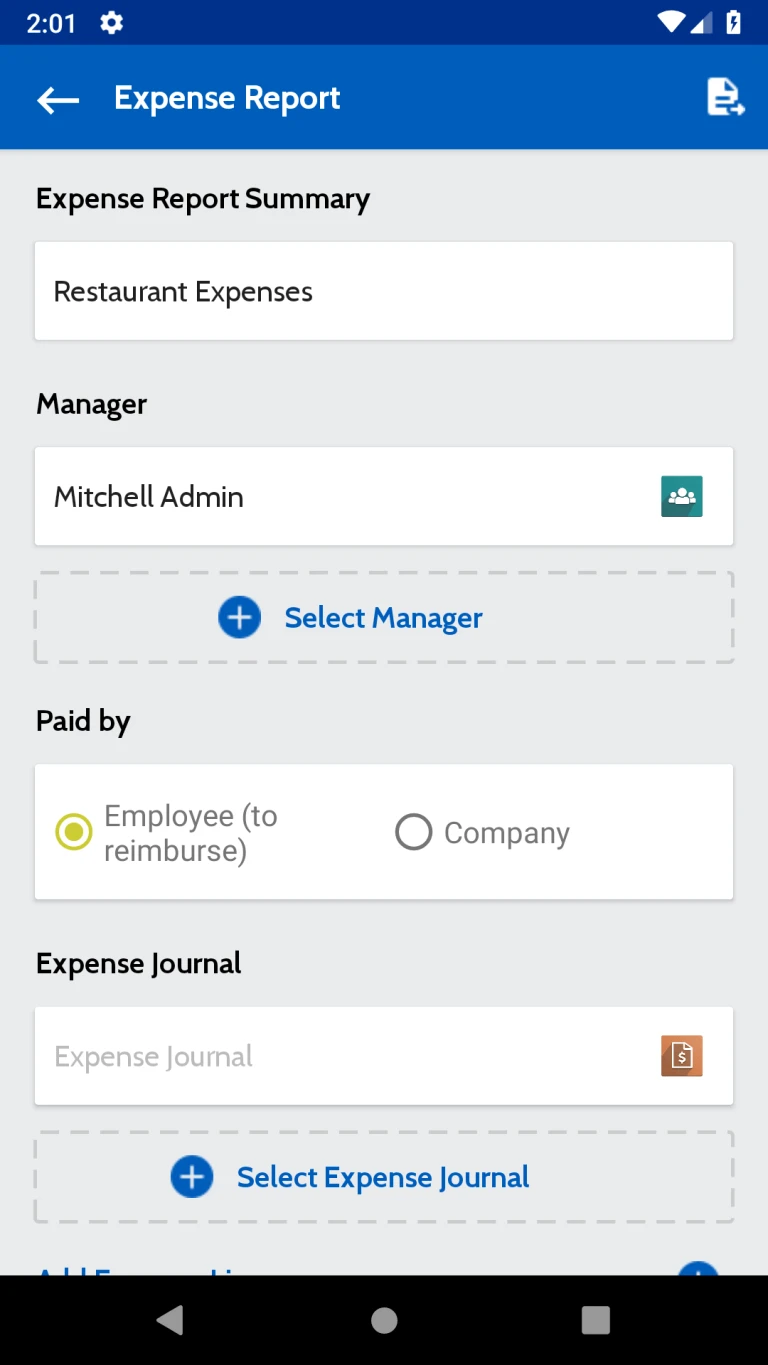
Expense report will be display in this page.
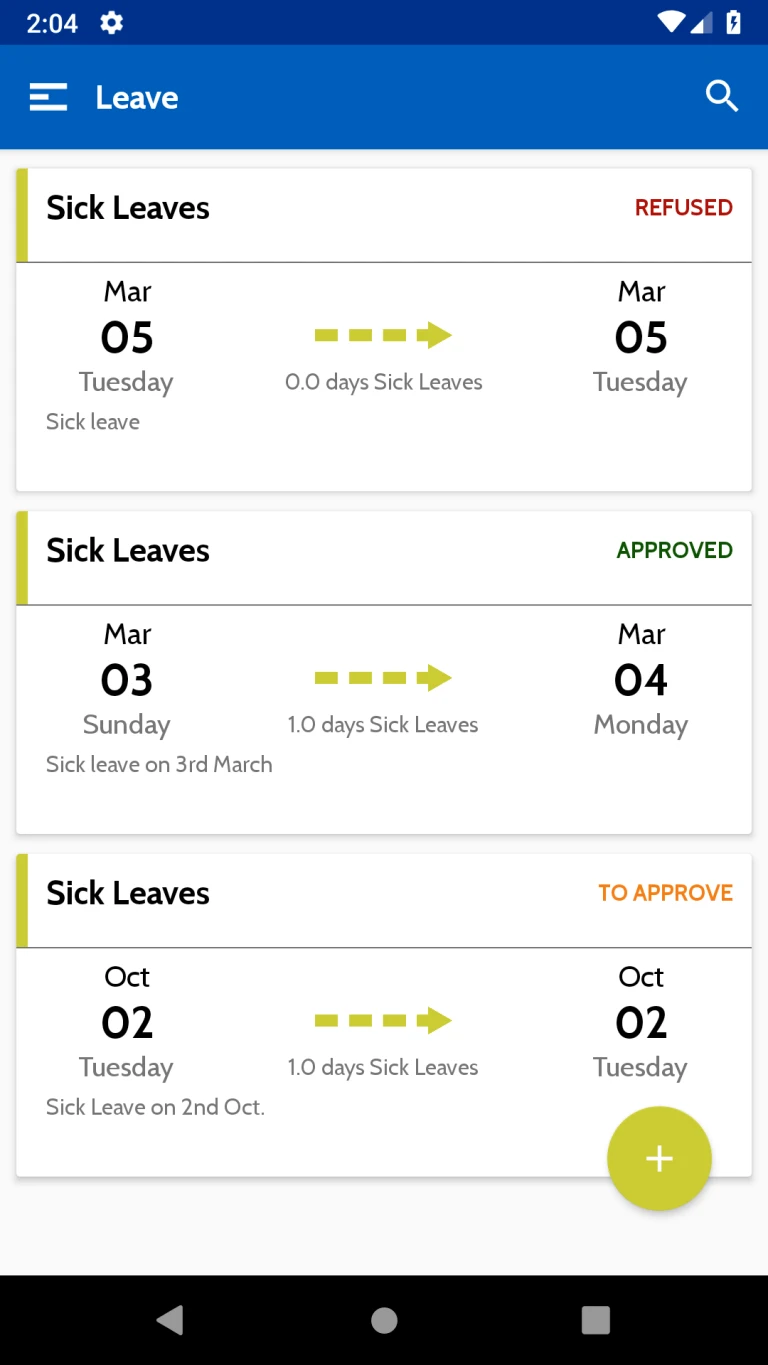
Here all requested leave from the User will be displayed.
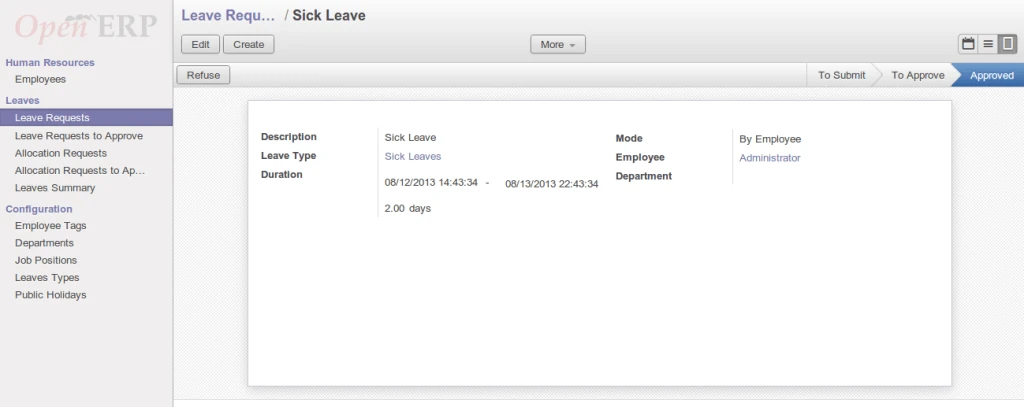
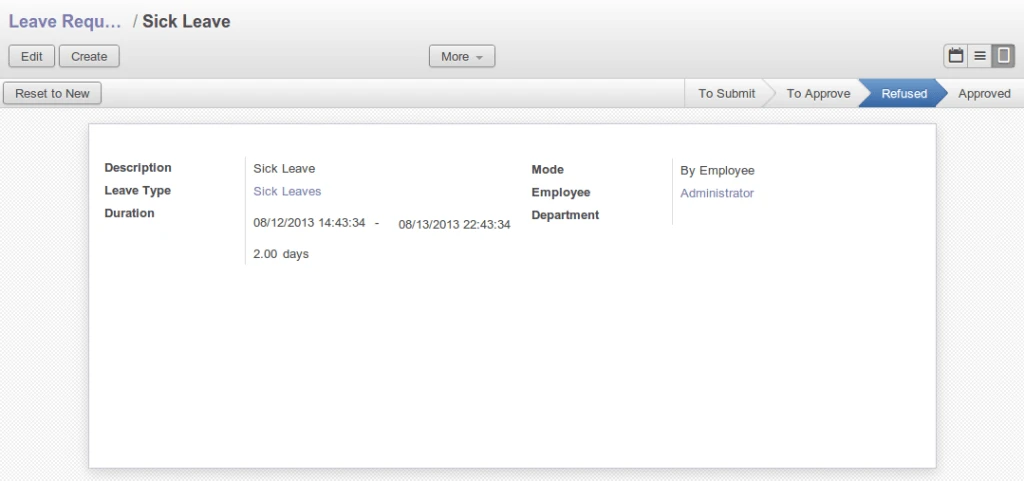
Detailed information of the Leave will be displayed in this page. Like Type of Leave, Duration, Leave description etc.

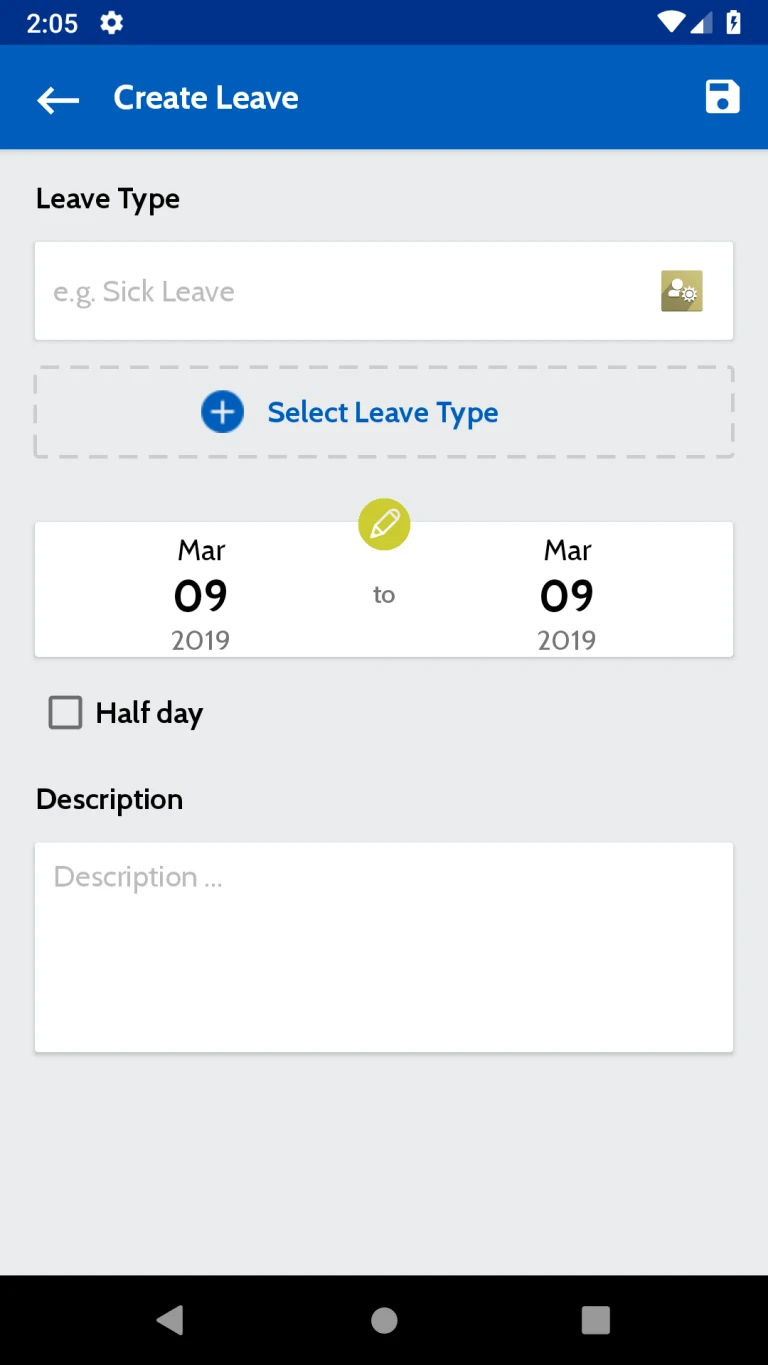
User can request for the Leave from this page
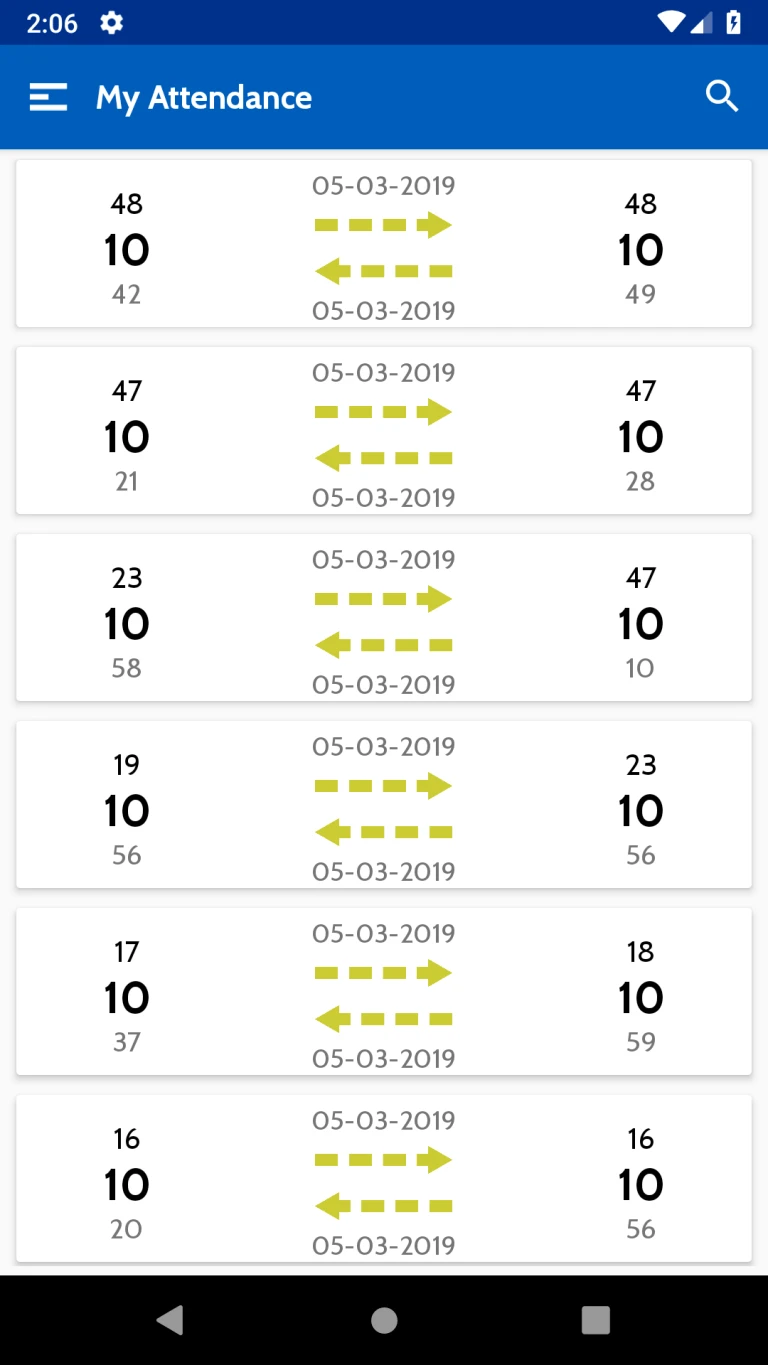
All Attendance record will be listed here. this list includes Attendance date, Sign-in time , Sign-out time etc.
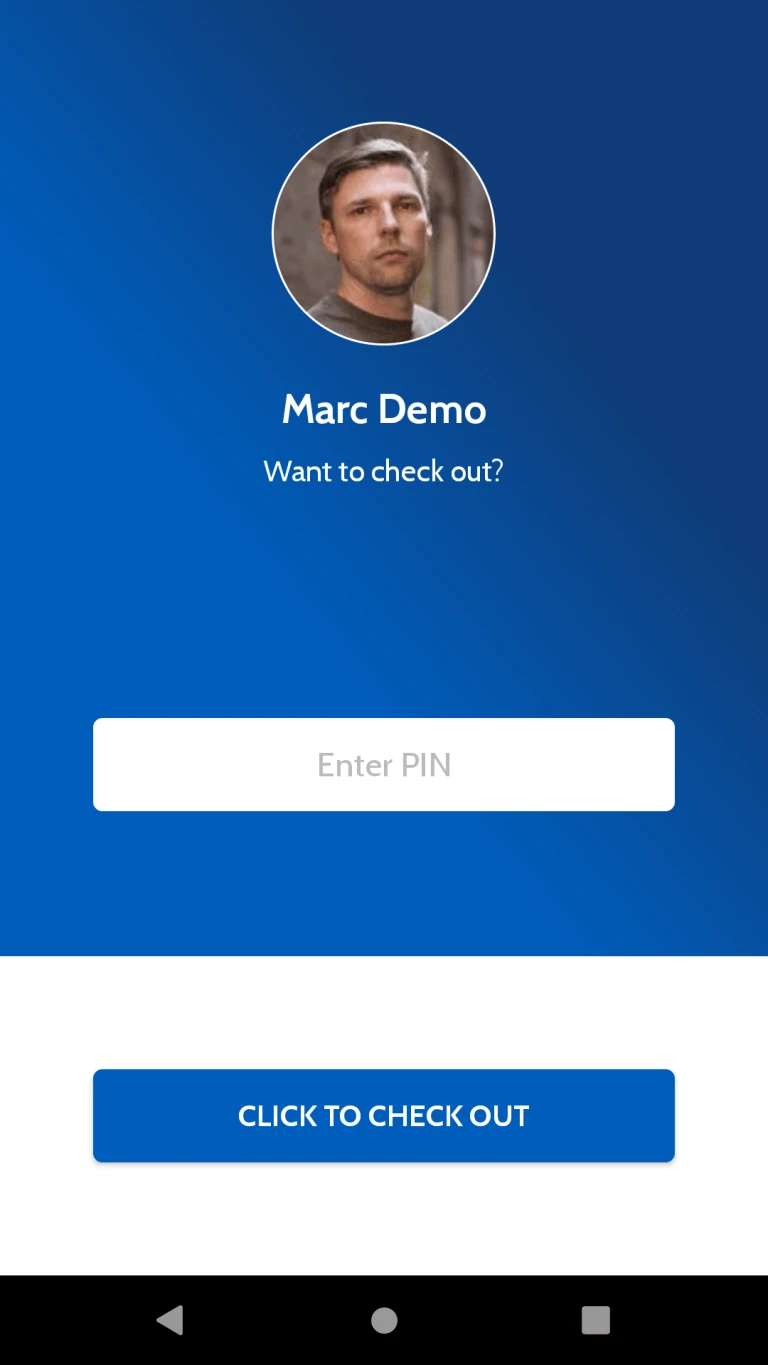
User can check out from Application using this page. Attendance Entry will be calculated to server once user will Check out from Application.