How to install OpenERP 6.1 and OpenERP 6.0 on Windows Vista and Windows 7 in 10 Minutes
Download Windows Auto-Installer from http://www.openerp.com/downloads/
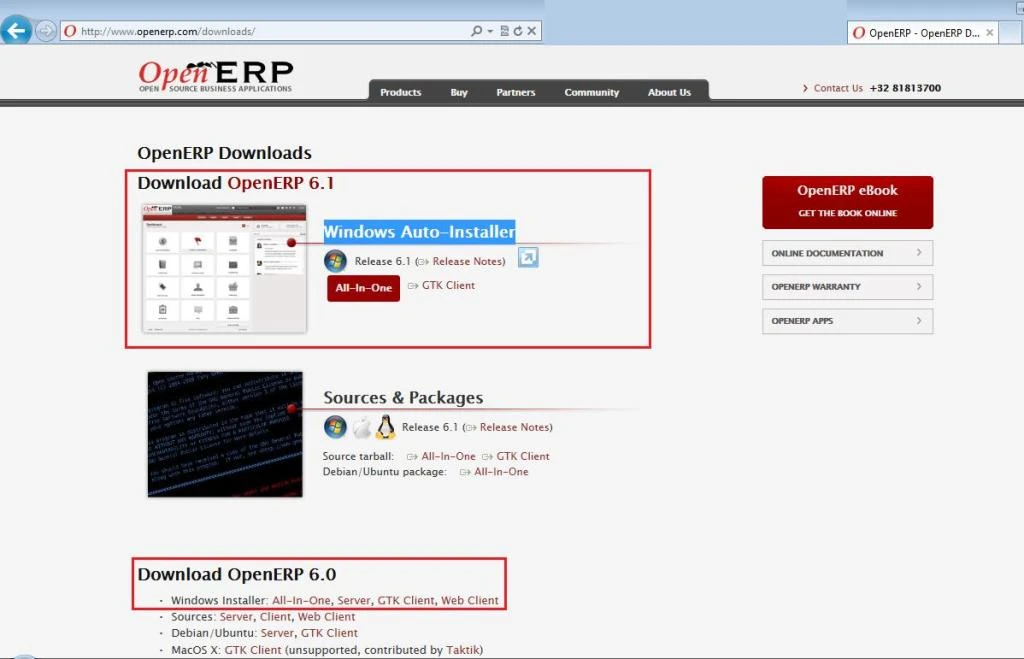
Click on the installer.
Select a language in which you want to install Open ERP.
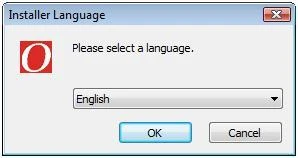
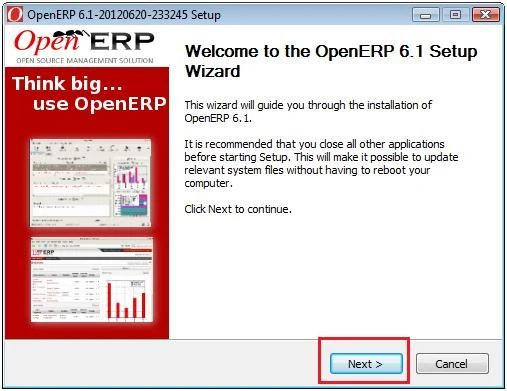
Click next in the following wizard.
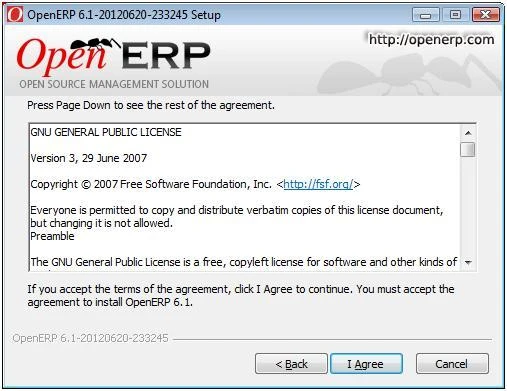
Accept the Terms of Agreement to install OpenERP 6.1 / 6.0
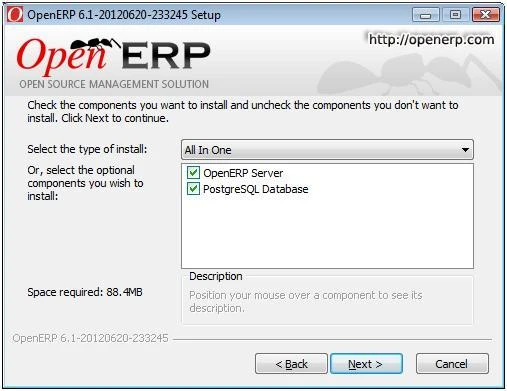
There are three types of installation are available to install OpenERP 6.1
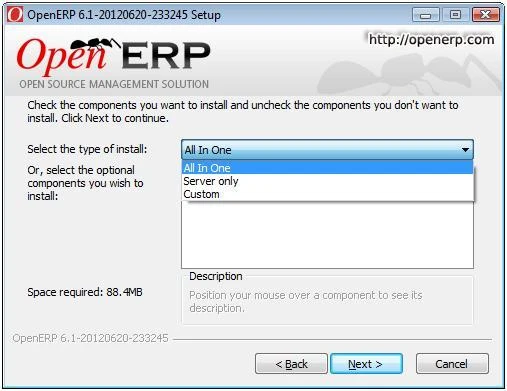
We select All in One installation.
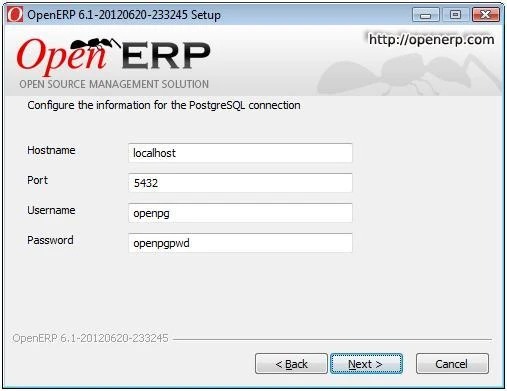
Keep the default values for Hostname, Port, Username and Password.
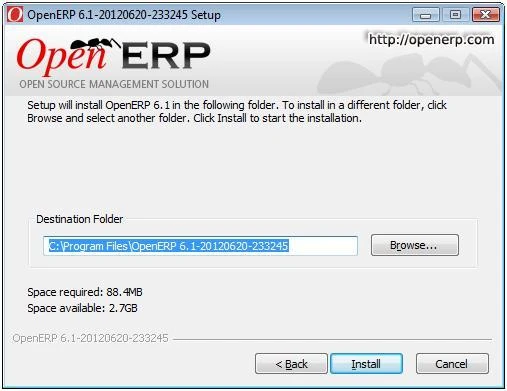
Select the destination folder where you want to keep all modules related to OpenERP 6.1 and click Install.
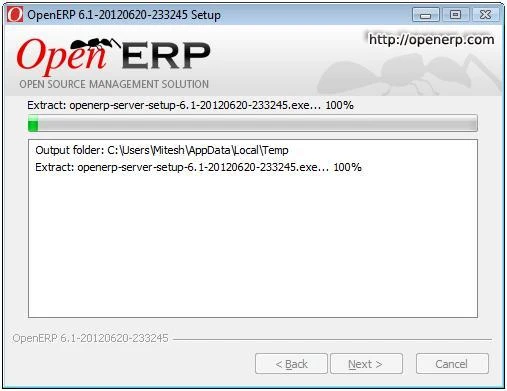
It will take 5-10 minutes to complete the installation.
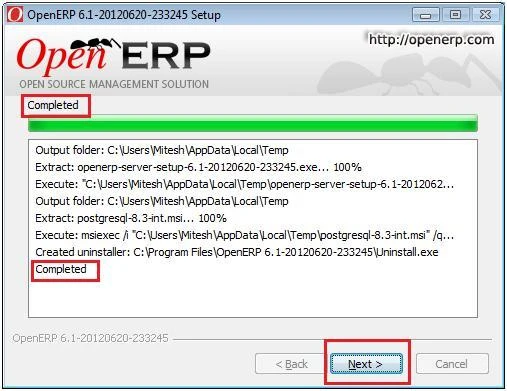
Finish the installation.
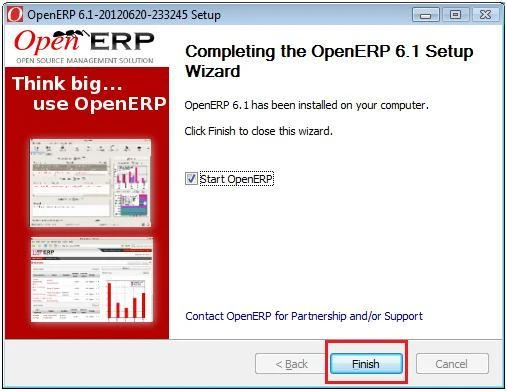
We are ready to go…
http://localhost:8069/web/webclient/home
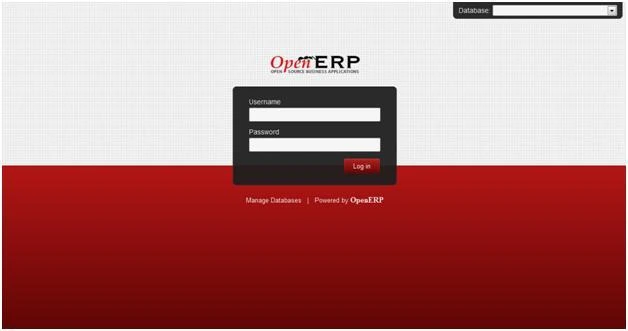
Done!!!
🙂
Related articles
- How to restrict OpenERP … ? (clean-clouds.com)
- Maintain log of Product sale price in OpenERP… (clean-clouds.com)