How to use
- Step 1: How to Generate a Private/Public Key pair
Xero Developer Documentation provide details - Step 2 : Login to Xero for create Private Application
Login to your Xero account at : https://login.xero.com/
After Login to Xero go to https://api.xero.com/
Select ‘My Apps’ tabs.
Click on New App button.
Under ‘Add new app’ select Private app then give ‘App name’ and select ‘Organization’.
Publick Key: You have to upload your certificate file.
Accept terms and conditions and Create App.
We get “App Credentials” ‘Consumer Key’ and ‘Consumer Secret’. - Step 3 : Woocommerce configuration page setting
Log into your wordpress site admin panel go to Xero Integration.
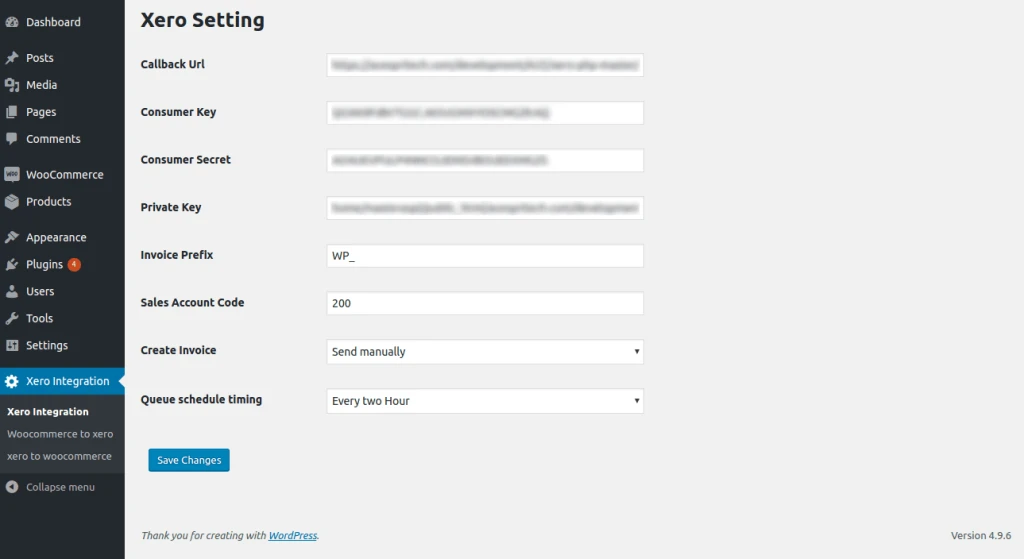
Xero Setting : Add configuration details.
Integration process need to configure Consumer Key and Consumer Secret also upload certificate File path.
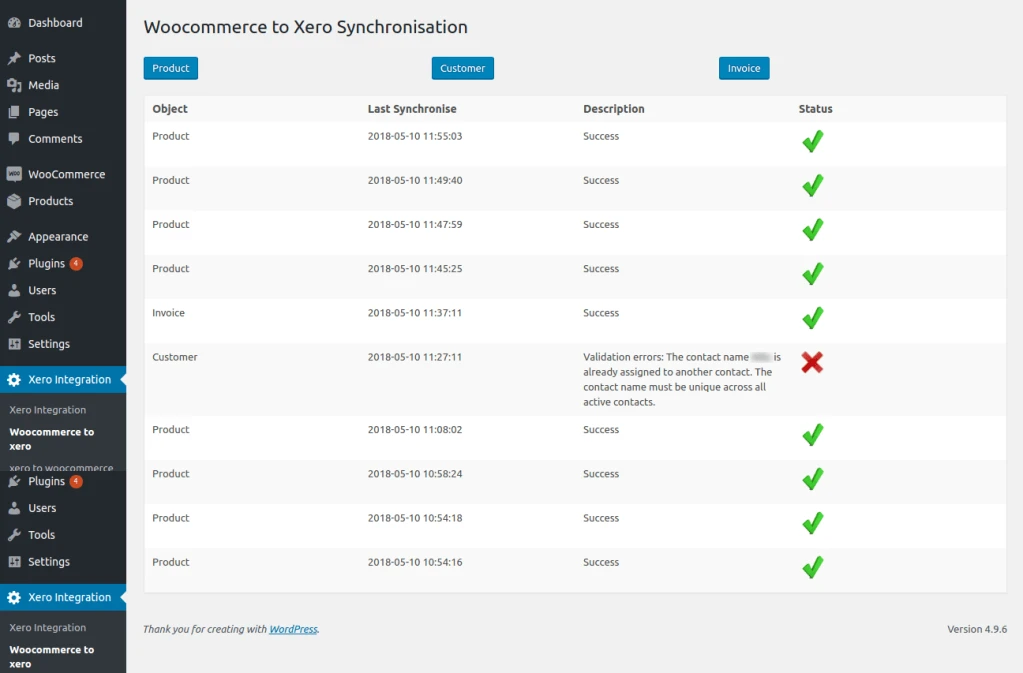
Woocommerce to Xero product , customer and invoice synchronization.
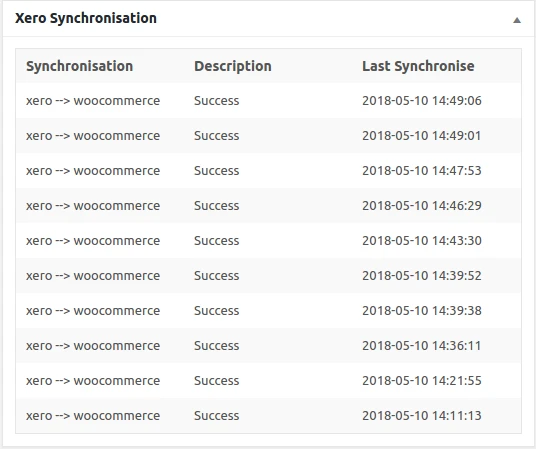
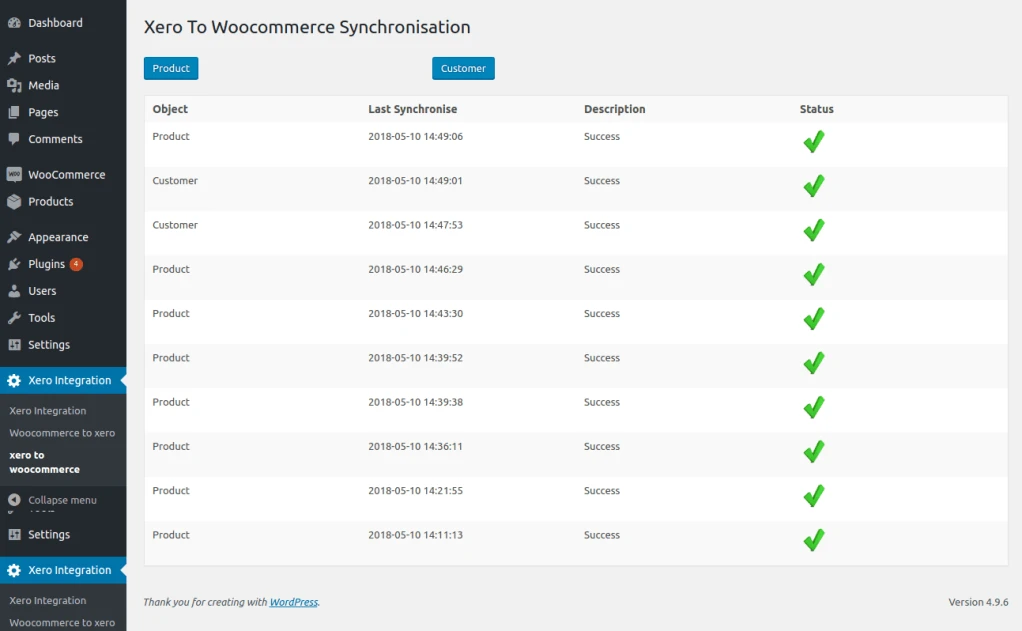
Show history of last synchronization details.
Xero to Woocommerce product and customer synchronization.
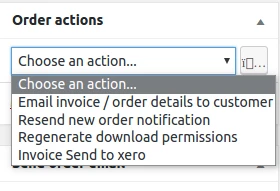
In admin Woocommerce order details page add action ‘ Invoice sent to Xero’ for manually sent invoice to Xero.
In admin dashboard see synchronization history.