Daily Archives: August 6, 2015
Odoo Point of Sale – Create Sales Order with Signature
We have already created this feature before to create sales order from point of sale, but in this module we have done enhancement. Lets have look. Here is default Odoo point of sale screen.
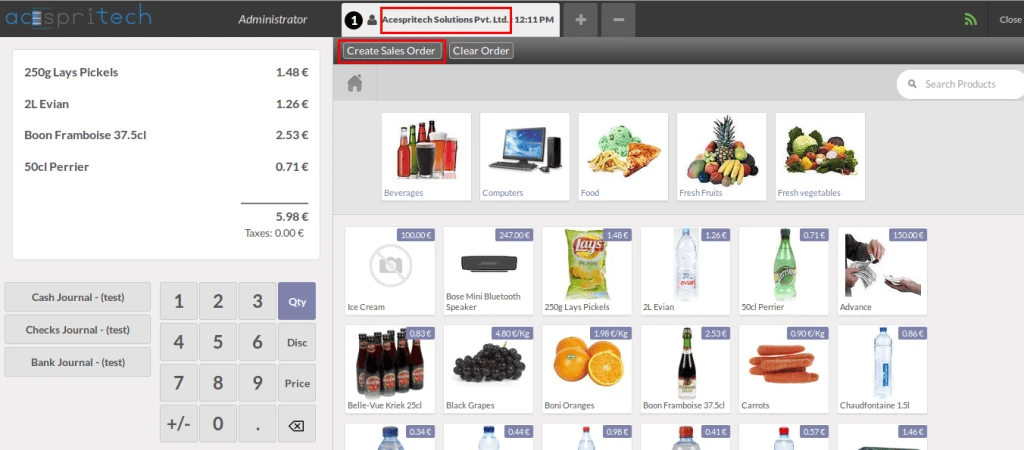
Odoo Point of Sale Screen
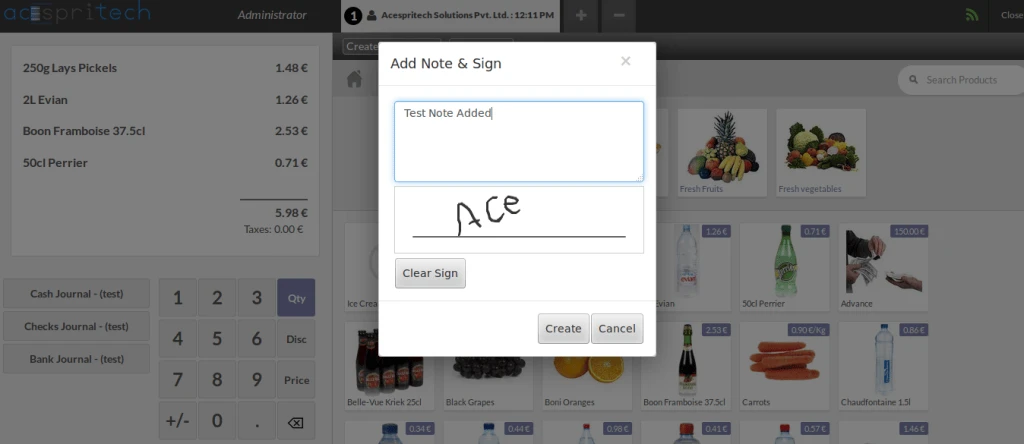
After assigning customer and product selection, when we click on “Create Sales Order” button, then following screen will open to add any note and sing box for customer.
Sign from Odoo POS
After note and signed by customer, when we click on Create, then Sales Order will be created like below screen with popup.
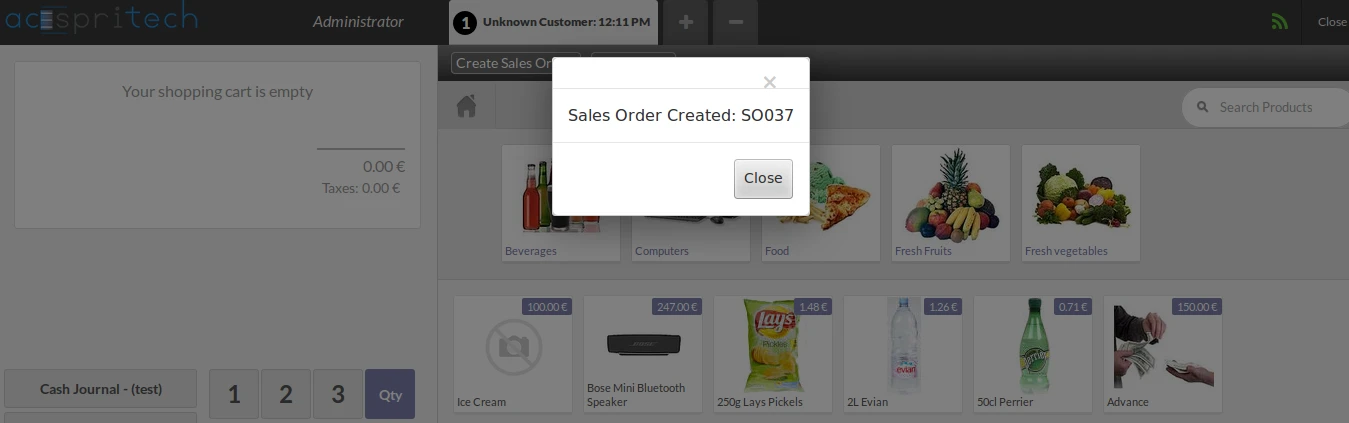
Create SO from POS with Signature
Here is the SO created from POS with signature visible.
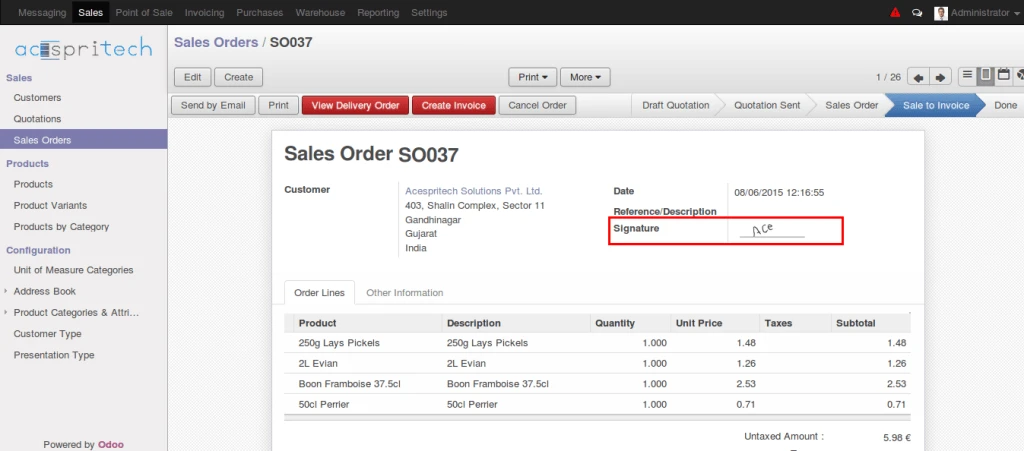
SO Created from Odoo POS
And the same signature is available in Sales Order report also.
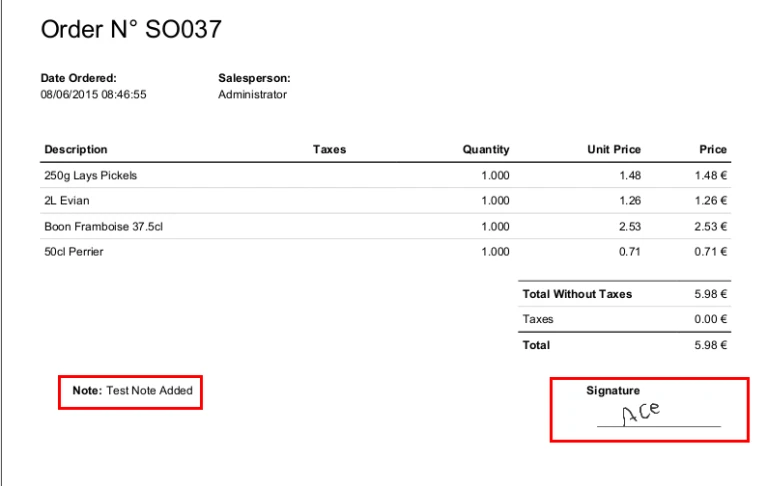
Odoo Sales report with signature from POS


