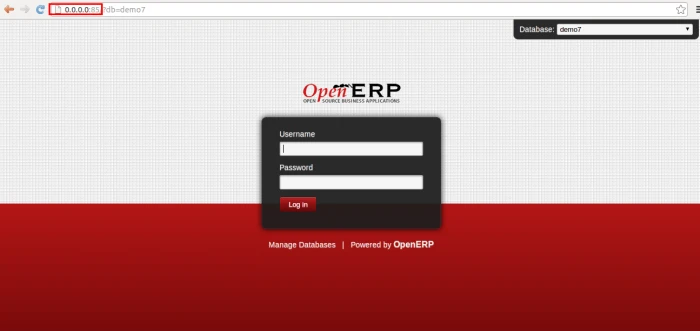
NGINX (engine x) is an open source web server and a reverse proxy server for HTTP, SMTP, POP3, and IMAP protocols.
Gunicorn ‘Green Unicorn’ is a Python WSGI HTTP Server for UNIX.
Lets configure OpenERP with NGINX and GUNICORN.
To start with installing NGINX.
sudo apt-get install nginx
It is also running on default port 80.
Now lets install Gunicorn by following command.
sudo apt-get install gunicorn
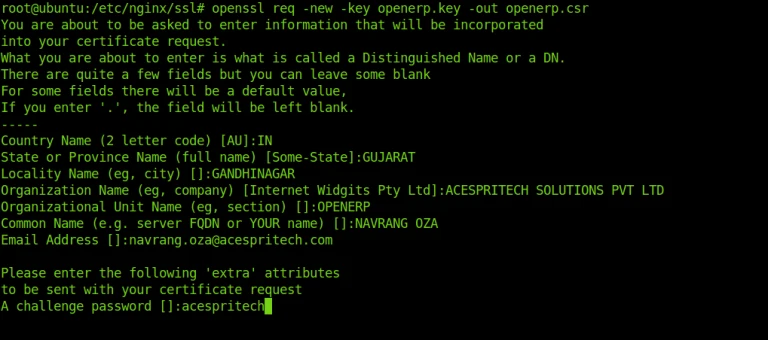
Now we have to create Certificate and SSL Key.
It will asked user to input passphrase.

You can remove passphrase by performing following actions:

Now generate certificate and signed it.

Create site configuration file for NGINX.
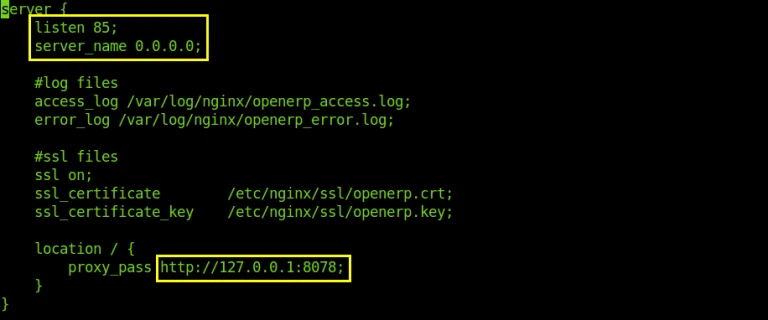
Creating this symbolic link : /etc/nginx/sites-enabled
sudo ln -s /etc/nginx/sites-available/openerp /etc/nginx/sites-enabled/openerp
After that restart nginx:
sudo service nginx restart
Require changes for gunicorn. You can find file on this path : /server/openerp-wsgi.py
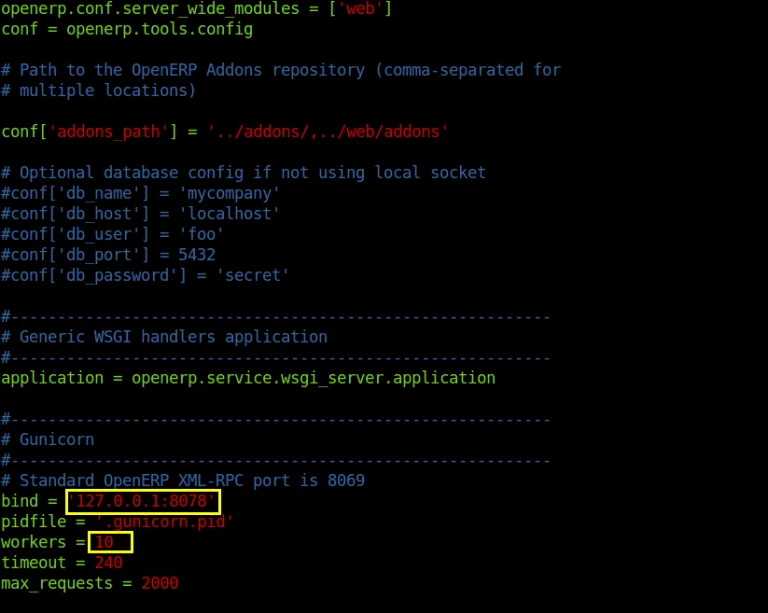
bind: OpenERP address with port
workers: No. of instance required to create
Now start OpenERP with Gunicorn.
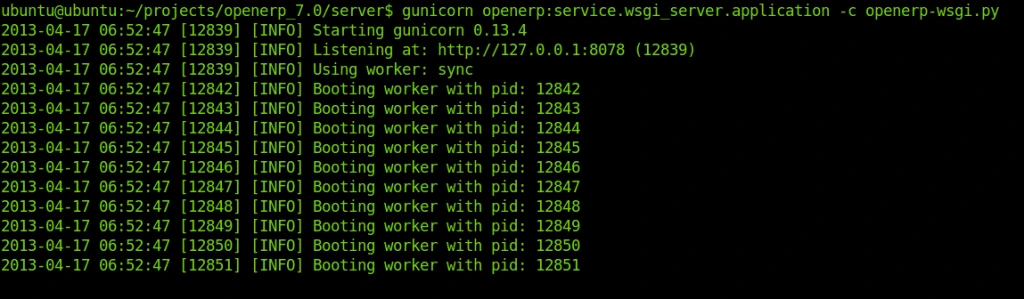
You can see no. of process execution.
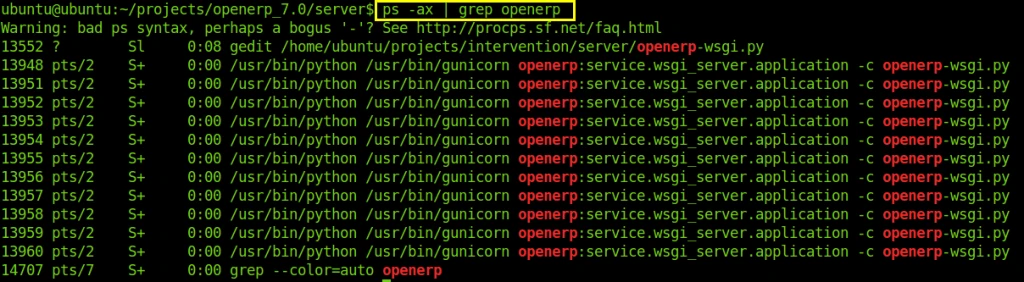
Now, you are able to access OpenERP with GUNICORN and NGINX.