Here we are discussing about a common currency problem which we are facing many times.
We are installing OpenERP, creating database and install modules as per your requirement. During this process we have to select currency which will be used in all our database calculations but let say if we forgot to select right one then it may affects in our daily calculations. By default, OpenERP configure ‘EUR’ currency for database and your company has different currency at that time this solution will work.
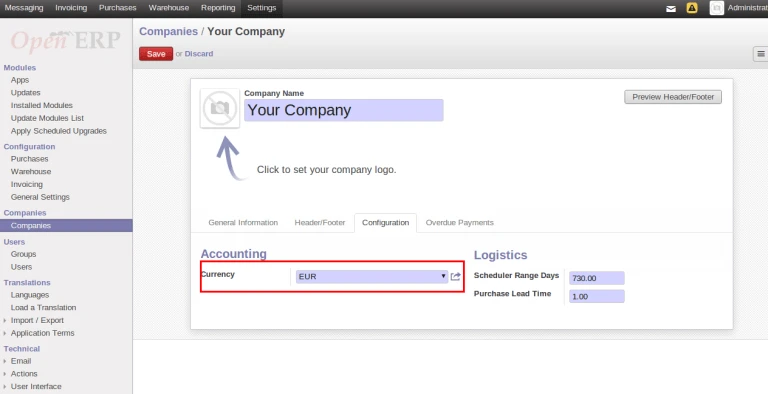
Let’s check into our database what is by default stored in OpenERP table.

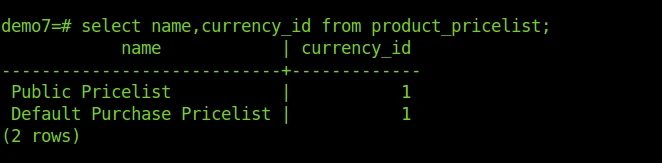
Currency ID is stored in Pricelist Table.
In case if we want to change currency, we have to open company form and change it.
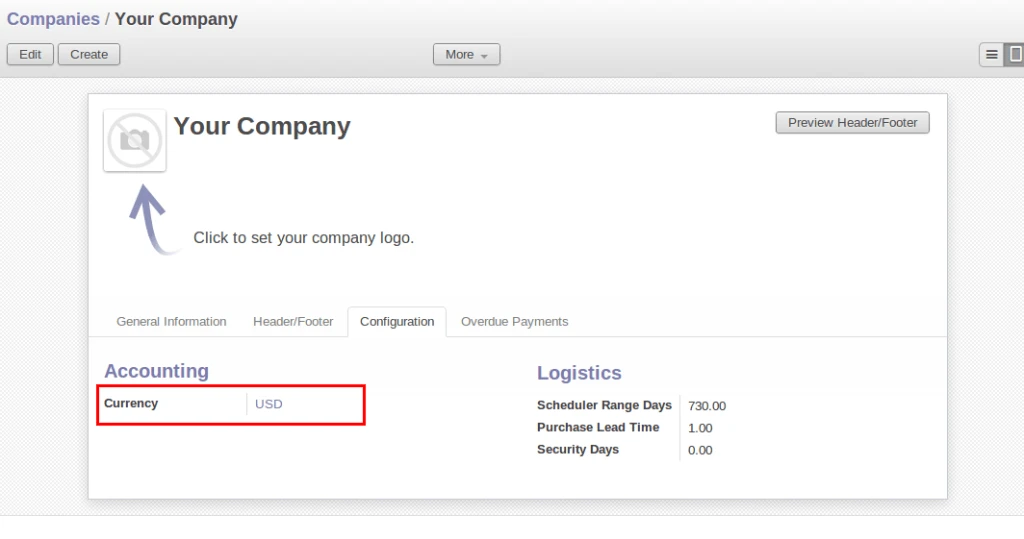

Once we save above form, we can execute query on pricelist table and we can see that there is no change.
We have developed a module to overcome from this problem.
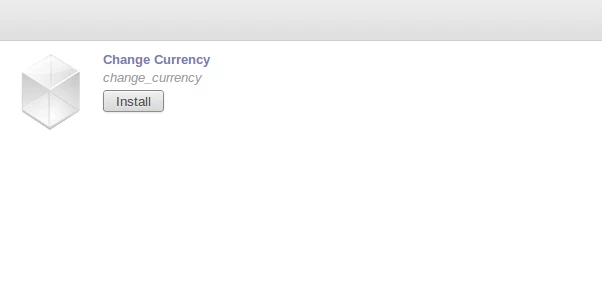
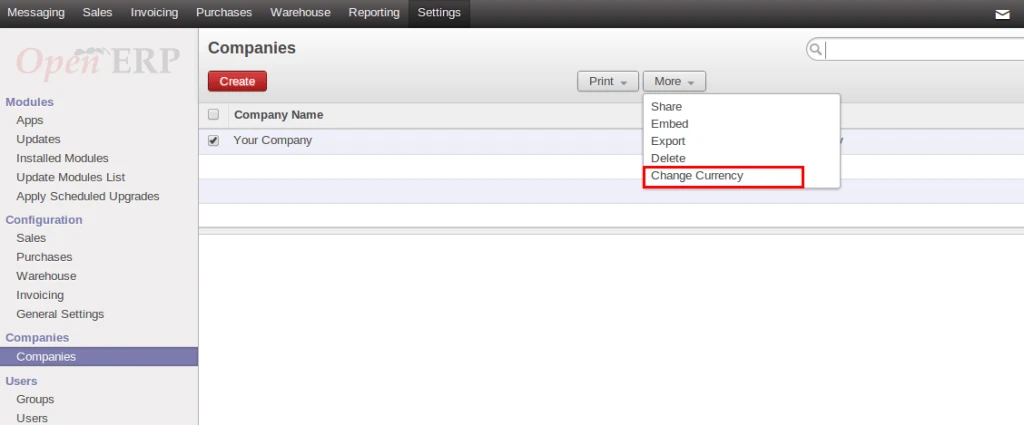
After installing module, we can see there is an option into company form to change currency globally.
There are 2 values in option field: (1) Selected Company (2) All Companies
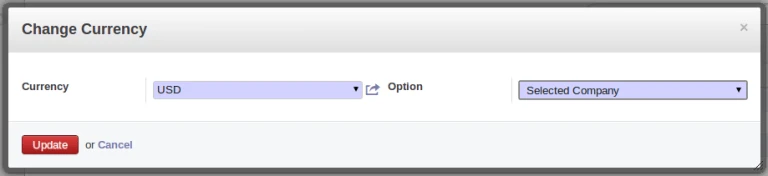
After executing this process, we can check that changes have been affected in our database also.

With the help of this solution, we can update currency in our database.
Download Link: https://github.com/acespritech/change_currency