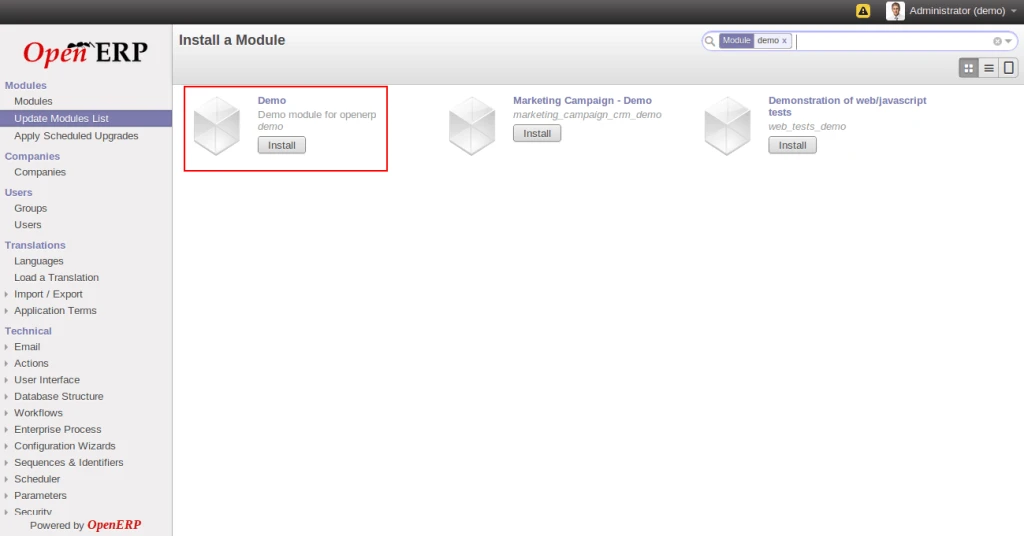
As we all know that OpenERP 7.0 is near to release soon and all are waiting to use in their live business. We are trying to make people aware that how to install new module in this new version. We found some extra steps which are require to install new module which is different than OpenERP 6.1 version so just sharing with you all guys. We have created a Demo module and put that into addons directory.
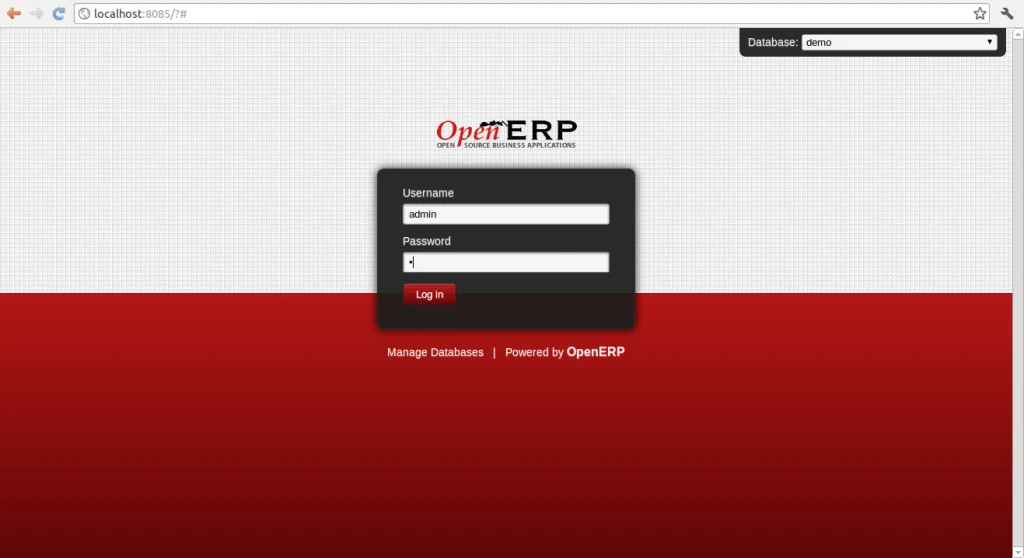
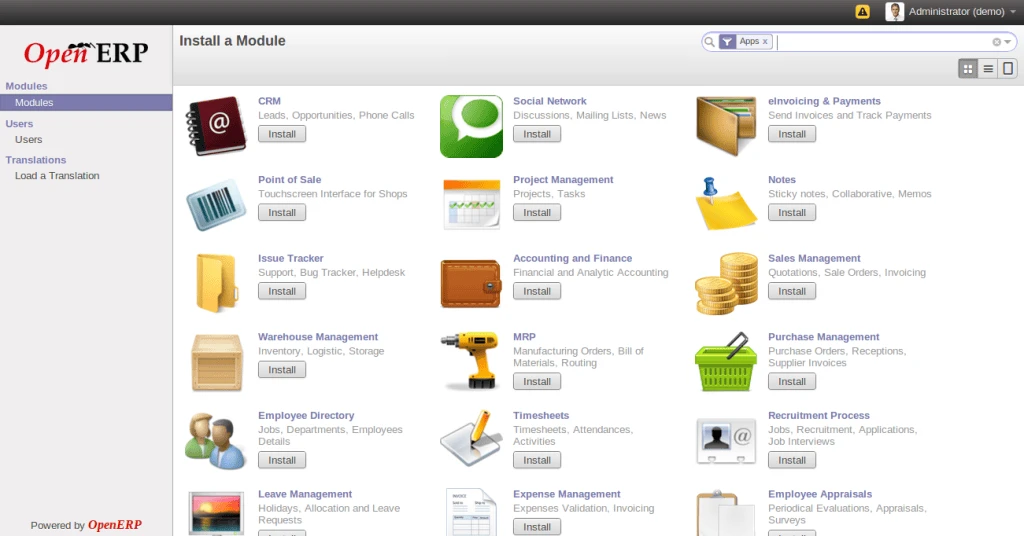
Now as we can see, by default there are very less menus available at left sidebar and you won’t find ‘Update Module List’ which is there in OpenERP 6.1 by default.
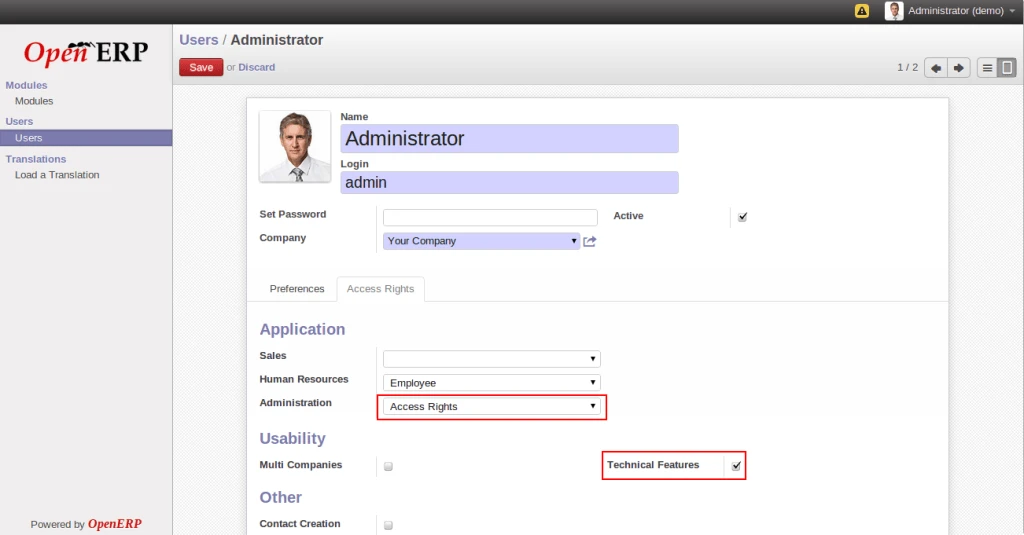
Now lets do some small changes to see all other configuration options in left side menu list. First go to ‘Users’ menu and select ‘Administrator’ and click on ‘Edit’ button. Now change the value of ‘Administration’ field to Acess Rights and make Technical Features checkbox True. Now save record and reload again. It should display all other menus in the list. If you are not able to see all menus, you may have to re-login into the webclient.
After performing above steps, you can see all menus at left sidebar as shown in following screen.
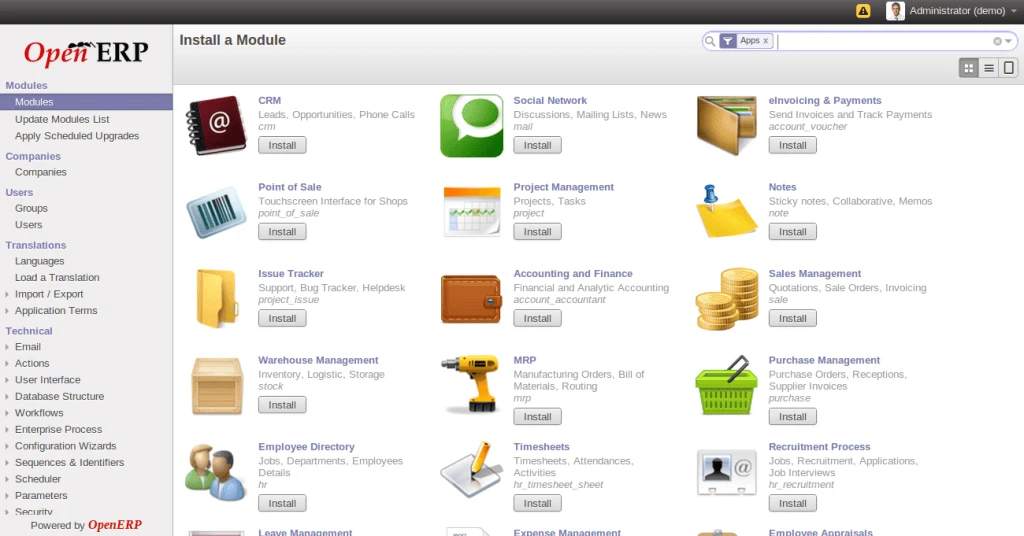
Now according to older version, click on ‘Update Module List’ and follow the instructions.
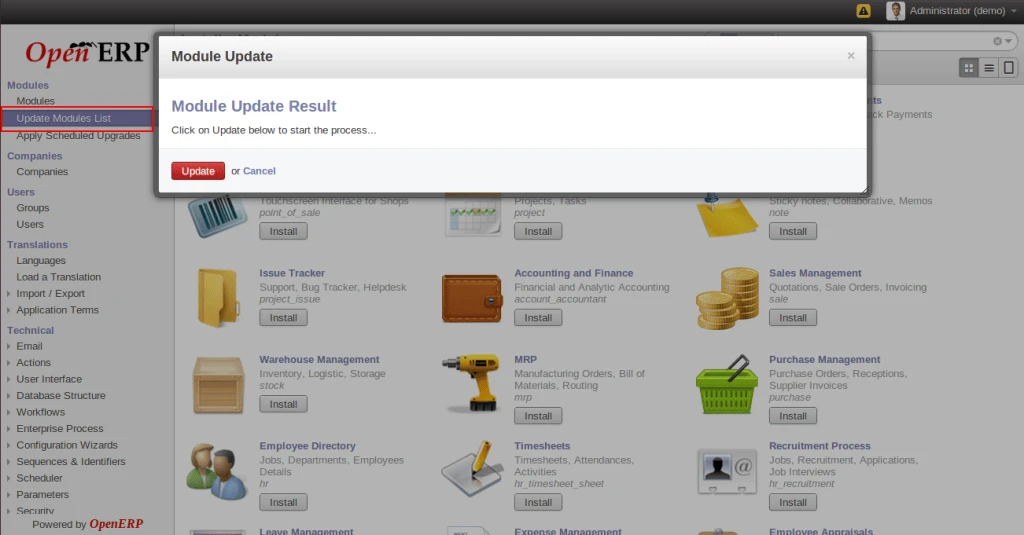
Finally, you will get your new module in the list.