In our routine business life, sometimes it requires to generate some documents automatically. OpenERP has a great module for that kind of requirement and that is ‘Subscription’.
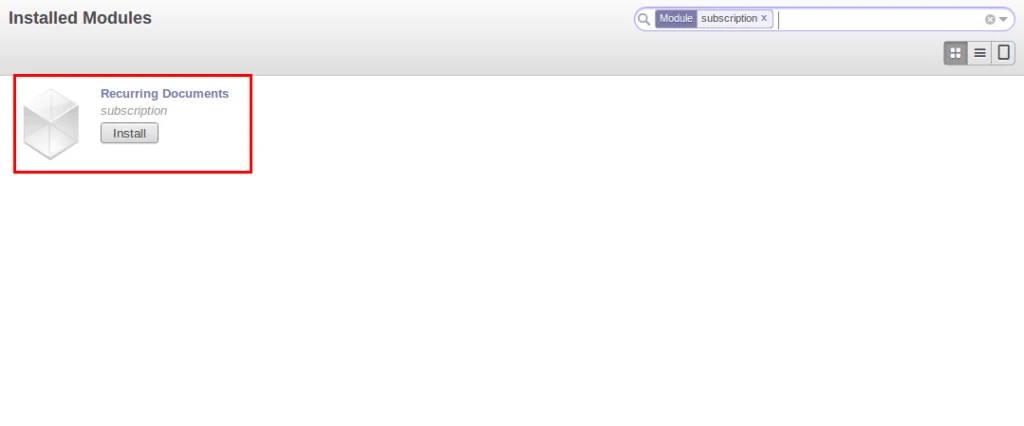
Once we install this module, we will have “Tools” on the top.
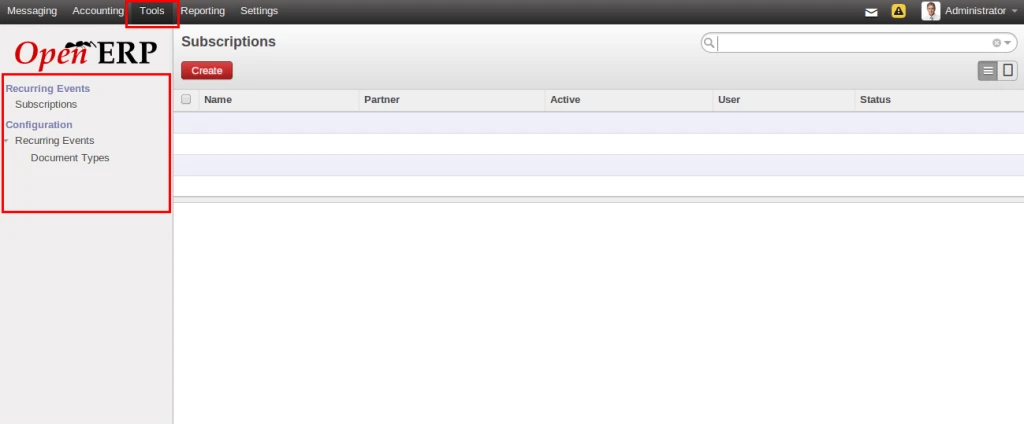
Lets check this by one example.
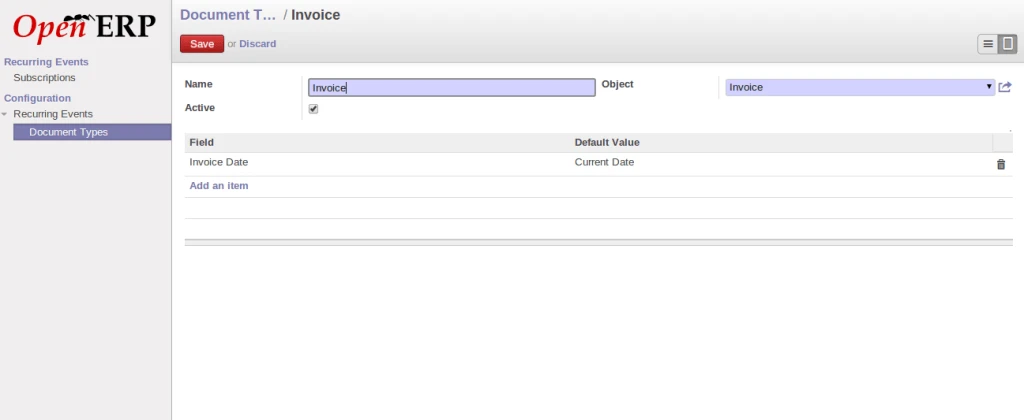
We have configured “Document Type” for Invoice subscription. We can have any objects as per our requirement. Here we are trying to create Invoice so when we create new invoice, it will take Invoice date as current date.
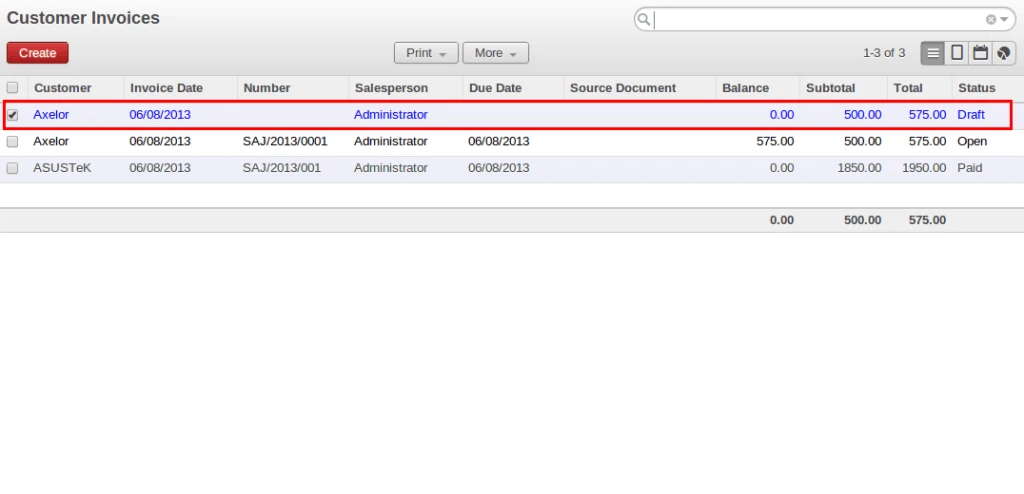
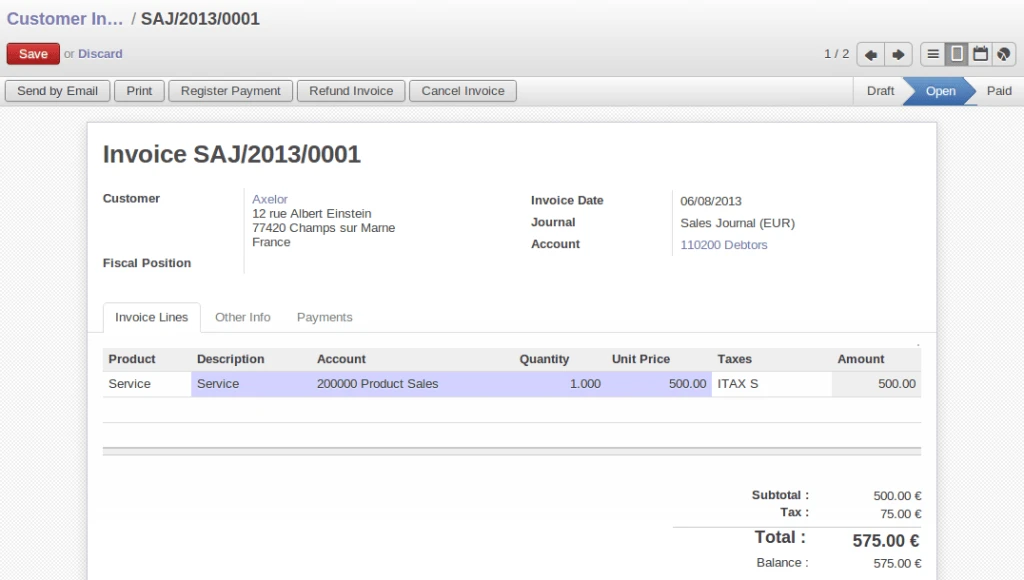
In below screen we can see that we have just created one customer invoice with predefined products and validate it. Now we will make recurrent on this document.
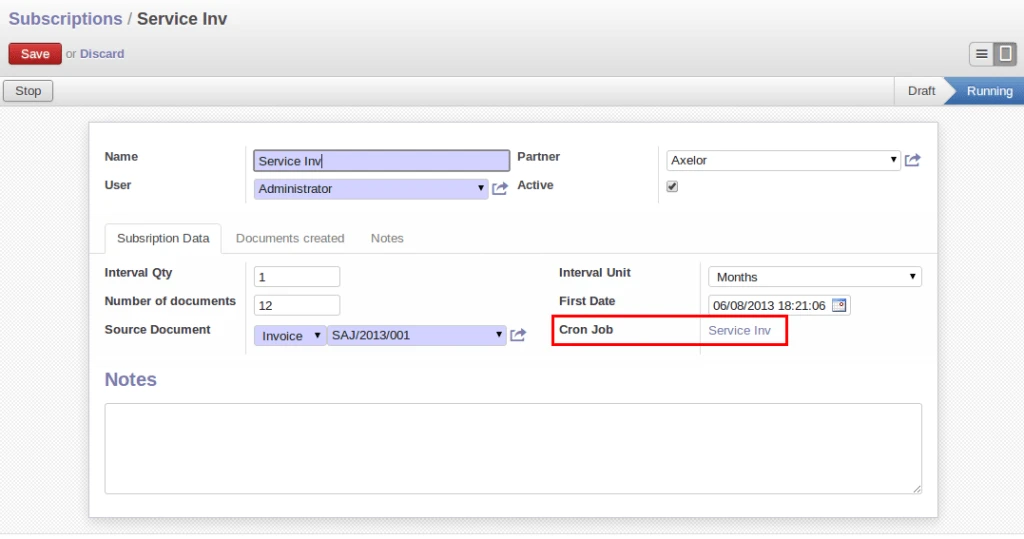
After above configuration, we are going to creat a subscription record now. We have configured something like, for selected invoice, it will create monthly invoices i.e. one copy per month. Once we click on Process button, Cron job has been created for this subscription record, and cron job will take care of this.
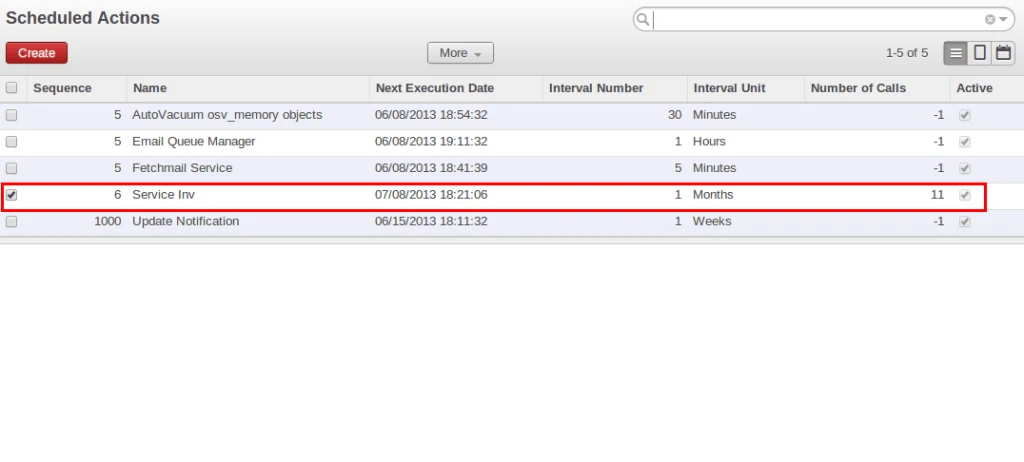
We can see schedular in the list that we have created in above screen.
After above process, we can check in Invoice list view, and we will find new invoice created here. This way every month new Invoice will be created automatically.