Login in to Magento Admin
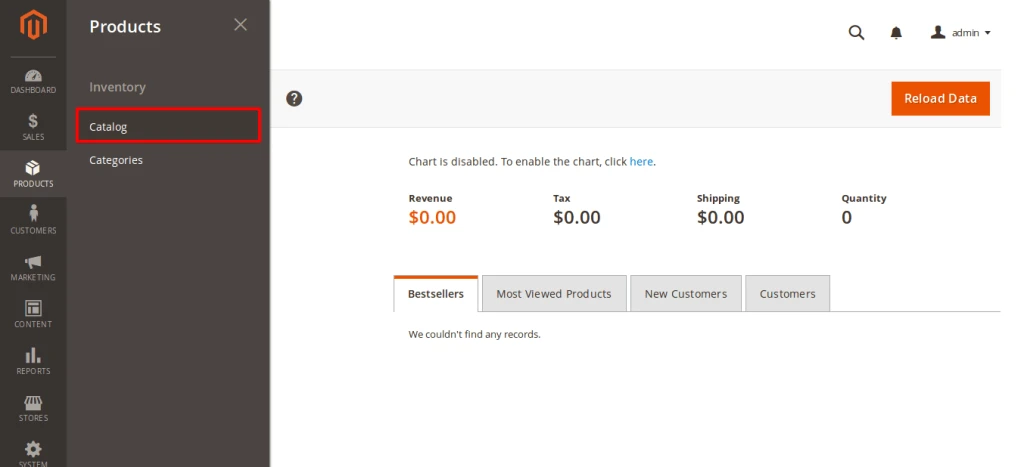
Go to Products – Catalog From Navigation
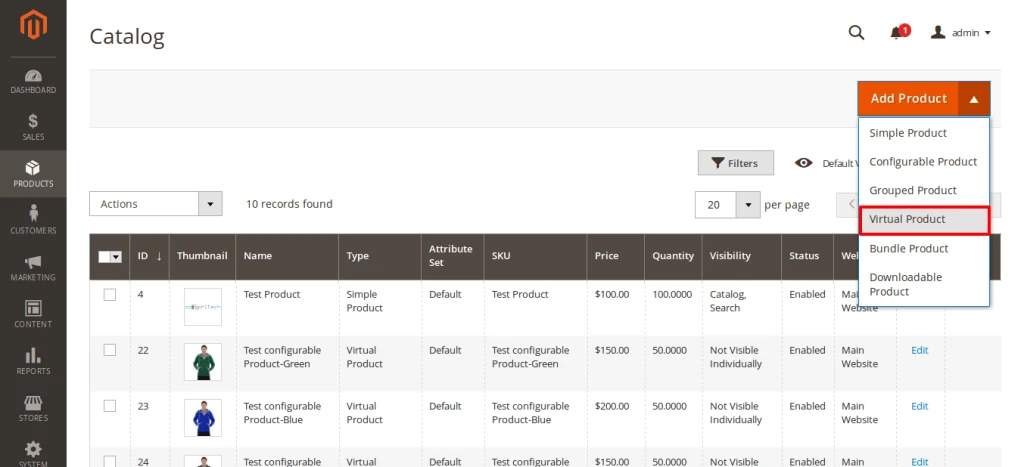
Click on “Add Product” drop-down box select “Virtual Product”
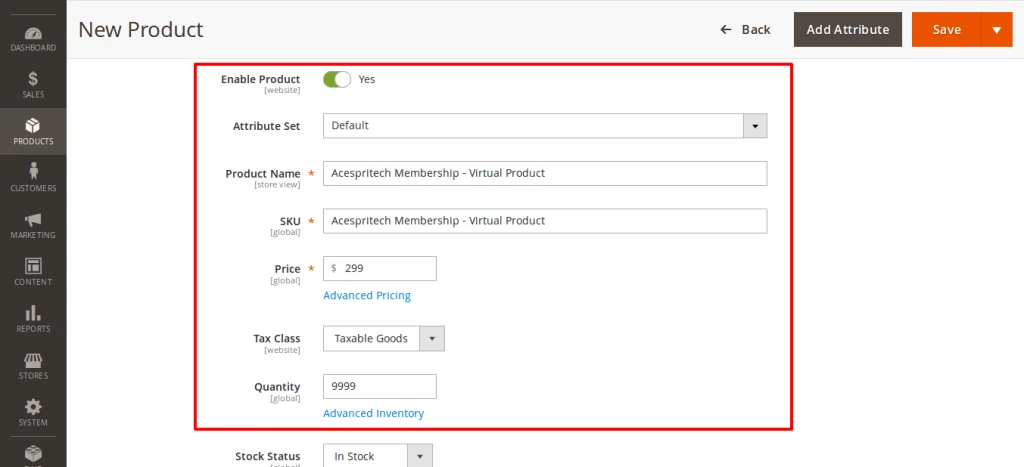
Fill out required fields of product after that click on Save button.
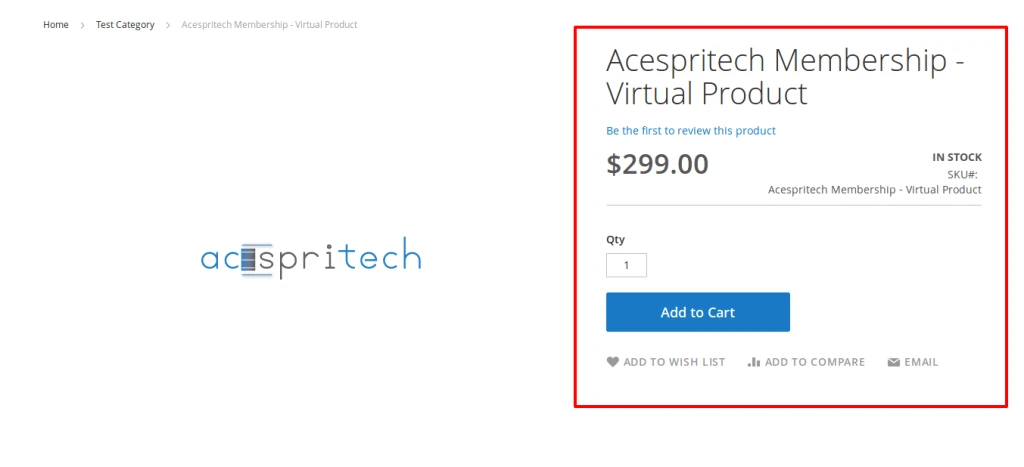
You can see your Virtual Product on user side
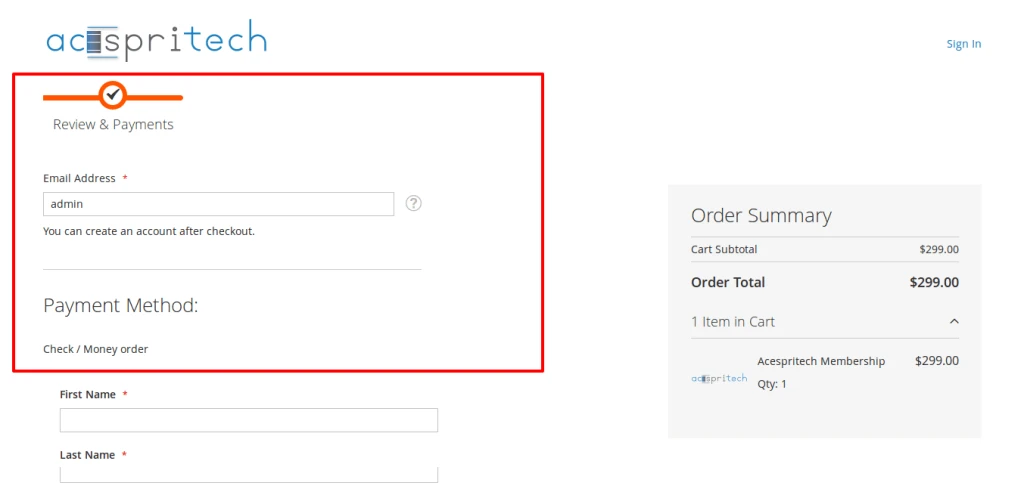
Because it is Virtual product Shipping Methods not come on Checkout page
Notes:
-
Virtual product does not use Weight attribute.
-
Shipping option not show on checkout if any of product in cart is virtual product.