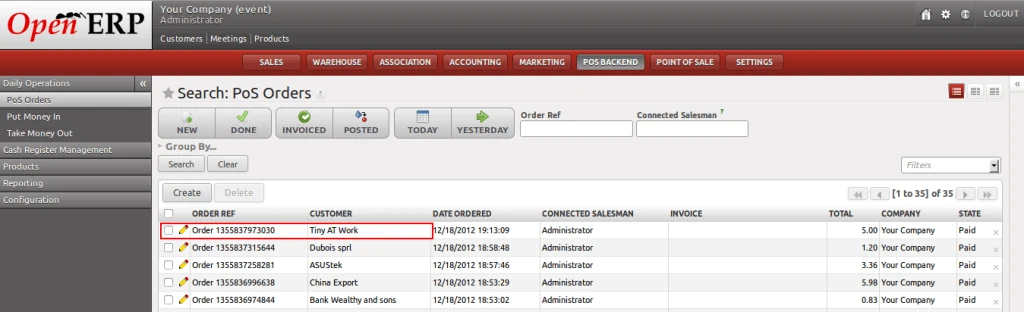
OpenERP Point of Sale is a great feature and module developed by OpenERP. Day by day more and more enhancements are going on.
Till now, there is no option to select customer from the POS screen and as we know, its very important feature that everyone would like to have who are using POS.
Today, we are going to show a very important feature which I am sure, you would like to visit once. We are providing an option to select customer for current POS order from POS front screen.
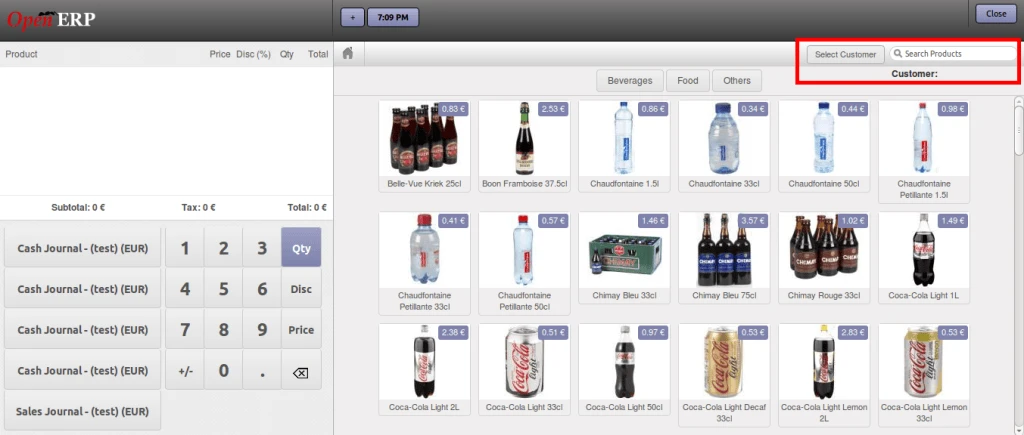
In above screen, you can see there is a button “Select Customer” which will open a customer list, from where you can select your customer.
You can see customer list in below screen. This screen is a same OpenERP search view screen from where you can select any customer or if you want, you can create new customer also.
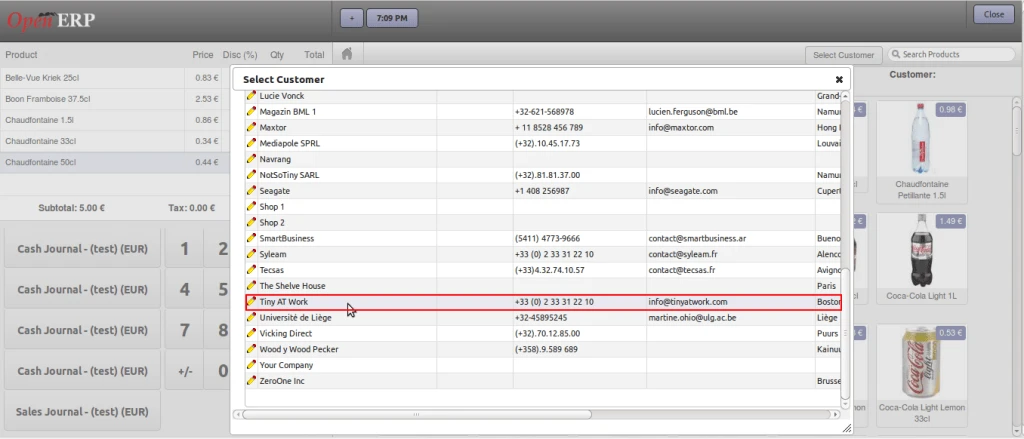
Here in above screen, you can see we are selecting a customer “Tiny At Work” for demo.
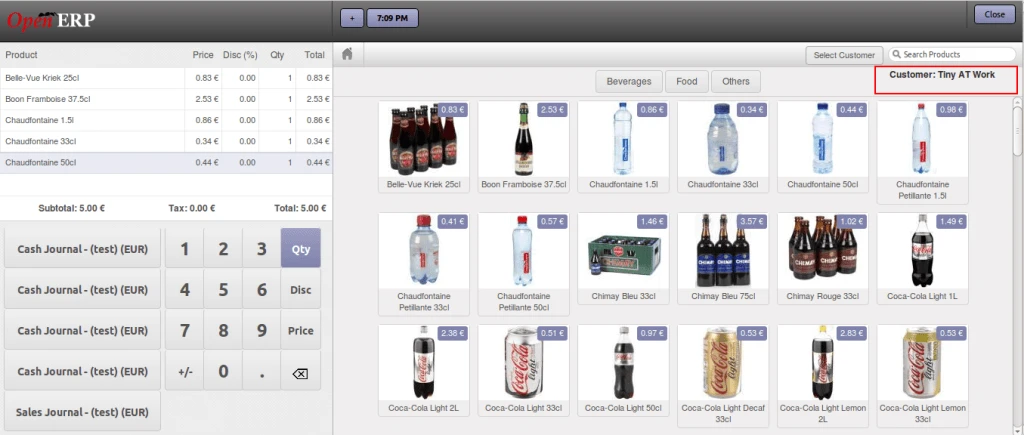
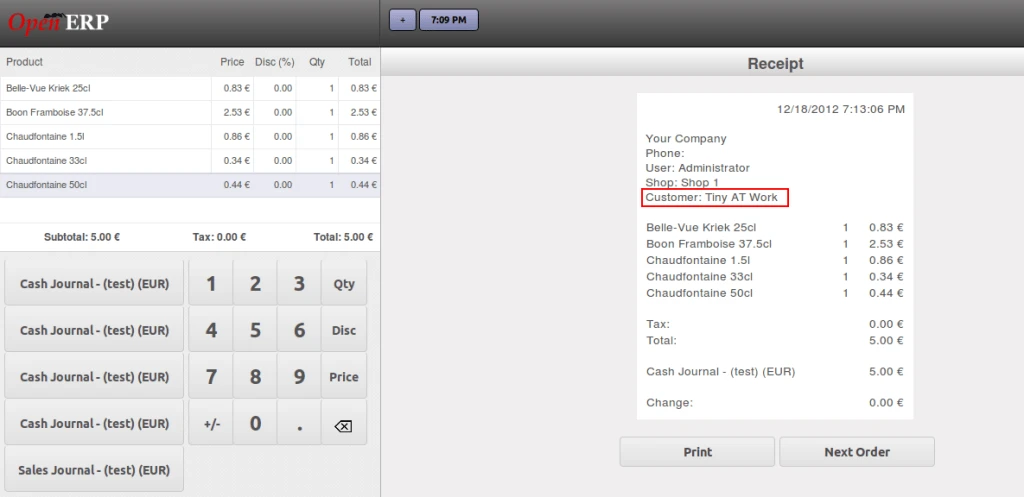
After validating the current order, you will get customer name on the receipt as displayed on below screen.
Now lets open POS Order which we have just created from POS front screen.